
 SocialWatch 2.5
Browse social networks side by side
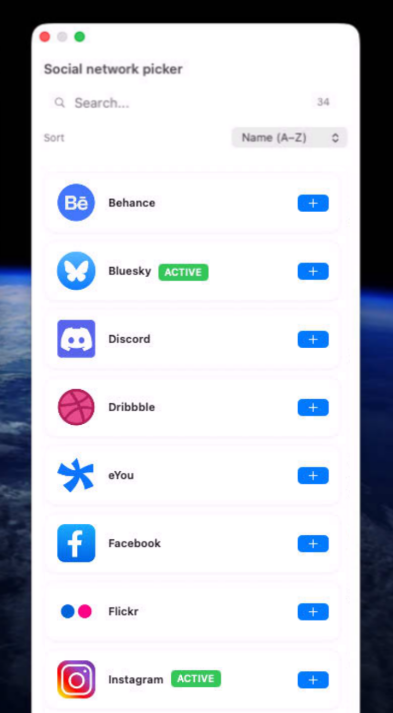
SocialWatch brings all your favorite social networks together in one elegant workspace, helping you stay connected, organized, and productive without the chaos of countless browser tabs and windows. Whether you're managing multiple accounts, growing your personal brand, engaging with customers, or following the latest conversations, SocialWatch keeps everything within easy reach.
Monitor dozens of social platforms simultaneously, switch between accounts instantly, and streamline your daily workflow with a native macOS experience designed for professionals, creators, marketers, and social media enthusiasts. Stay informed, respond faster, and never miss an important update while reducing distractions and improving your focus.
Built natively for macOS, SocialWatch delivers the speed, reliability, and convenience of a desktop application while supporting the social networks you use every day. Spend less time navigating between websites and more time building relationships, growing your audience, and engaging with the communities that matter most.
Version 2.5.2 for Mac
Required: macOS 14 or a more recent version for the best experience.
Universal binary optimized for Intel and Apple Silicon processors.
Verified and code-signed through Apple’s notarization service to ensure a safe and trusted app. Localized in ten popular languages.
🇺🇸 🇬🇧 🇫🇷 🇳🇱 🇩🇪 🇮🇹 🇵🇹 🇪🇸 🇨🇳 🇯🇵 🇰🇷


Main features
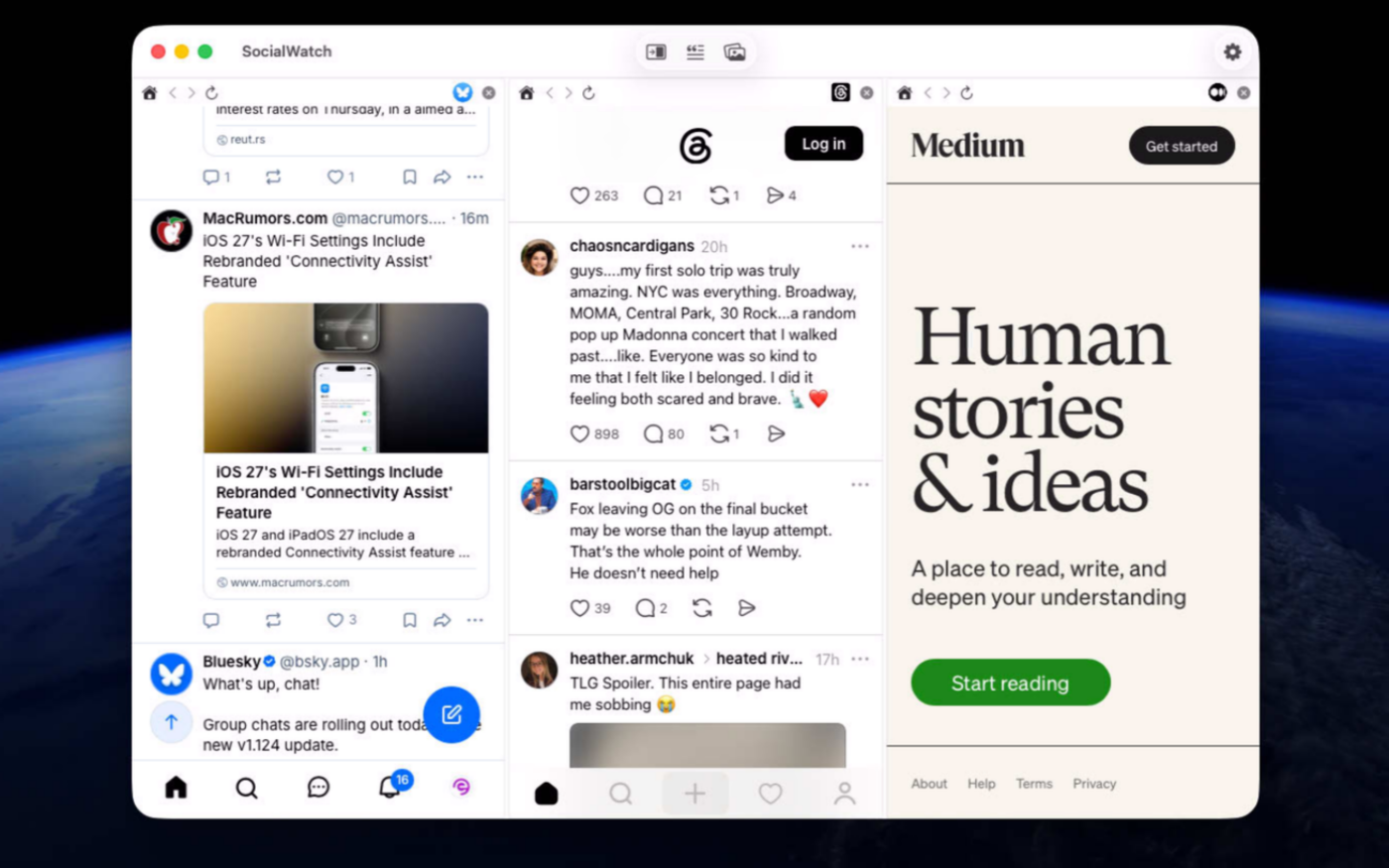
- Multi-Panel Social Media Browsing
View multiple social networks simultaneously in one window
- Notifications System
Real-time notifications for new messages, mentions, and activity
- Text Snippets Manager
Save and organize frequently used texts
- Image Assets Library
Centralized image management for all your visual content
- Multiple networks support
Manage multiple accounts of the same social network
- Native macOS Design
Built with SwiftUI for optimal performance
- App Intents Integration
Works with macOS Shortcuts app
- Drag And Drop support
Drag and drop images from image assets to post section
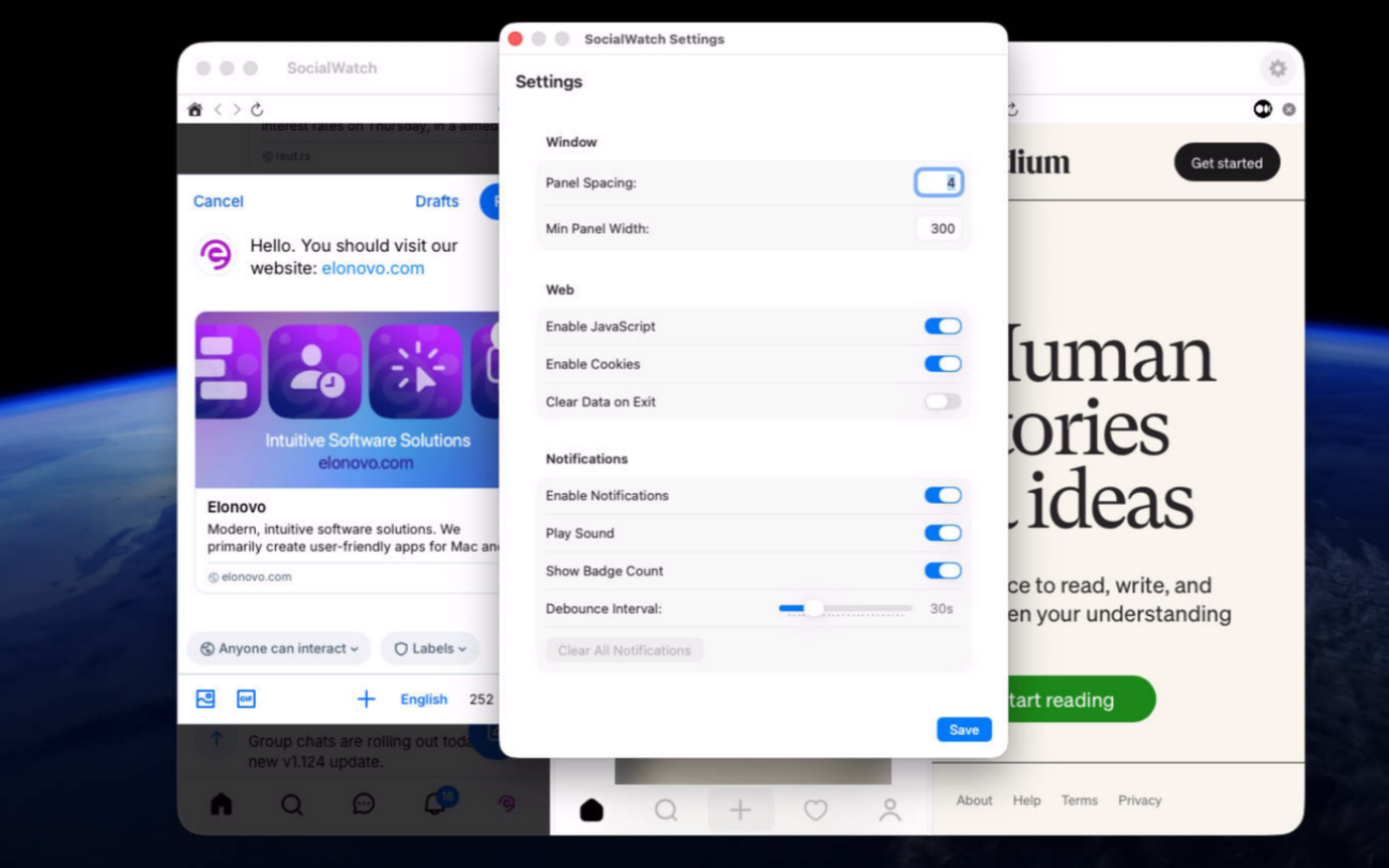
- Change Order, Resize
Go to preferences to customize your experience
Privacy & Security
No data collection or tracking
Screenshots




Try the utility before purchasing a license
Folow these steps for the best user experience
Download the trial
Use the download trial version button to get the latest version.
Play with the app
Explore the main features for free by playing with the evaluation version.
Buy a license
Purchase a license when you are feeling comfortable with the app.
Unlock all features
Enter the purchased license in the trial version to unlock all features.
Built with modern foundations
This app is fully optimized for
macOS 14 Sonoma, macOS 15 Sequoia, macOS 26 Tahoe and macOS 27 Golden Gate

Pricing
$19 USD per computer
Pay once, own it forever, no recurring subscriptions.
Two options are available
Buy the app from our online store to take advantage of generous volume discounts, or get it directly from the Mac App Store operated by Apple.
If you choose the Mac App Store, please move the trial version to the Trash and empty it before making your purchase (your data or documents are not impacted). Pricing on the Mac App Store varies by country and Apple policy. Developers have no access to Apple customer accounts.


We build custom native apps tailored to your brand
Contact us to get a quote with the custom features you are looking for



Request a Quote