
 WebDesk 3.5
The customizable web browser
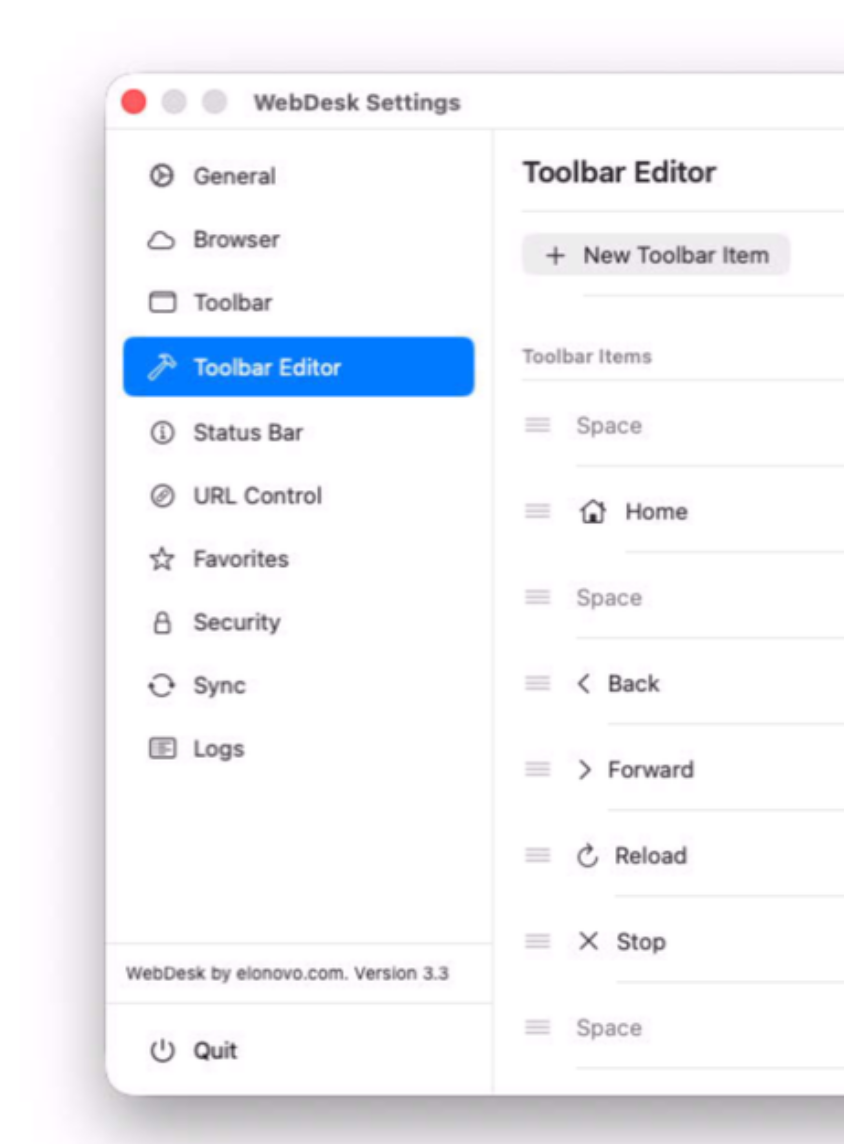
WebDesk gives organizations complete control over how web content is presented, transforming any Mac into a secure, branded, and purpose-built workspace. Whether you're deploying customer terminals, classrooms, or business workstations, WebDesk creates a focused experience without the distractions of a traditional web browser.
Deliver a consistent interface that reflects your brand, guides users exactly where they need to go, and protects critical systems with powerful security and administrative controls.
Built natively for macOS, WebDesk combines performance, security, and flexibility in a single solution. You can now deliver exceptional experiences for customers, employees, students, or visitors while reducing support costs and improving operational efficiency.
Version 3.5.2 for Mac
Required: macOS 14 or a more recent version for the best experience.
Universal binary optimized for Intel and Apple Silicon processors.
Verified and code-signed through Apple’s notarization service to ensure a safe and trusted app. For businesses interested to customize this app with AI tools, the source code is available as an option. Contact us for an invoice. Localized in ten popular languages.
🇺🇸 🇬🇧 🇫🇷 🇳🇱 🇩🇪 🇮🇹 🇵🇹 🇪🇸 🇨🇳 🇯🇵 🇰🇷


Main features
- Native Swift Performance
Built with Swift, with full support for the latest macOS design technologies.
- Built for Education & Business
Create a controlled, focused browsing experience for students, employees, and public users.
- Customizable Interface
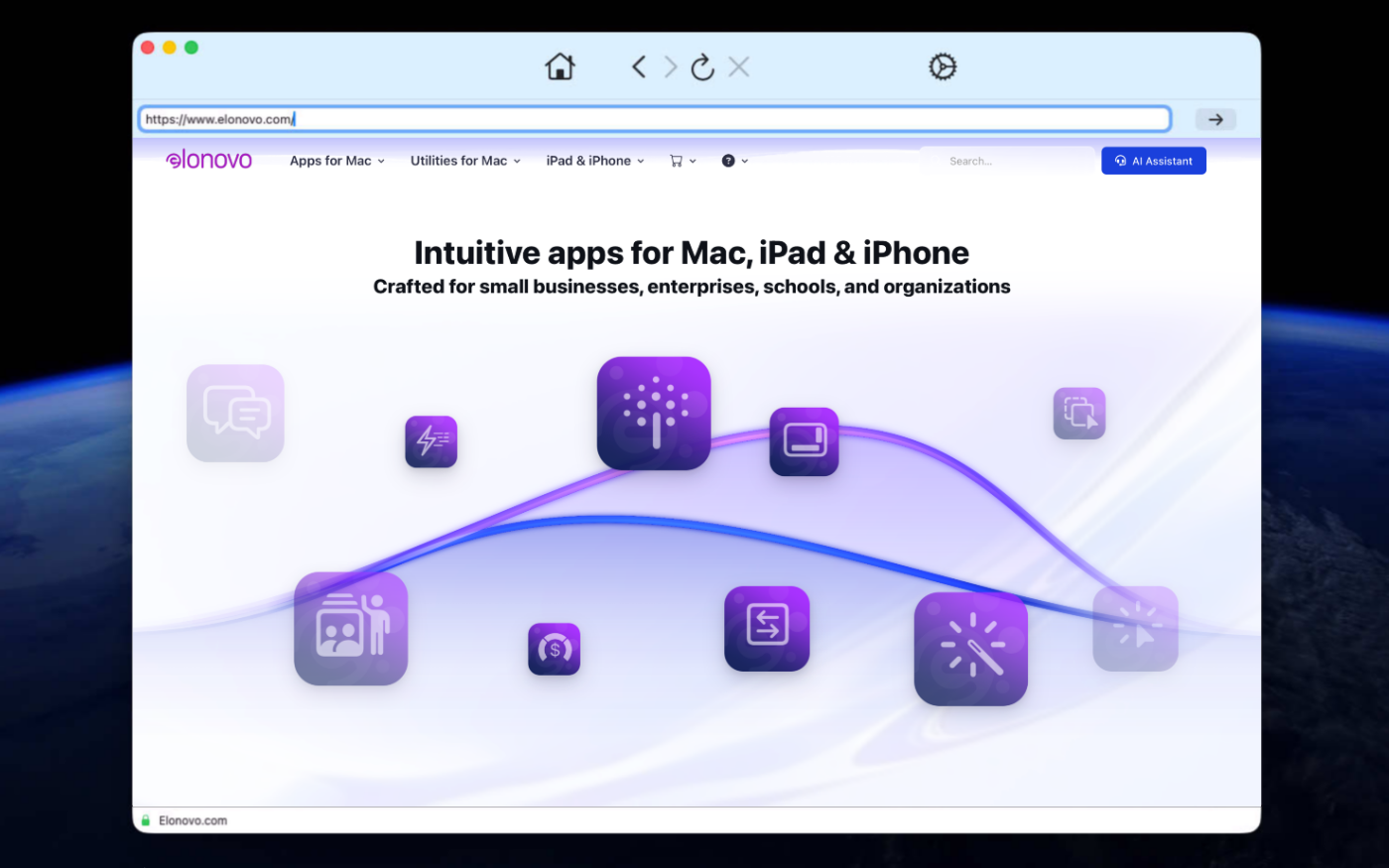
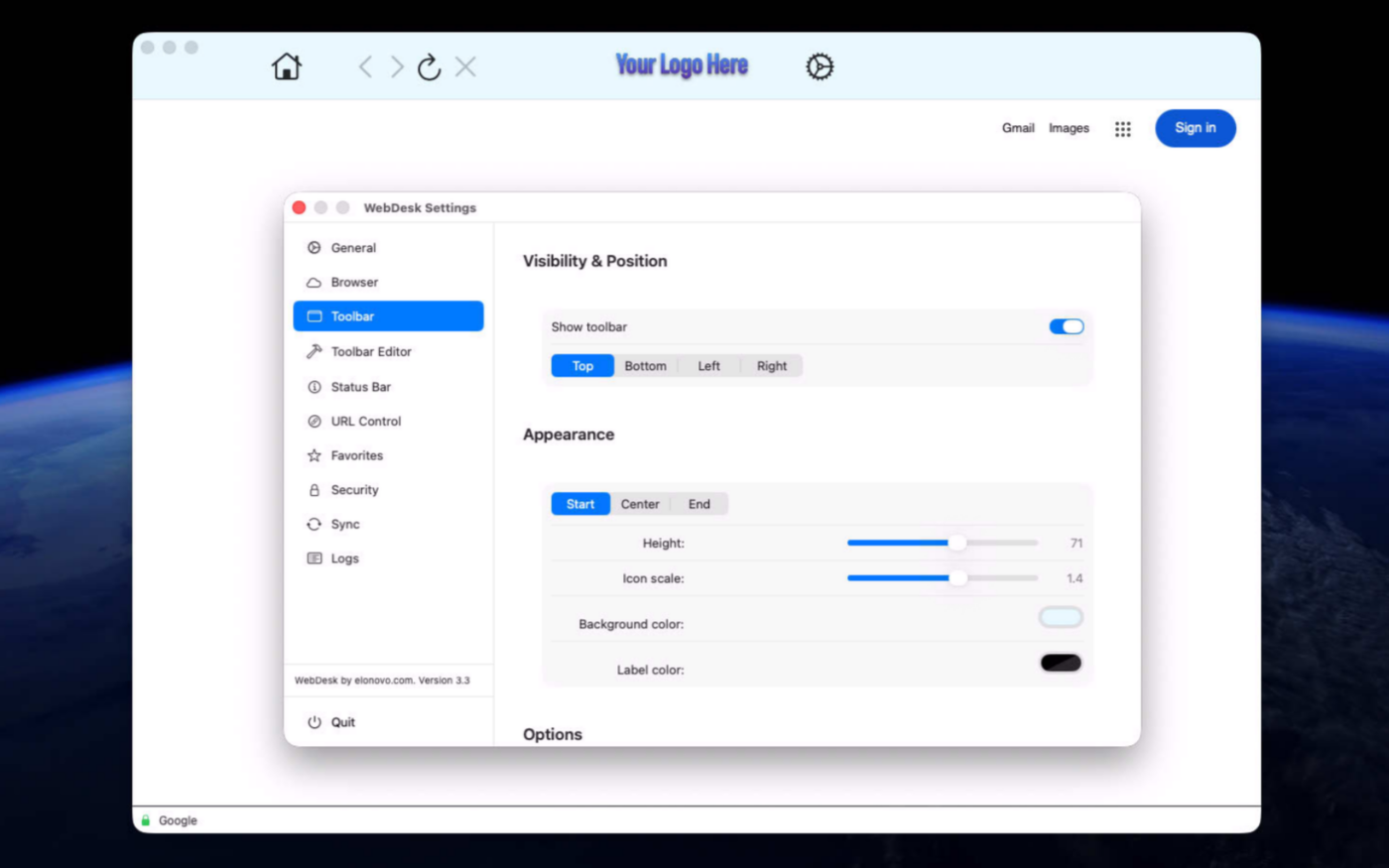
Place the toolbar on any side, hide it completely, and choose which controls users can access.
- Secure Administration
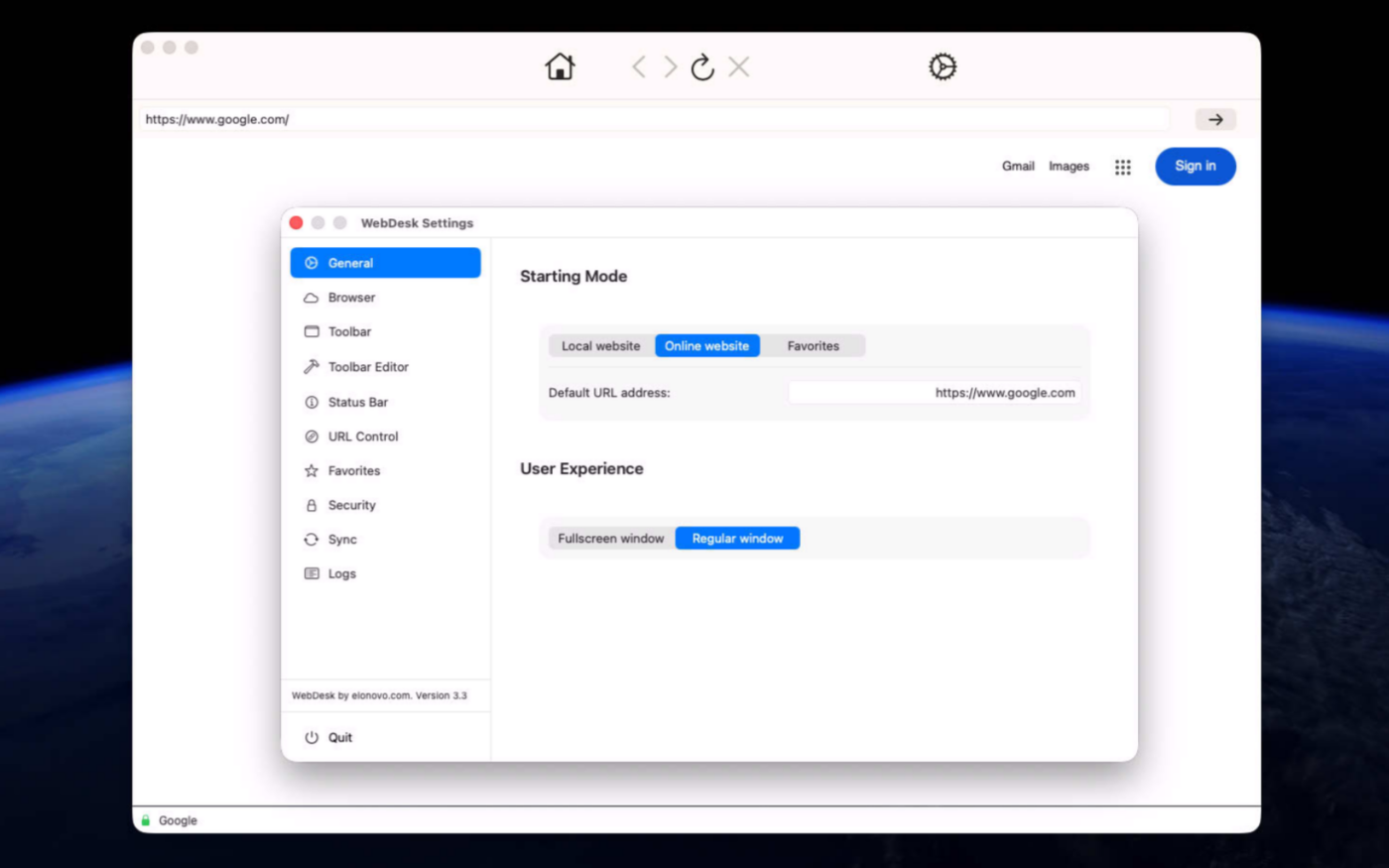
Password-protect settings and quitting, manage favorites, restrict features, and set WebDesk as the default browser.
- Shortcuts Automation
Use macOS Shortcuts to open URLs, reload pages, navigate, and automate common browser actions.
- Advanced URL Filtering
Control access with flexible allowlists and blocklists for safer, more focused browsing.
- Content Control
Block ads, manage pop-ups, and provide a cleaner, distraction-free web experience.
- Better Productivity
Control what users can do on the web browser at all times.
Screenshots
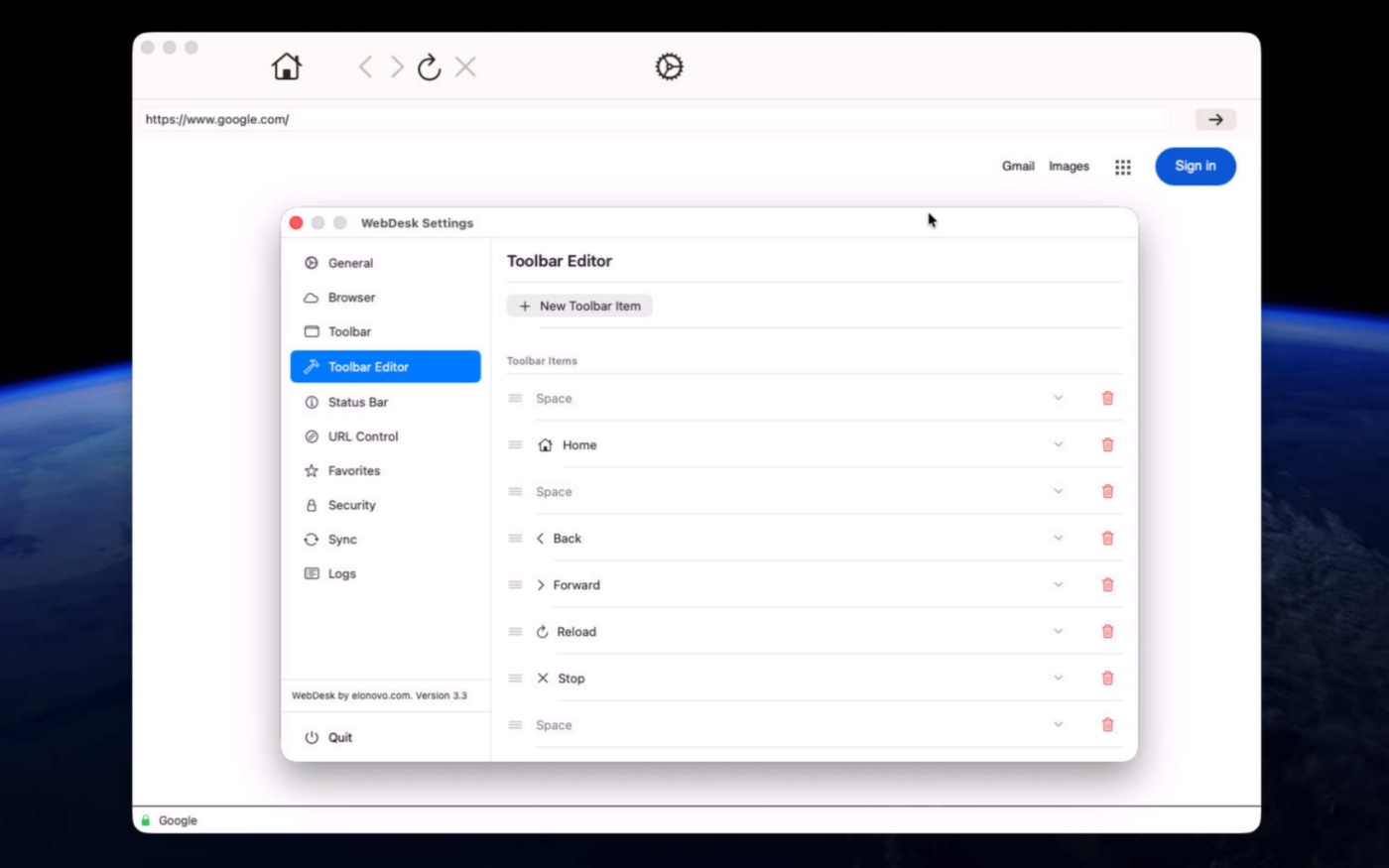
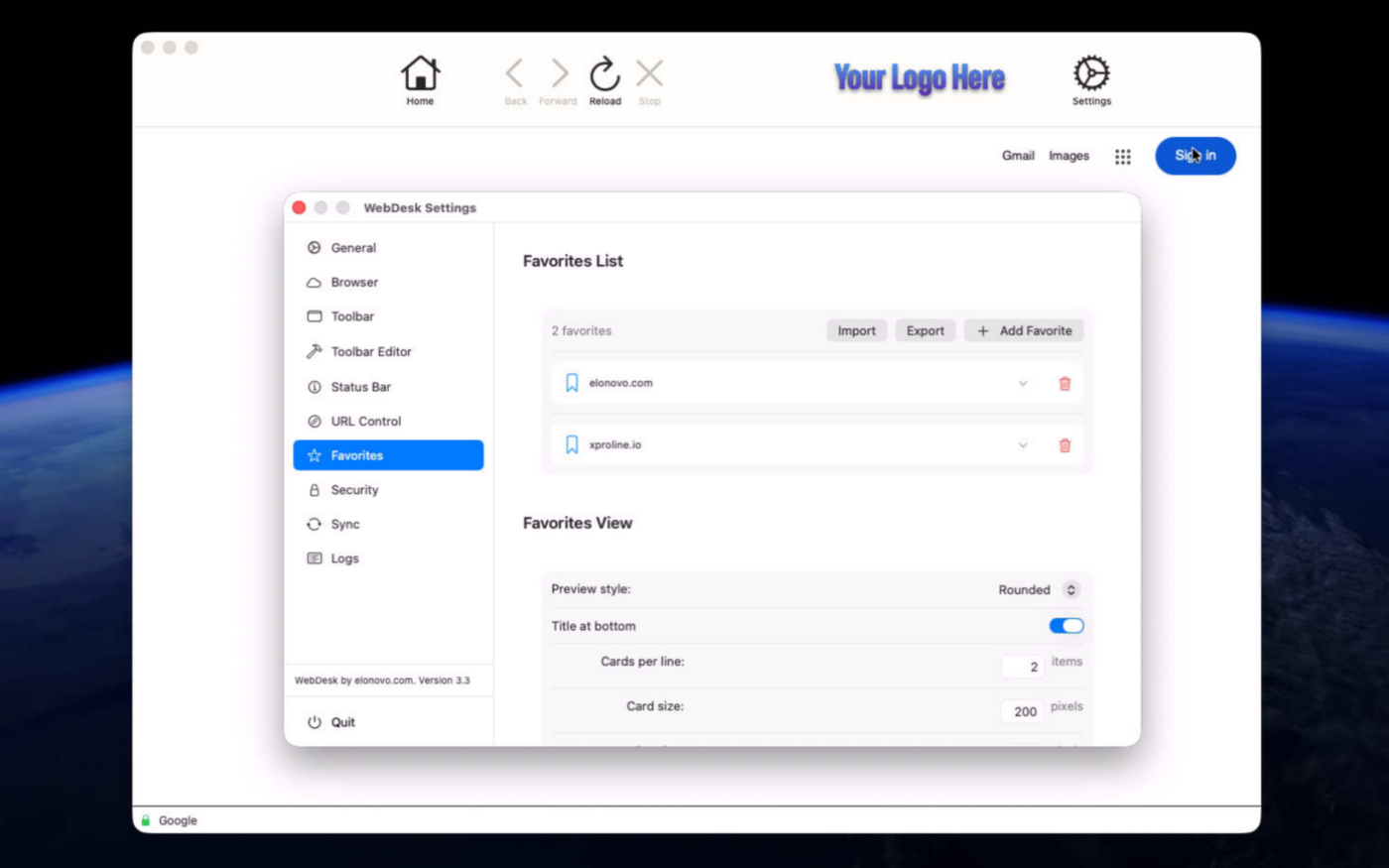
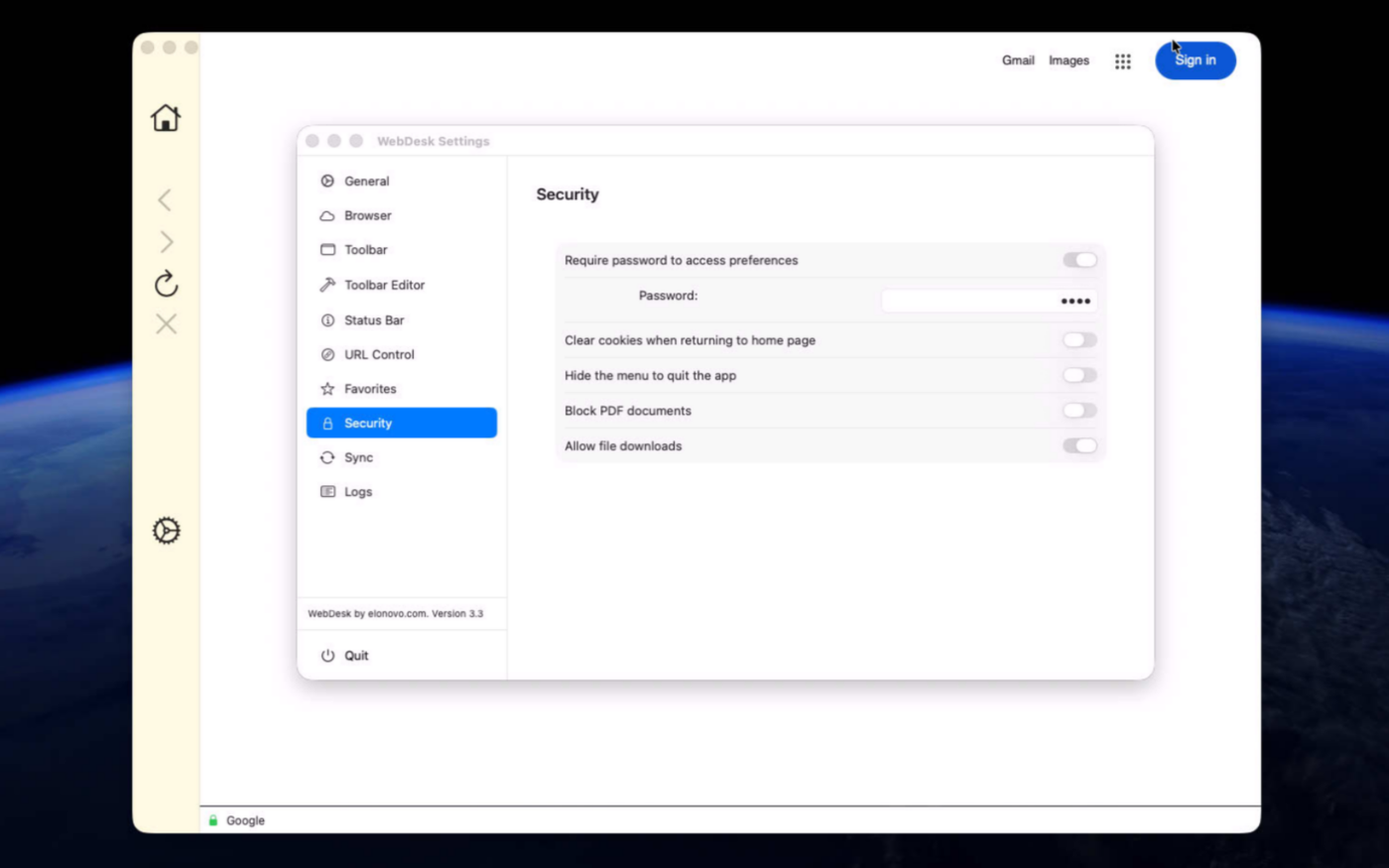
Try the app before purchasing a license
Folow these steps for the best user experience
Download the trial
Use the download trial version button to get the latest version.
Play with the app
Explore the main features for free by playing with the evaluation version.
Buy a license
Purchase a license when you are feeling comfortable with the app.
Unlock all features
Enter the purchased license in the trial version to unlock all features.
Built with modern foundations
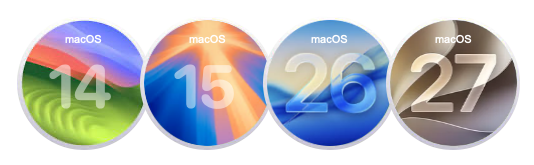
This app is fully optimized for
macOS 14 Sonoma, macOS 15 Sequoia, macOS 26 Tahoe and macOS 27 Golden Gate
Pricing
$49 USD per computer
Pay once, own it forever, no recurring subscriptions.
Two options are available
Buy the app from our online store to take advantage of generous volume discounts, or get it directly from the Mac App Store operated by Apple.
If you choose the Mac App Store, please move the trial version to the Trash and empty it before making your purchase (your data or documents are not impacted). Pricing on the Mac App Store varies by country and Apple policy. Developers have no access to Apple customer accounts.


We build custom apps tailored to your business
Get your own app for Mac, iPad or iPhone built with Swift and SwiftUI.



Request a Quote