
 StarMenu 2.3
Essential tools always within reach
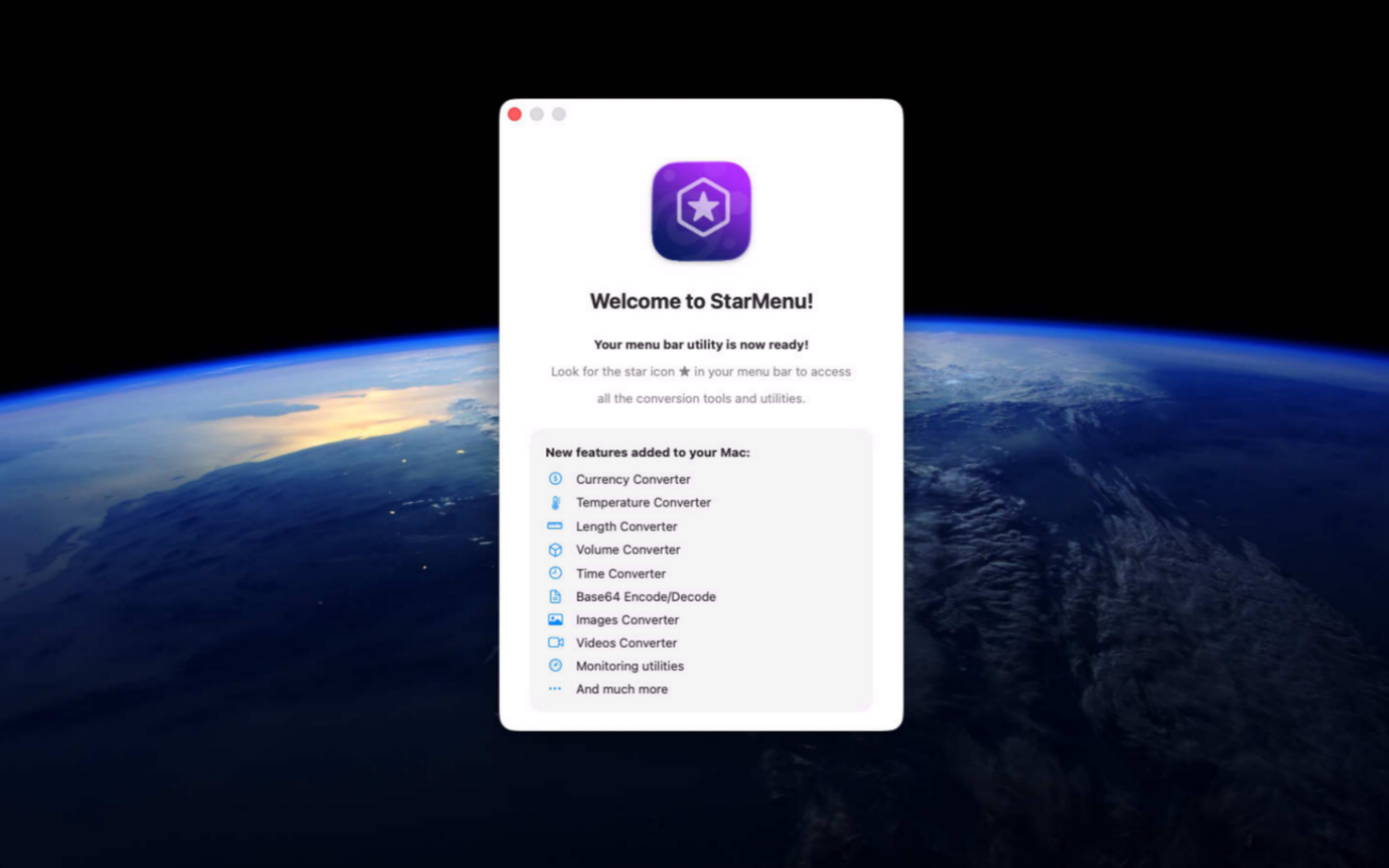
StarMenu transforms your Mac menu bar into a powerful productivity hub, giving you instant access to the tools, information, and shortcuts you use most throughout the day. Instead of searching through applications, folders, and menus, StarMenu keeps everything important just one click away, helping you work faster and stay focused.
Whether you're a professional, developer, designer, or power user, StarMenu helps eliminate repetitive tasks, reduce interruptions, and streamline your daily workflow.
Built natively for macOS, StarMenu delivers a fast, lightweight, and elegant experience that integrates seamlessly with your desktop. Spend less time navigating your Mac and more time creating, solving problems, and getting work done with a workspace designed around your productivity.
Version 2.3.1 for Mac
Required: macOS 14 or a more recent version for the best experience.
Universal binary optimized for Intel and Apple Silicon processors.
Verified and code-signed through Apple’s notarization service to ensure a safe and trusted app. Localized in ten popular languages.
🇺🇸 🇬🇧 🇫🇷 🇳🇱 🇩🇪 🇮🇹 🇵🇹 🇪🇸 🇨🇳 🇯🇵 🇰🇷


Main features
- Menu Bar Toolkit
Access every tool instantly from a single menu bar icon.
- Powerful Unit Converter
Convert currencies, temperature, length, volume, time, storage, weight, area, speed, and pressure.
- Image Conversion
Convert JPEG, PNG, TIFF, WebP, GIF, and BMP files with flexible quality settings.
- Batch Folder Processing
Convert entire folders of images and videos with automatic output organization and progress tracking.
- Video Conversion
Convert videos to MP4, MOV, or M4V using H.264 or HEVC with adjustable quality.
- Built-In Creative Tools
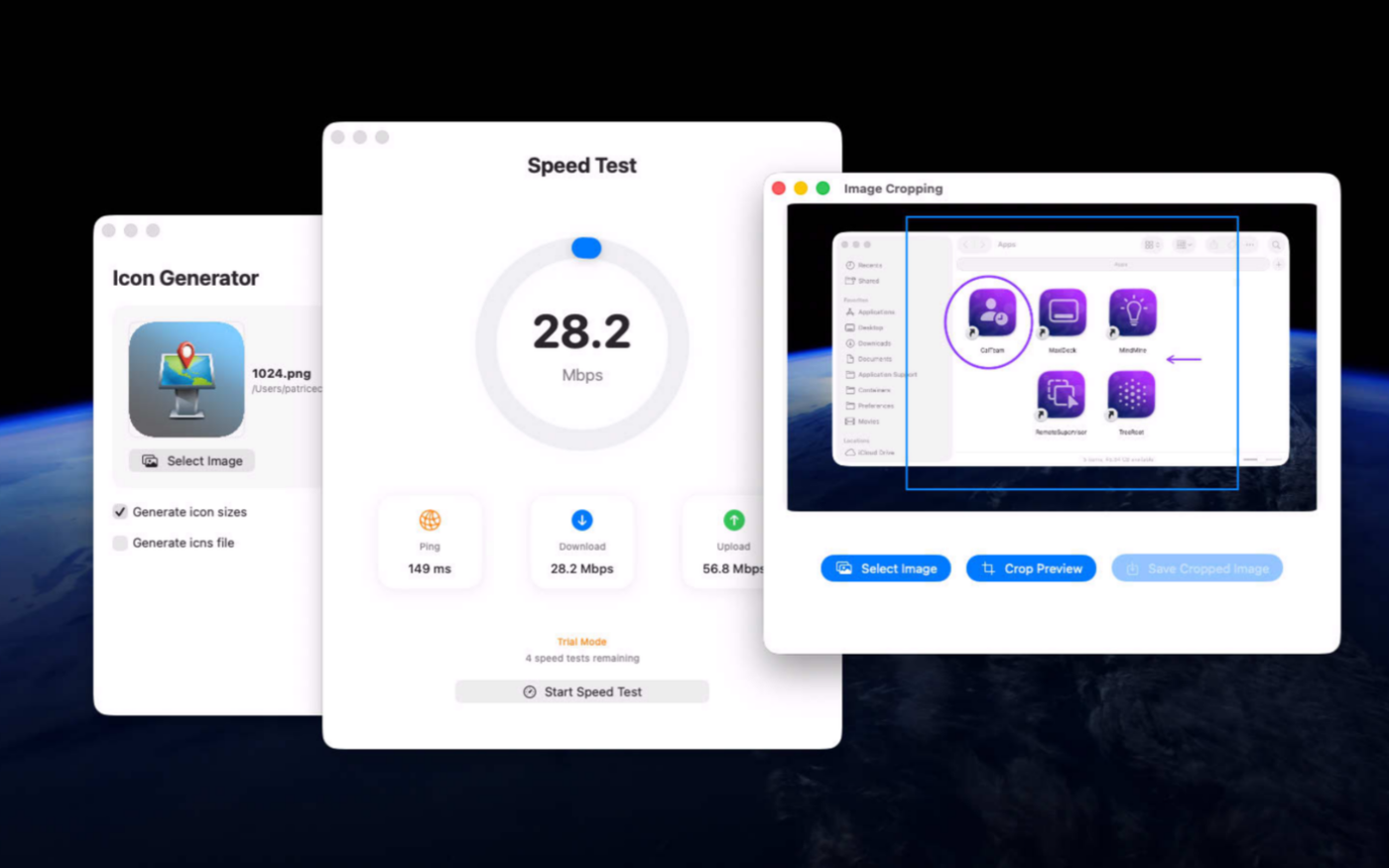
Generate app icons, crop images, and trim videos from one convenient workspace.
- Live System Monitoring
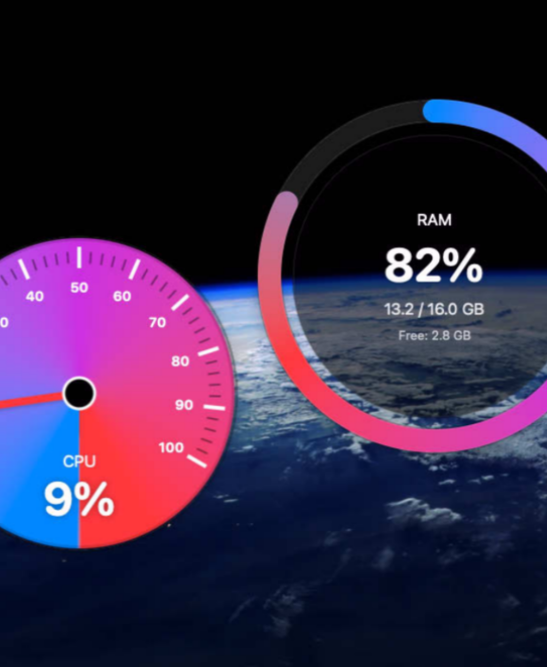
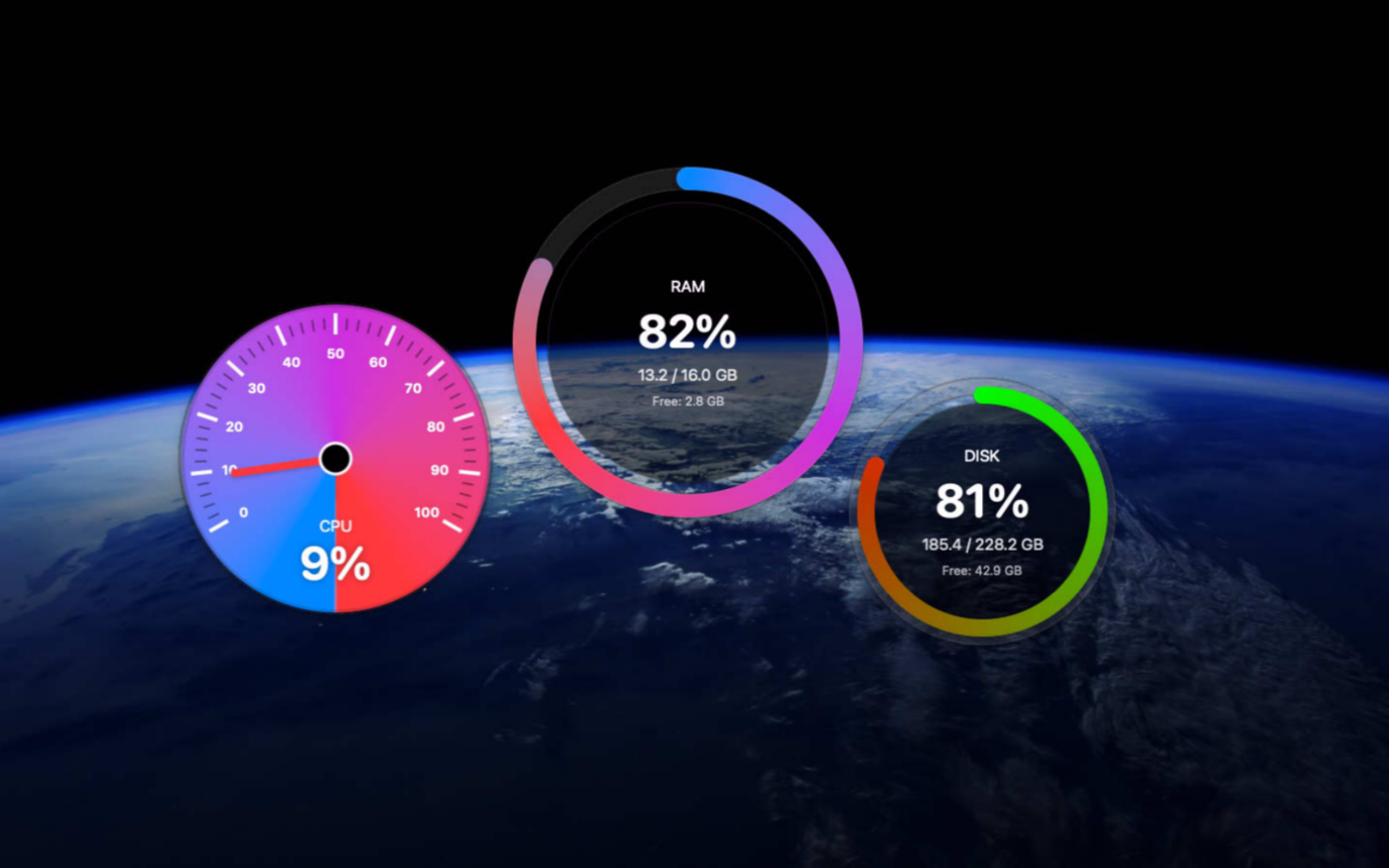
Track CPU, memory, disk, and network activity with clear real-time charts.
- Internet Speed Test
Quickly measure your connection speed without leaving the app.
- Clipboard Snippets
Save, organize, and paste frequently used text directly from the menu bar.
- Flexible Preferences
Choose themes, default units, compression settings, and launch-at-login behavior.
Screenshots
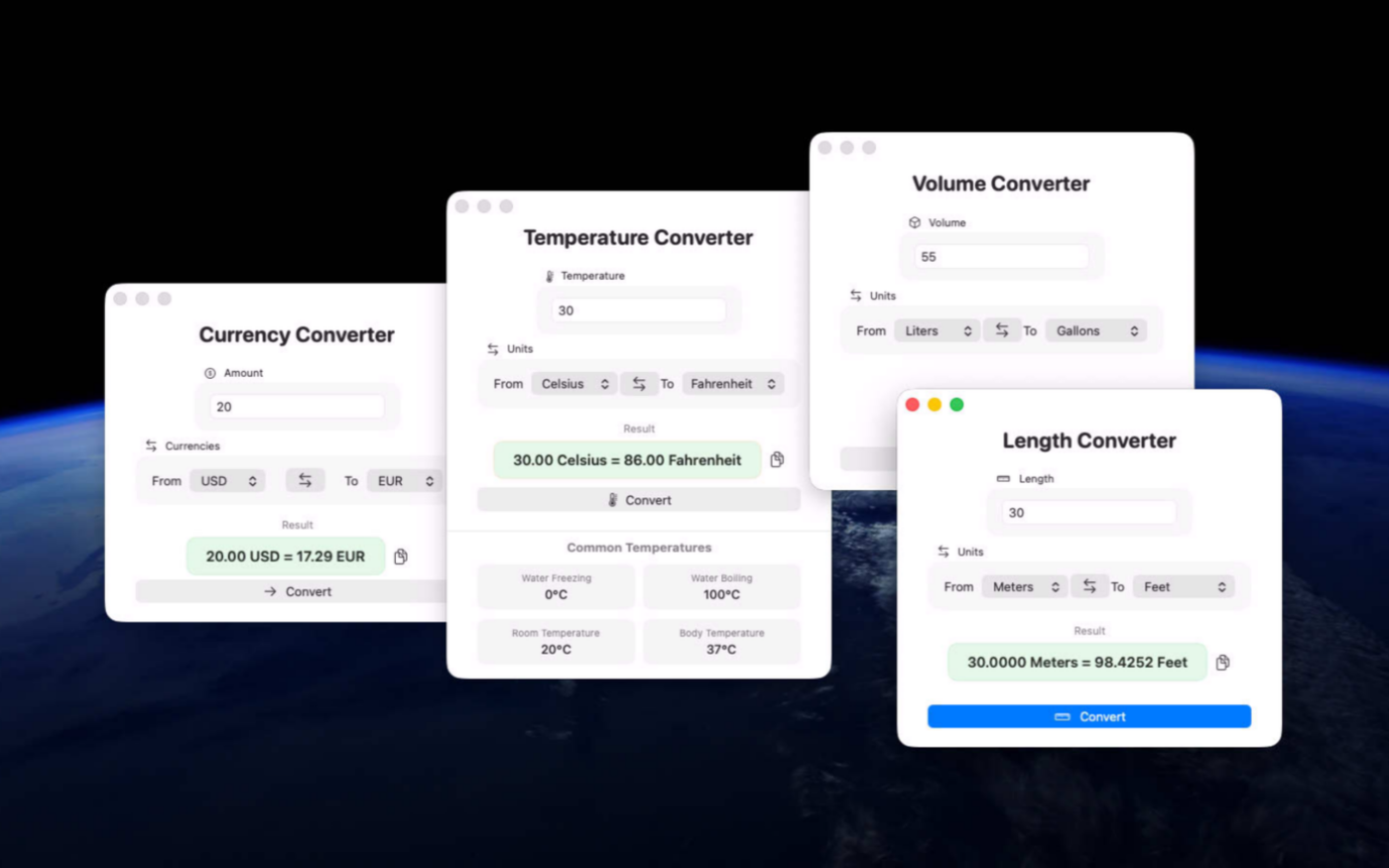
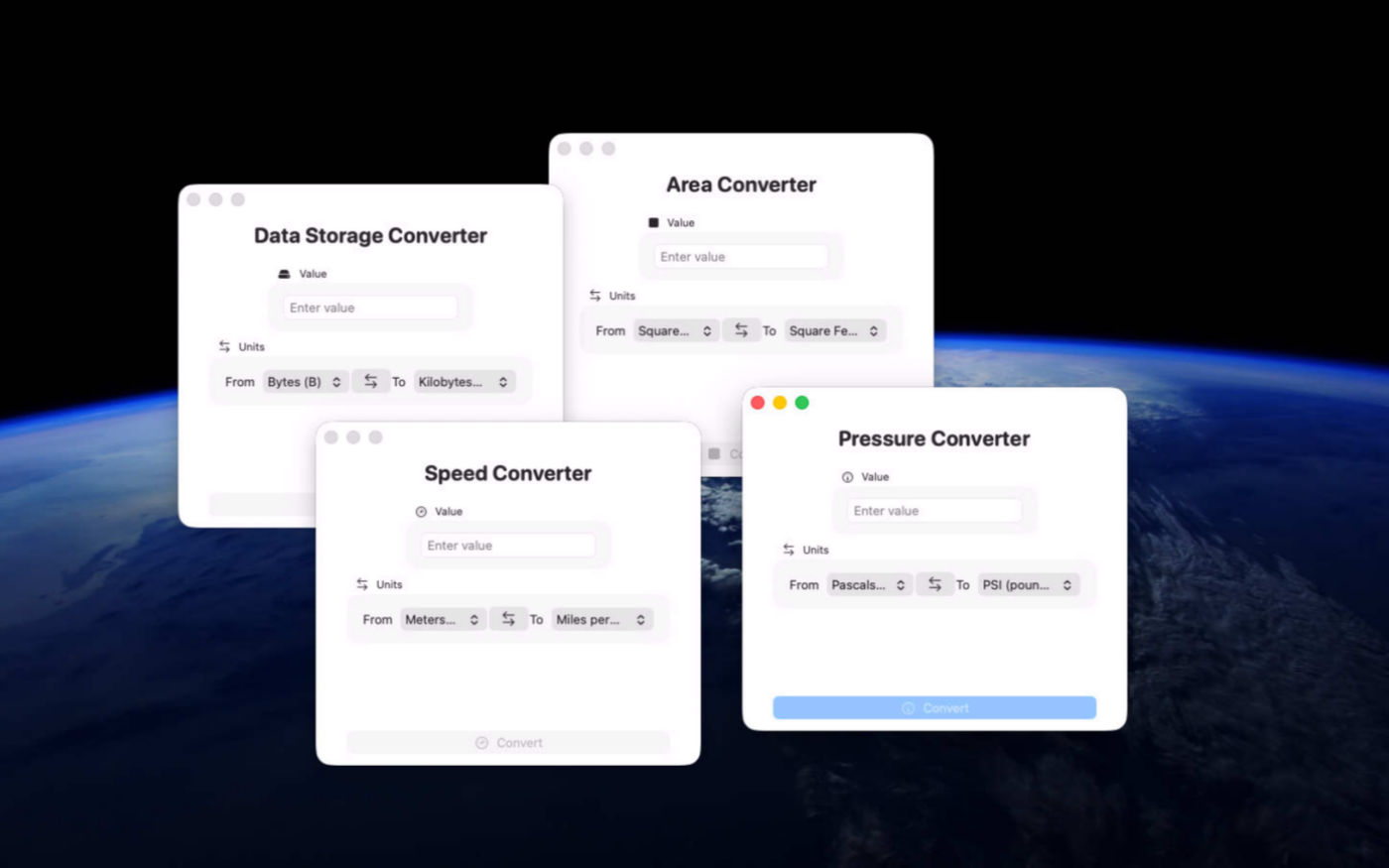

Try the utility before purchasing a license
Folow these steps for the best user experience
Download the trial
Use the download trial version button to get the latest version.
Play with the app
Explore the main features for free by playing with the evaluation version.
Buy a license
Purchase a license when you are feeling comfortable with the app.
Unlock all features
Enter the purchased license in the trial version to unlock all features.
Built with modern foundations
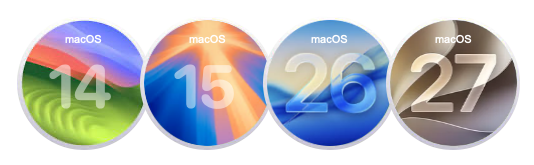
This app is fully optimized for
macOS 14 Sonoma, macOS 15 Sequoia, macOS 26 Tahoe and macOS 27 Golden Gate
Pricing
$9 USD per computer
Pay once, own it forever, no recurring subscriptions.
Two options are available
Buy the app from our online store to take advantage of generous volume discounts, or get it directly from the Mac App Store operated by Apple.
If you choose the Mac App Store, please move the trial version to the Trash and empty it before making your purchase (your data or documents are not impacted). Pricing on the Mac App Store varies by country and Apple policy. Developers have no access to Apple customer accounts.


We build custom native apps tailored to your brand
Contact us to get a quote with the custom features you are looking for



Request a Quote