
 TreeRoot 1.2
Browse file system hierarchies as a tree
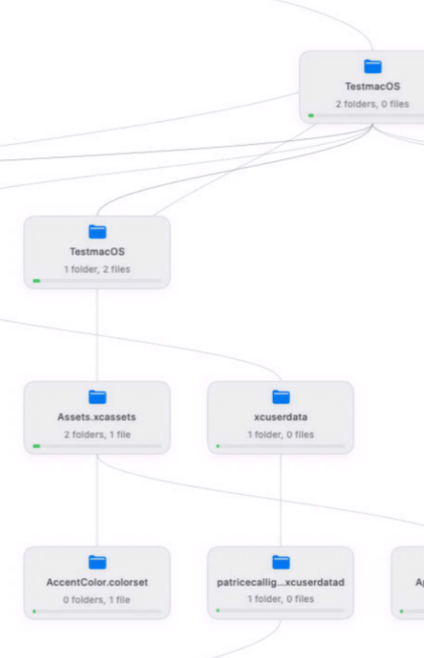
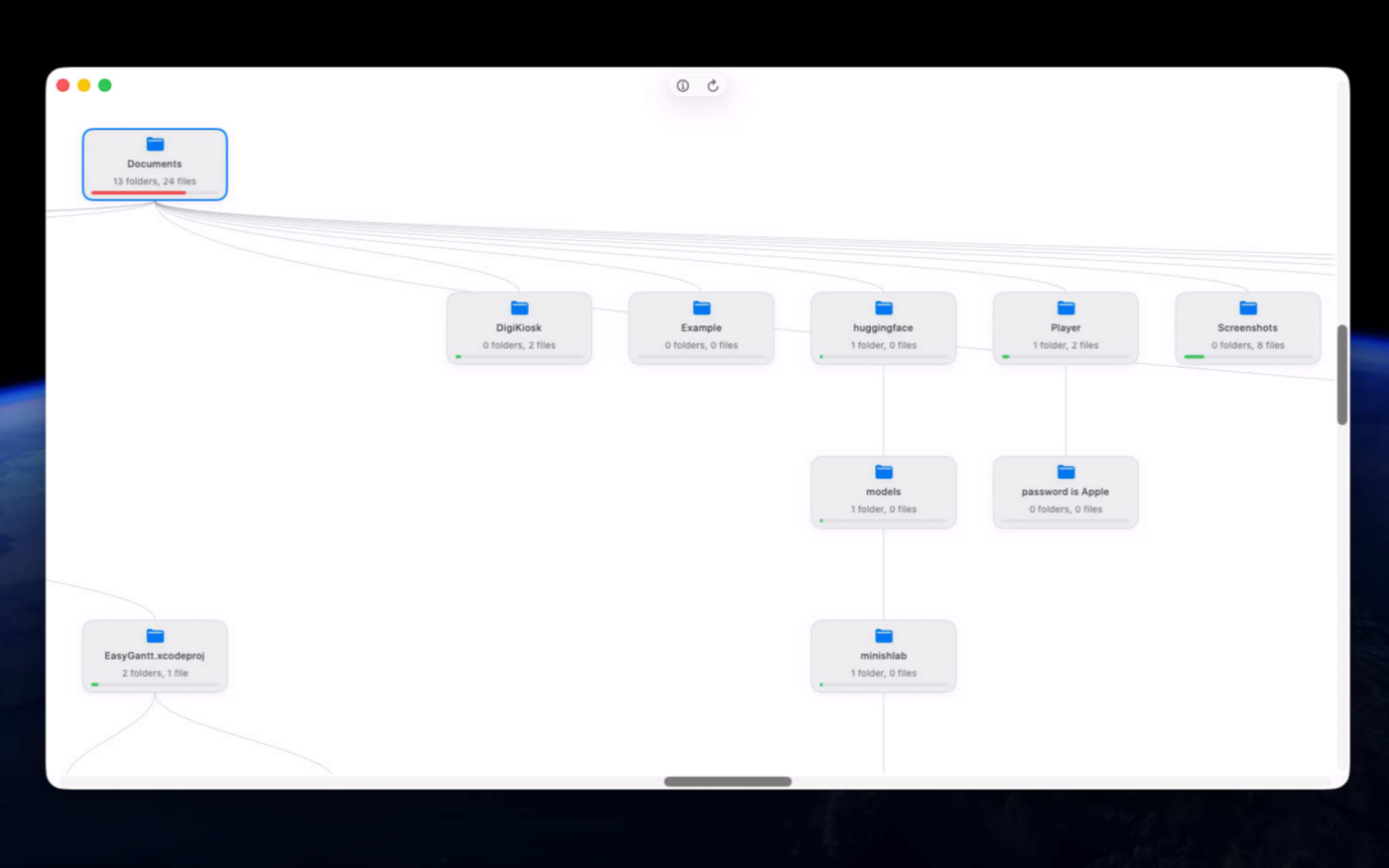
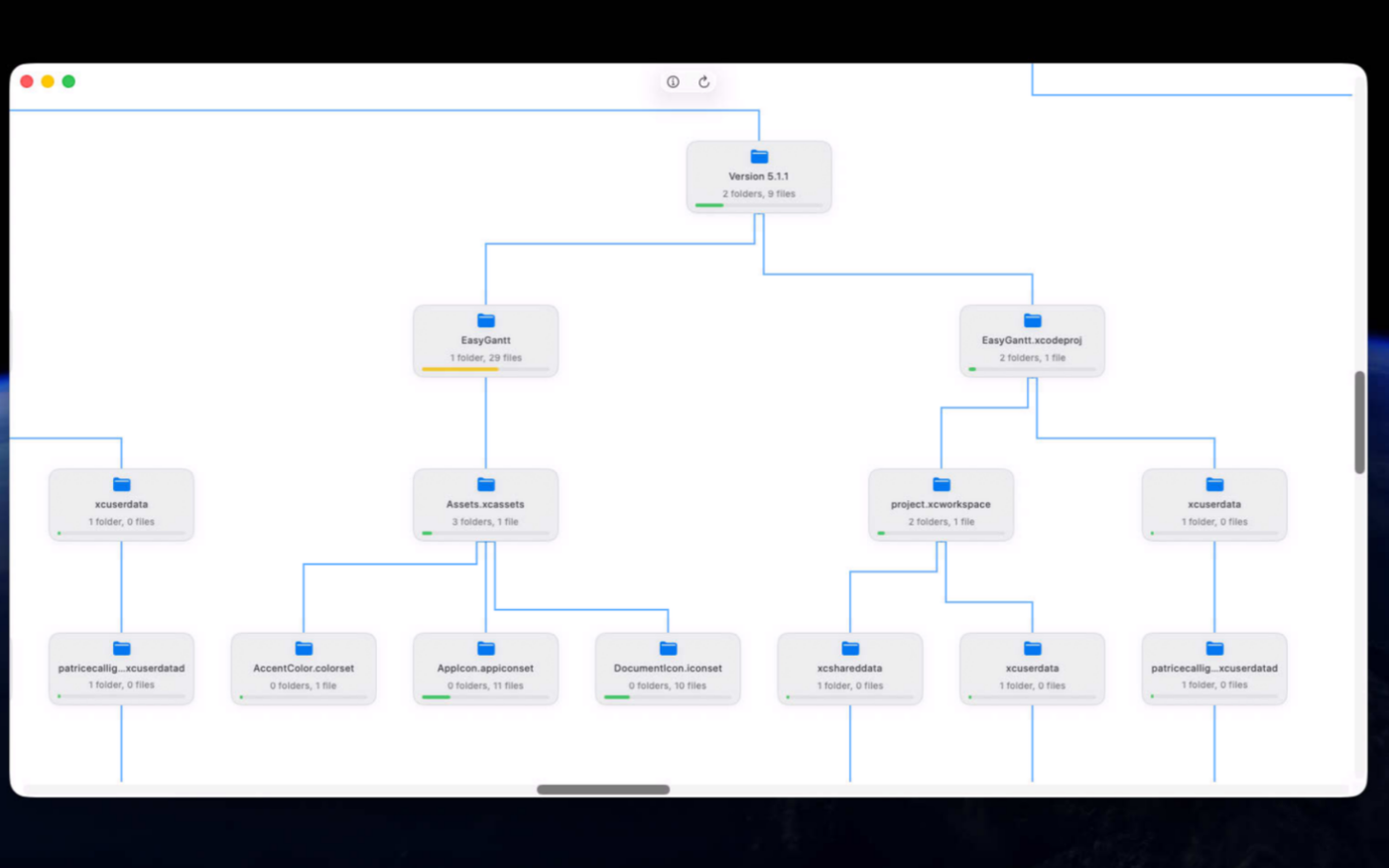
TreeRoot transforms the way you explore your files by turning complex folder structures into an intuitive visual map. Instead of navigating endless lists of directories, instantly understand how your data is organized, making it easier to locate information, identify clutter, and keep your files organized with confidence.
Whether you're a developer, designer, IT professional, or power user, TreeRoot helps you visualize folder hierarchies, discover densely populated directories, and navigate large file systems effortlessly. Gain a clearer understanding of your storage, simplify project organization, and spend less time searching through deeply nested folders.
Built natively for macOS, TreeRoot delivers a fast, interactive experience that makes file system exploration both powerful and enjoyable.
Version 1.2.2 for Mac
Required: macOS 14 or a more recent version for the best experience.
Universal binary optimized for Intel and Apple Silicon processors.
Verified and code-signed through Apple’s notarization service to ensure a safe and trusted app. Localized in ten popular languages.
🇺🇸 🇬🇧 🇫🇷 🇳🇱 🇩🇪 🇮🇹 🇵🇹 🇪🇸 🇨🇳 🇯🇵 🇰🇷

Main features
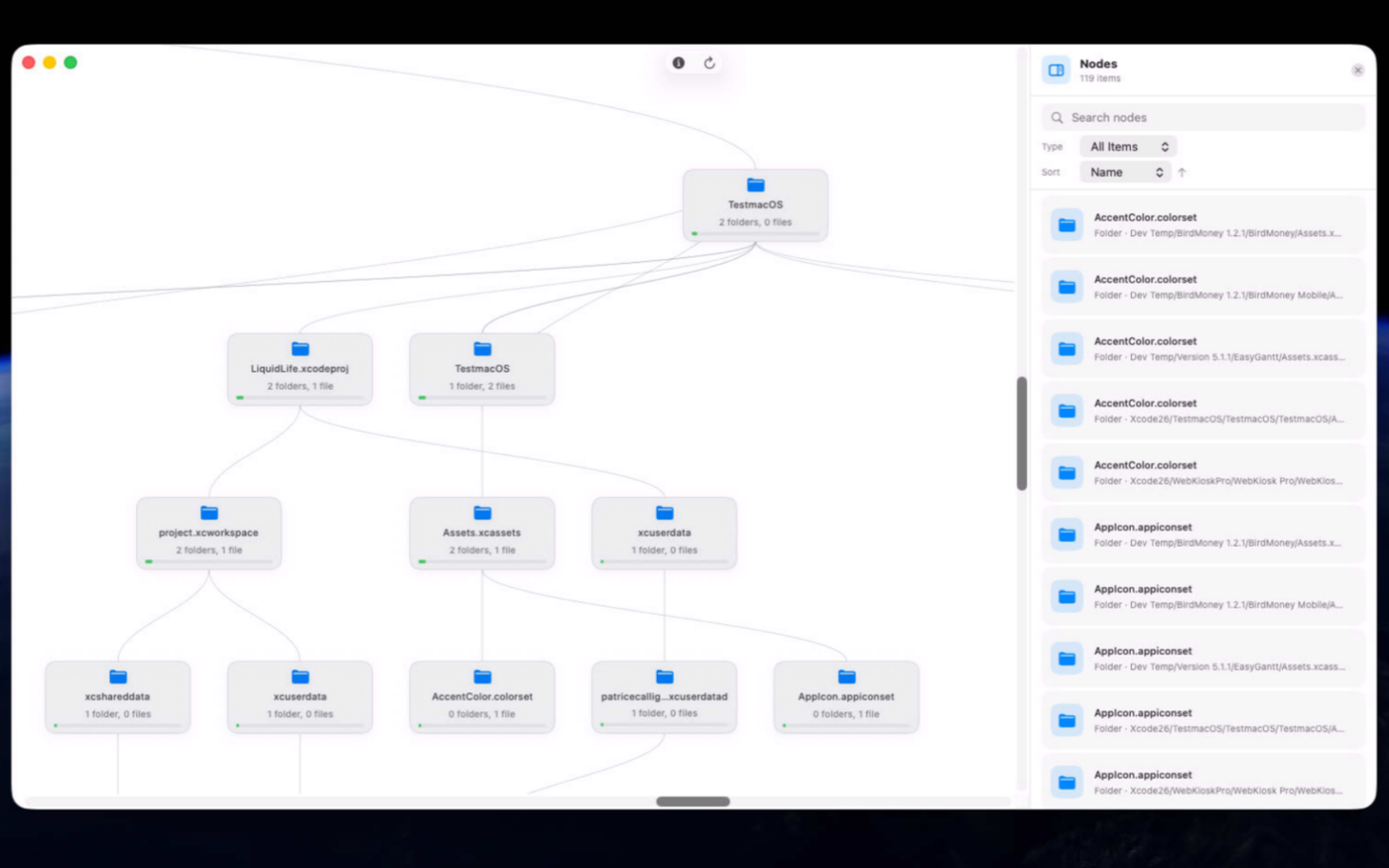
- Interactive File Tree
Explore your file system as a visual tree instead of traditional lists.
- Flexible Layouts
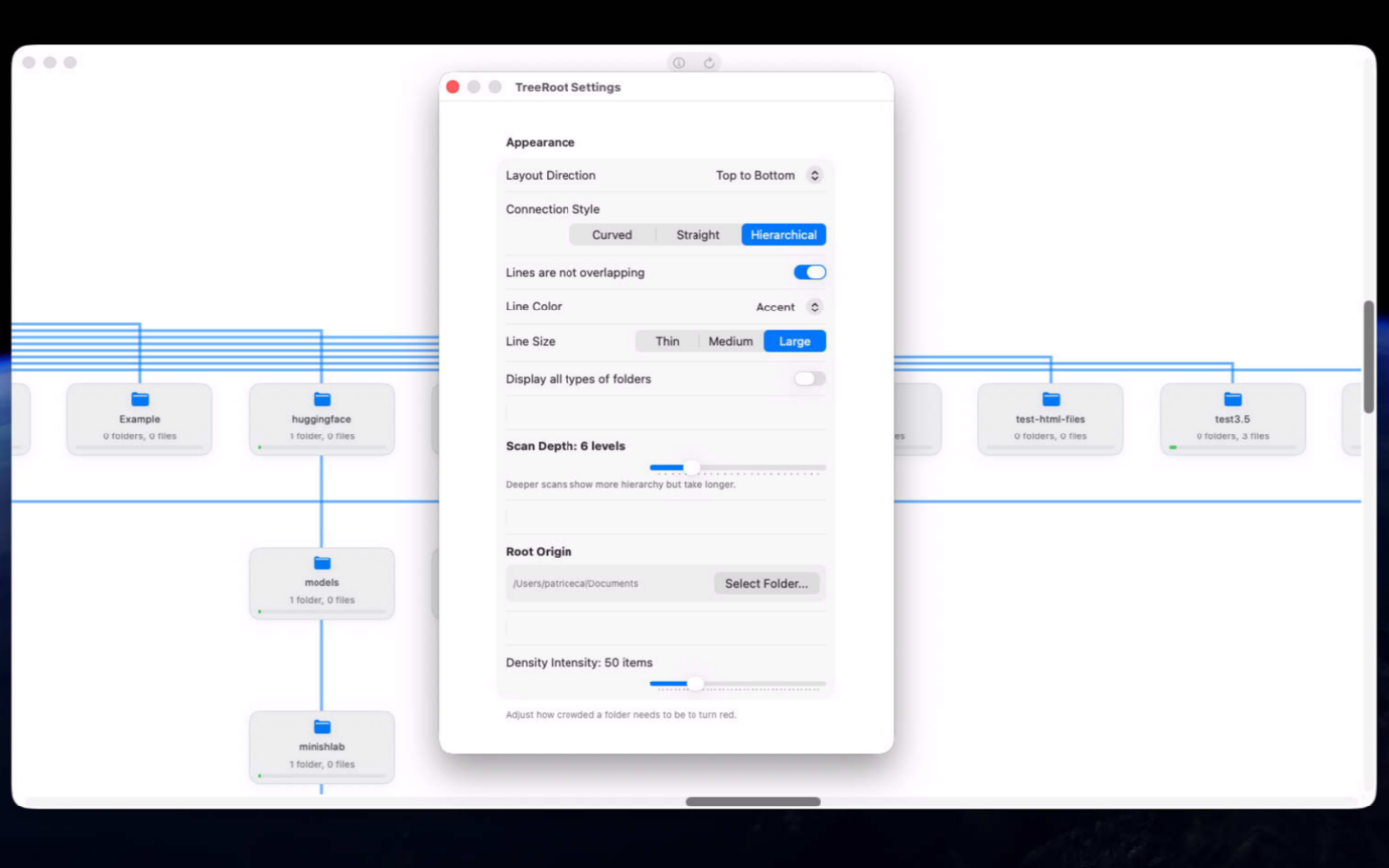
Display the tree from top to bottom, bottom to top, left to right, or right to left.
- Custom Connections
Choose curved, straight, or hierarchical lines between files and folders.
- Folder Density Map
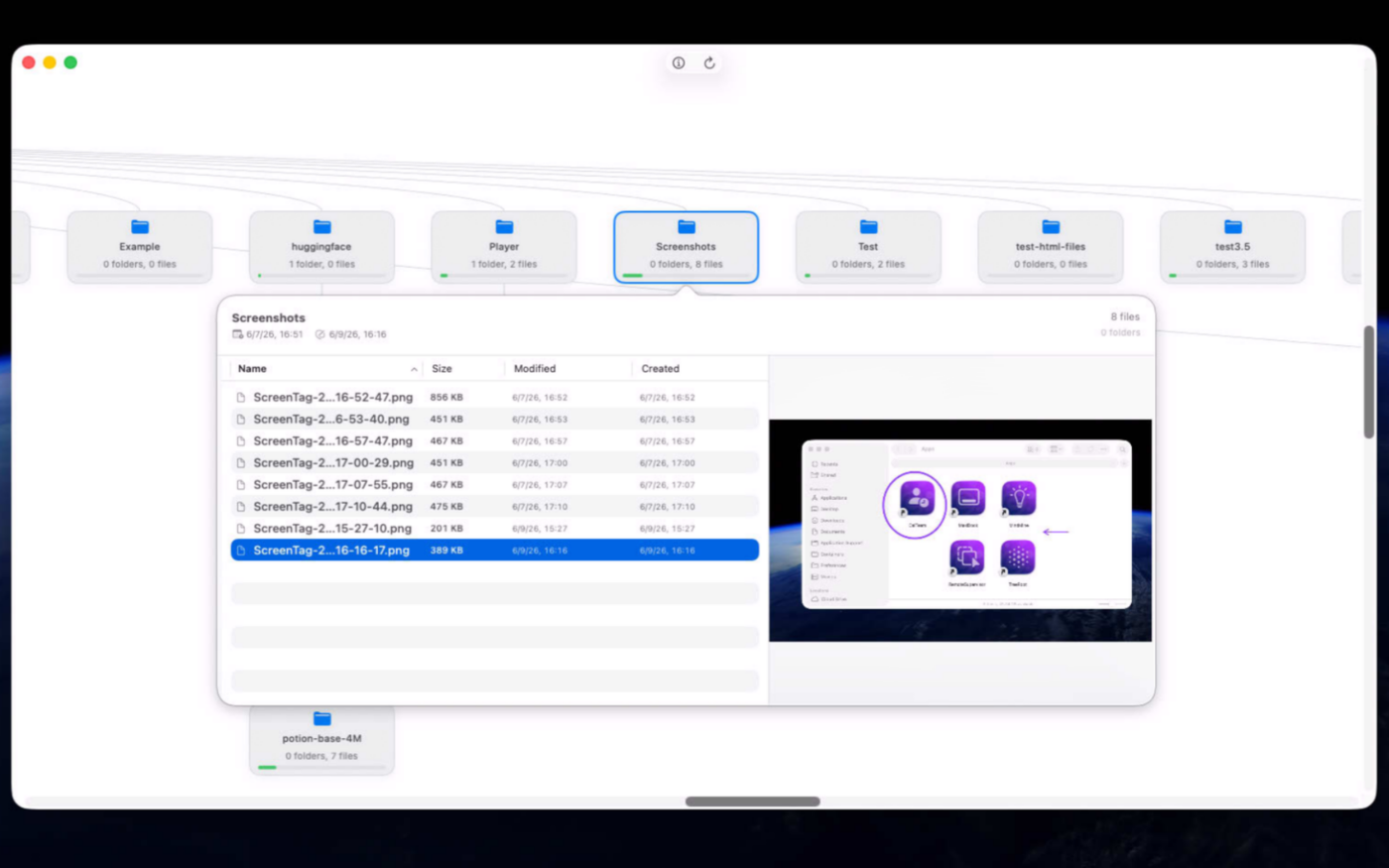
Spot crowded folders instantly with green, yellow, and red color coding.
- Adjustable Scan Depth
Control how many folder levels are scanned and displayed.
- Folder Inspector
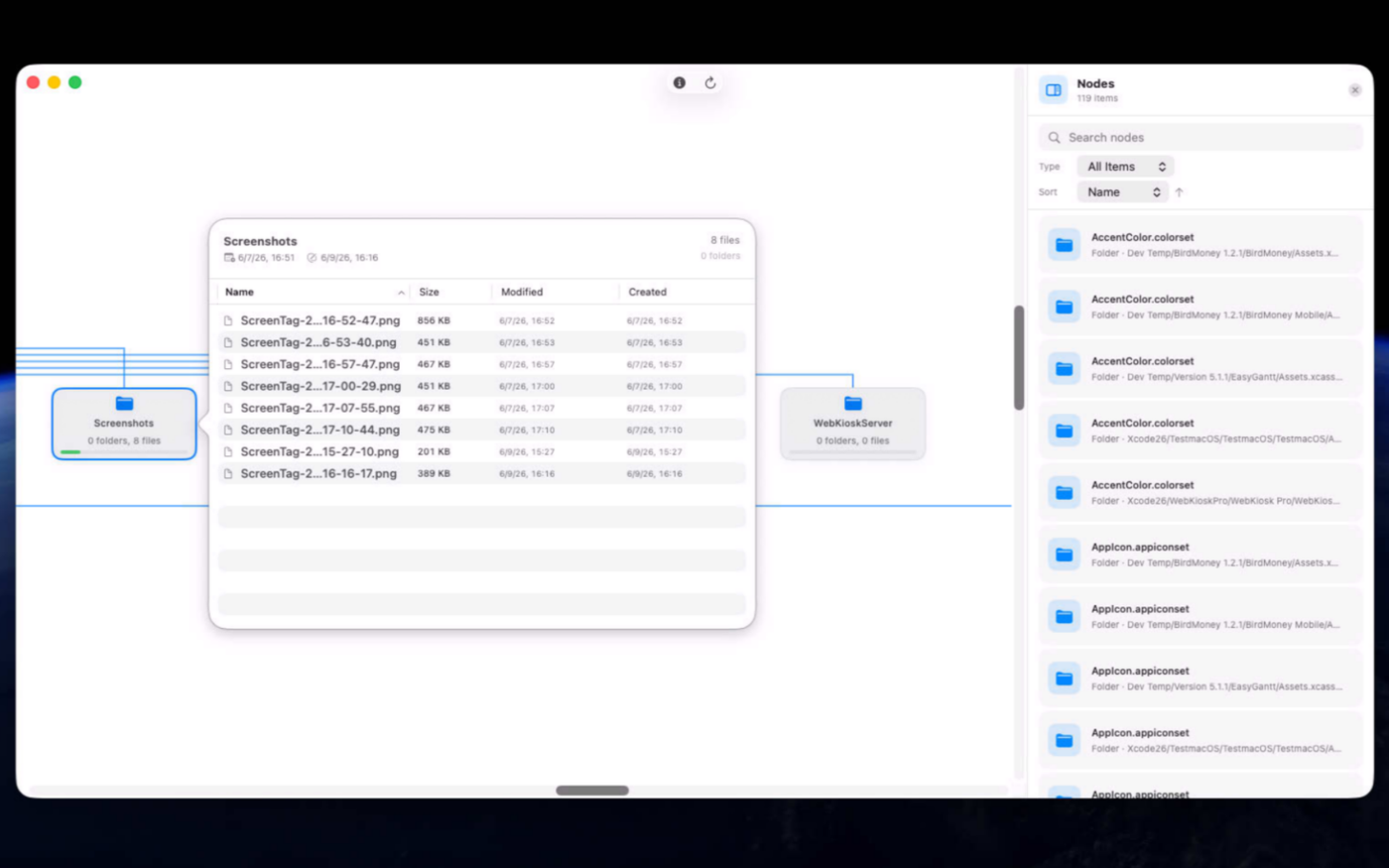
Browse folder contents and sort items by name, size, or date.
- Quick Look Preview
Preview files without leaving the app.
- Customizable Appearance
Adjust line colors, thickness, and folder density thresholds.
- Finder Integration
Open items in Finder or launch files directly.
- Native Mac Experience
Built with SwiftUI for macOS 14 and later.
Screenshots
Try the utility before purchasing a license
Folow these steps for the best user experience
Download the trial
Use the download trial version button to get the latest version.
Play with the app
Explore the main features for free by playing with the evaluation version.
Buy a license
Purchase a license when you are feeling comfortable with the app.
Unlock all features
Enter the purchased license in the trial version to unlock all features.
Built with modern foundations
This app is fully optimized for
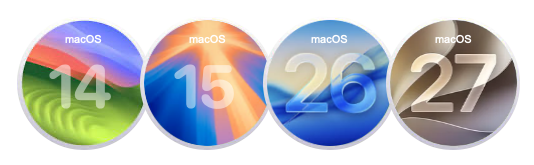
macOS 14 Sonoma, macOS 15 Sequoia, macOS 26 Tahoe and macOS 27 Golden Gate
Pricing
$9 USD per computer
Pay once, own it forever, no recurring subscriptions.
Two options are available
Buy the app from our online store to take advantage of generous volume discounts, or get it directly from the Mac App Store operated by Apple.
If you choose the Mac App Store, please move the trial version to the Trash and empty it before making your purchase (your data or documents are not impacted). Pricing on the Mac App Store varies by country and Apple policy. Developers have no access to Apple customer accounts.


We build custom native apps tailored to your brand
Contact us to get a quote with the custom features you are looking for



Request a Quote