
 xFTP 1.2
Fast FTP/SFTP file transfers
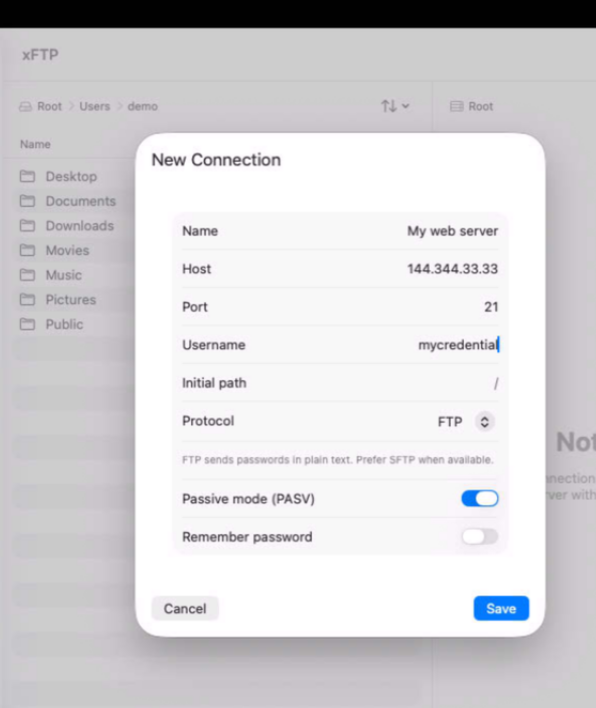
xFTP makes transferring files between your Mac and remote servers fast, secure, and effortless. Whether you're managing websites, deploying applications, maintaining cloud infrastructure, or exchanging files with clients, xFTP streamlines every transfer so you can focus on your work instead of your tools.
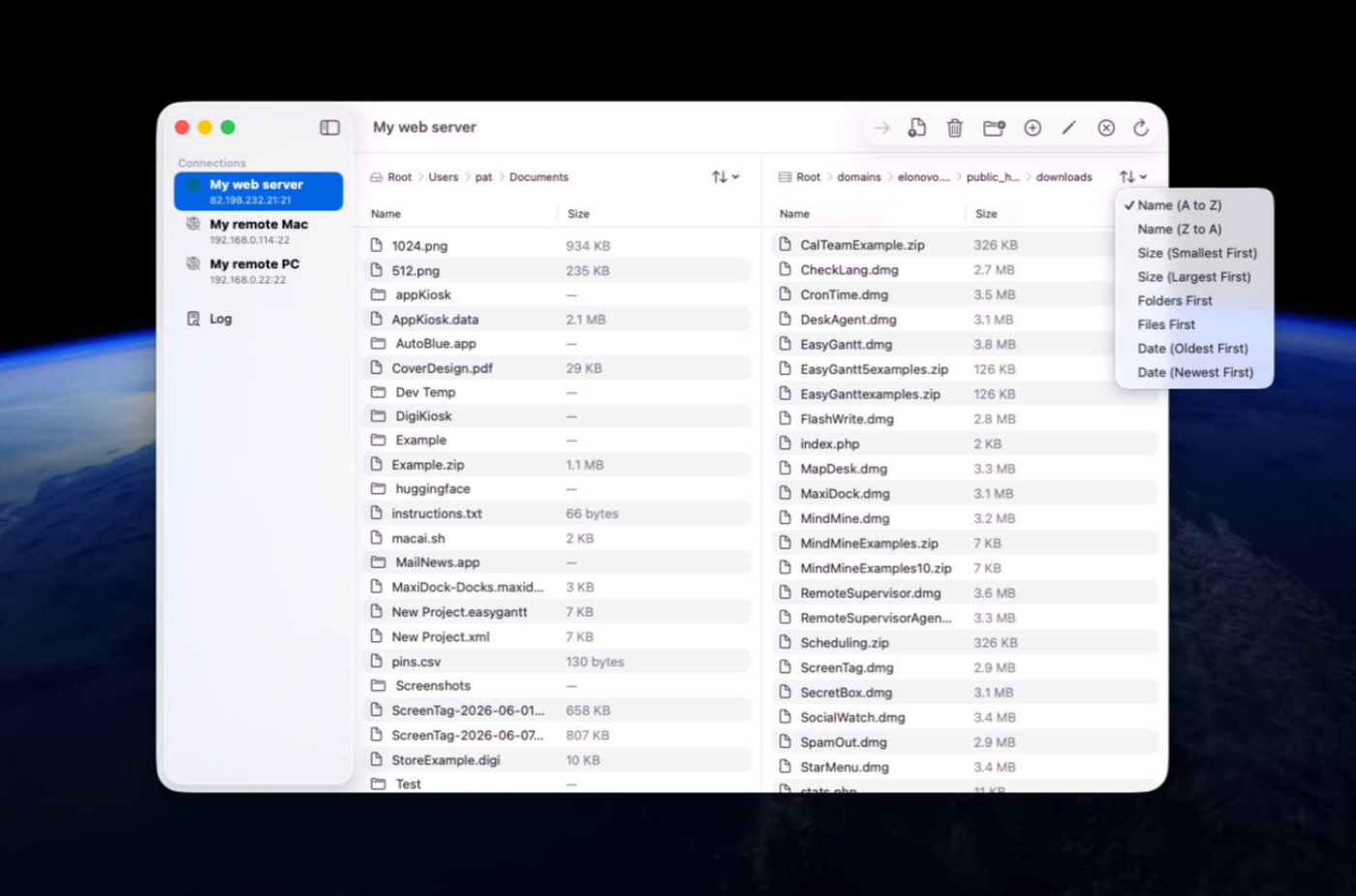
Connect to FTP, SFTP, and other supported servers through an intuitive native interface designed for professionals who demand both simplicity and power. Organize remote files with confidence, synchronize content, and move large volumes of data efficiently while maintaining the highest standards of security and reliability throughout your workflow.
Built natively for macOS, xFTP delivers exceptional performance and a seamless user experience that feels right at home on Apple platforms.
Version 1.2.2 for Mac
Required: macOS 14 or a more recent version for the best experience.
Universal binary optimized for Intel and Apple Silicon processors.
Verified and code-signed through Apple’s notarization service to ensure a safe and trusted app. Localized in ten popular languages.
🇺🇸 🇬🇧 🇫🇷 🇳🇱 🇩🇪 🇮🇹 🇵🇹 🇪🇸 🇨🇳 🇯🇵 🇰🇷
A solution built in partnerships with mCloud Compute

Main features
- Native Mac Architecture
Built with Swift exclusively for macOS 14 and later.
- High-Performance Transfers
Uses Swift concurrency and non-blocking processes to keep the interface fast and responsive.
- FTP & SFTP Support
Connect to and manage both FTP and secure SFTP servers from one app.
- Smart Directory Handling
Automatically supports modern Unix and legacy DOS-style server listings.
- Live Transfer Progress
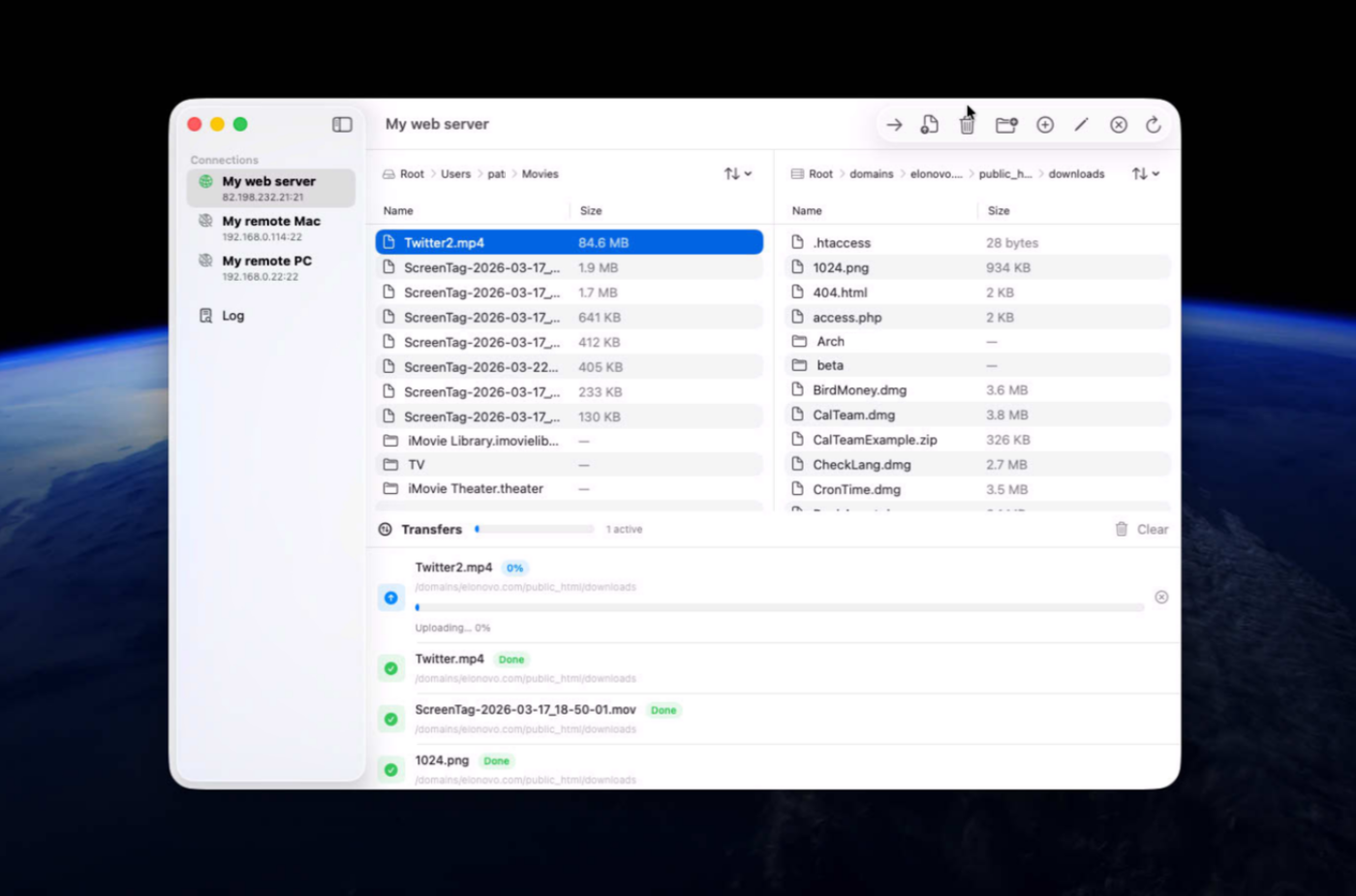
Track uploads and downloads with accurate, real-time progress updates.
- Secure Password Storage
Protects credentials in the macOS Keychain for safe, convenient reconnections.
- Ready for Automations
Full support of Apple shortcuts and Apple Intents.
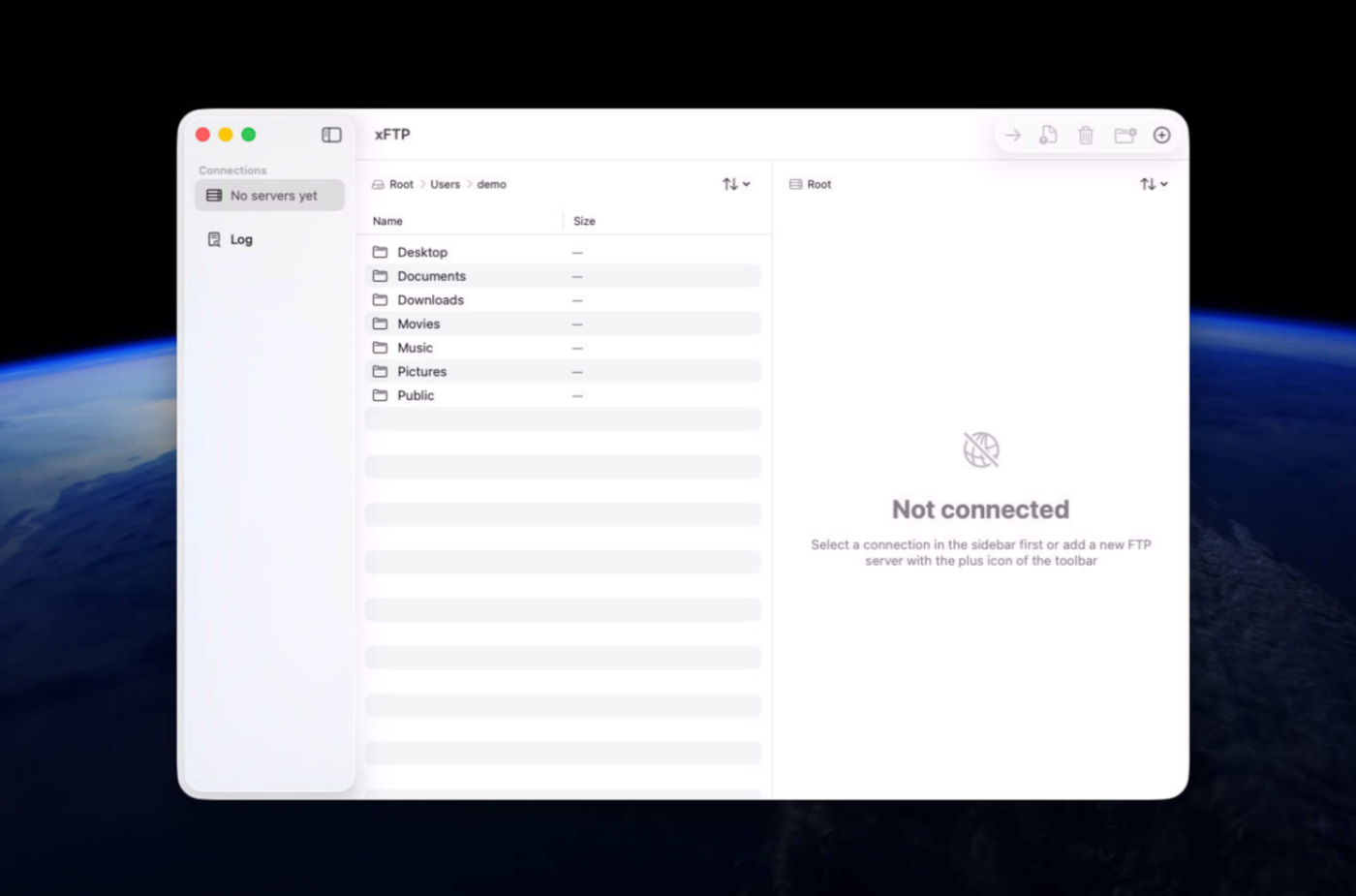
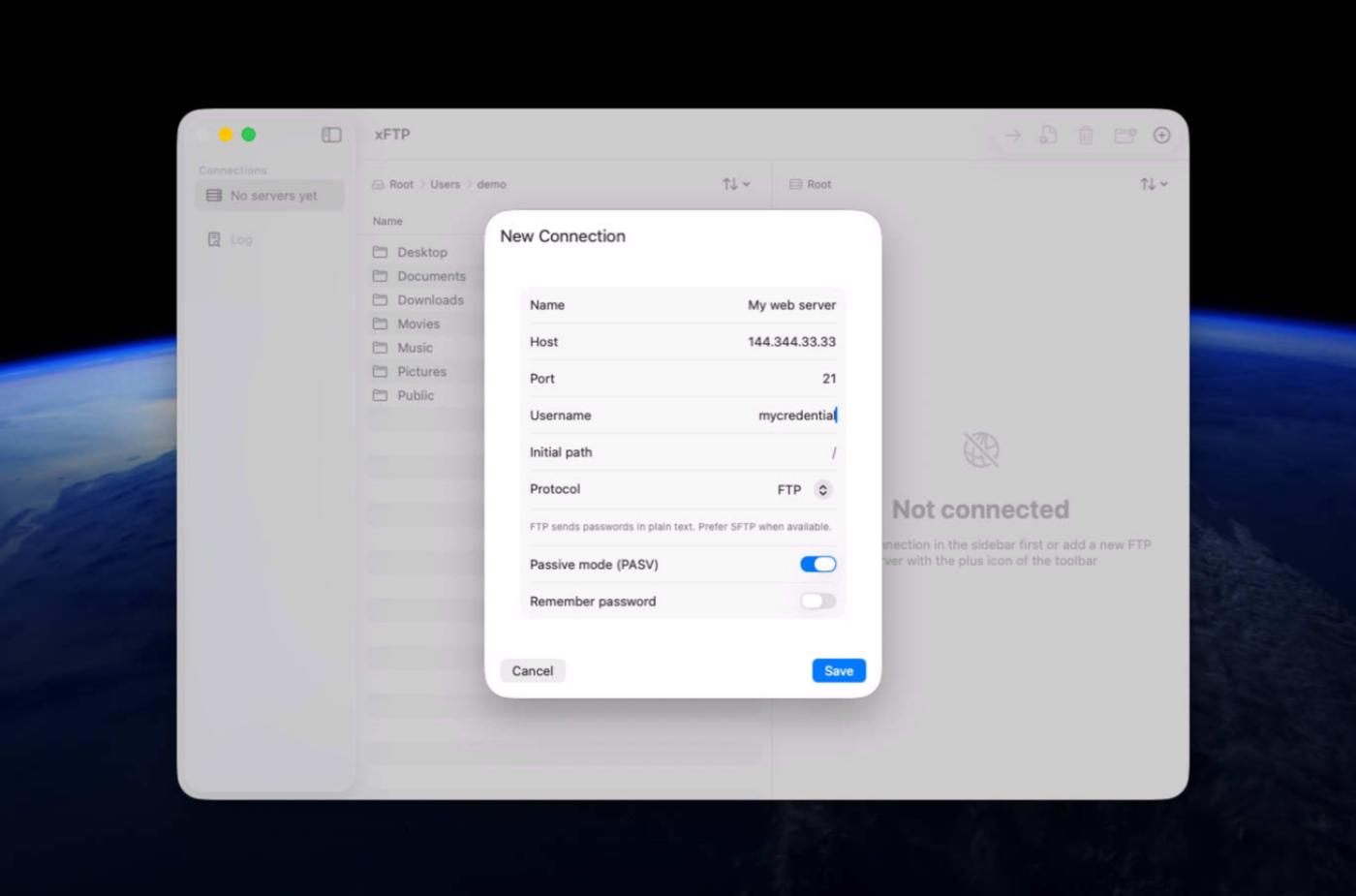
Screenshots
Try the app before purchasing a license
Folow these steps for the best user experience
Download the trial
Use the download trial version button to get the latest version.
Play with the app
Explore the main features for free by playing with the evaluation version.
Buy a license
Purchase a license when you are feeling comfortable with the app.
Unlock all features
Enter the purchased license in the trial version to unlock all features.
Built with modern foundations
This app is fully optimized for
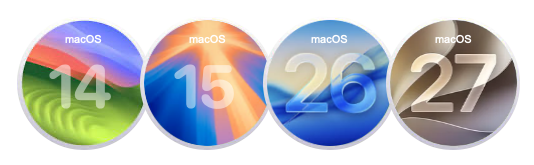
macOS 14 Sonoma, macOS 15 Sequoia, macOS 26 Tahoe and macOS 27 Golden Gate
Pricing
$49 USD per computer
Pay once, own it forever, no recurring subscriptions.
You can purchase the app from our online store and get generous discounts for volume purchases.

We build custom native apps tailored to your brand
Contact us to get a quote with the custom features you are looking for



Request a Quote