
 MaxiDock 2.8
Build and customize multiple docks
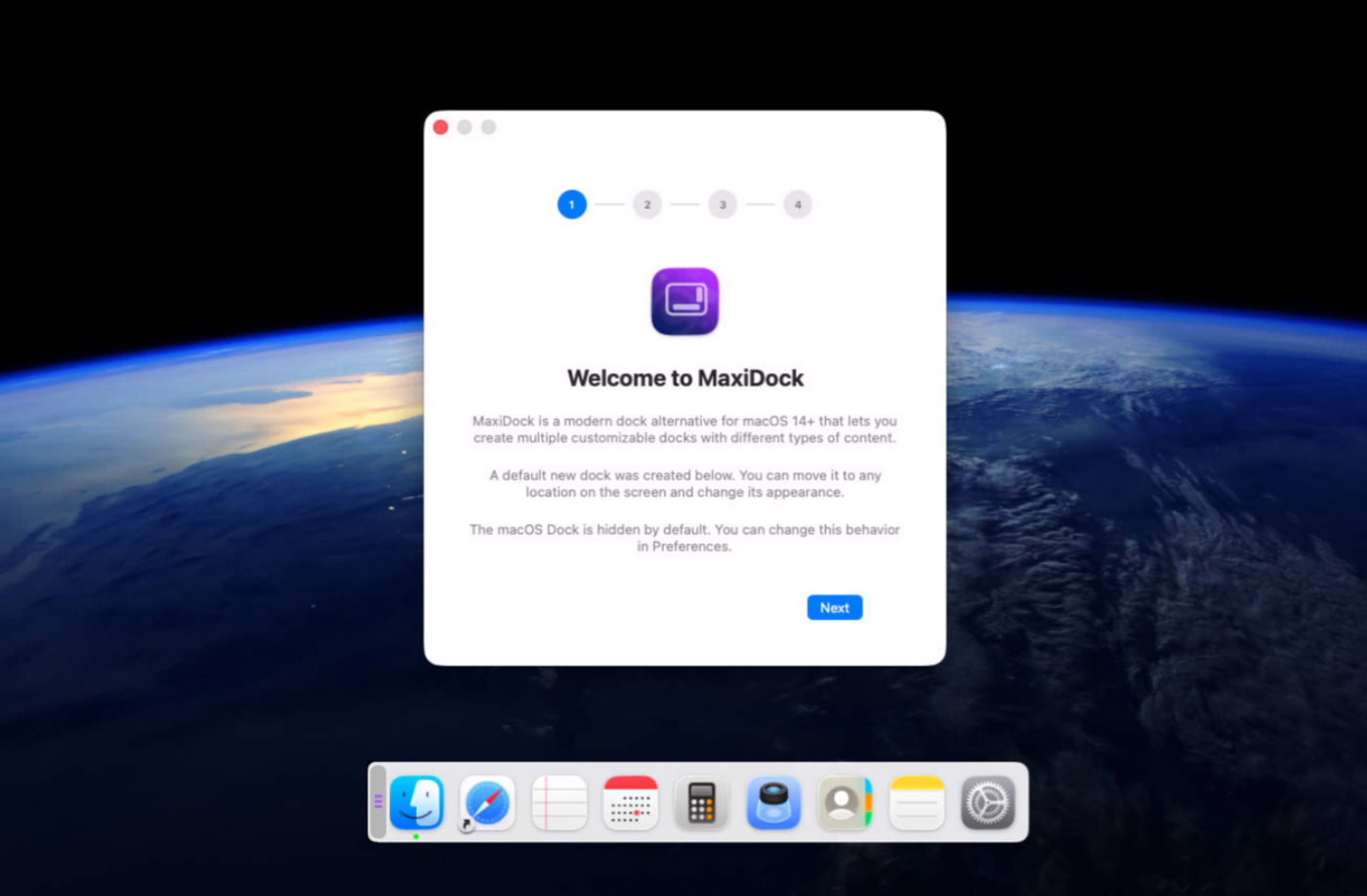
MaxiDock transforms the way you organize your workspace, helping you manage multiple applications and windows with speed and precision. Whether you're developing software, creating content, analyzing data, or multitasking across several projects, MaxiDock keeps your desktop organized so you can stay focused on what matters most.
Instantly arrange, access, and switch between your favorite applications without the clutter of overlapping windows or constant resizing. Create a more efficient workflow that reduces distractions, improves productivity, and lets you move seamlessly between tasks throughout the day.
Built natively for macOS, MaxiDock delivers a fast, elegant experience that feels perfectly at home.
Version 2.8.1 for Mac
Required: macOS 14 or a more recent version for the best experience.
Universal binary optimized for Intel and Apple Silicon processors.
Verified and code-signed through Apple’s notarization service to ensure a safe and trusted app. Localized in ten popular languages.
🇺🇸 🇬🇧 🇫🇷 🇳🇱 🇩🇪 🇮🇹 🇵🇹 🇪🇸 🇨🇳 🇯🇵 🇰🇷
Main features
- Multiple Custom Docks
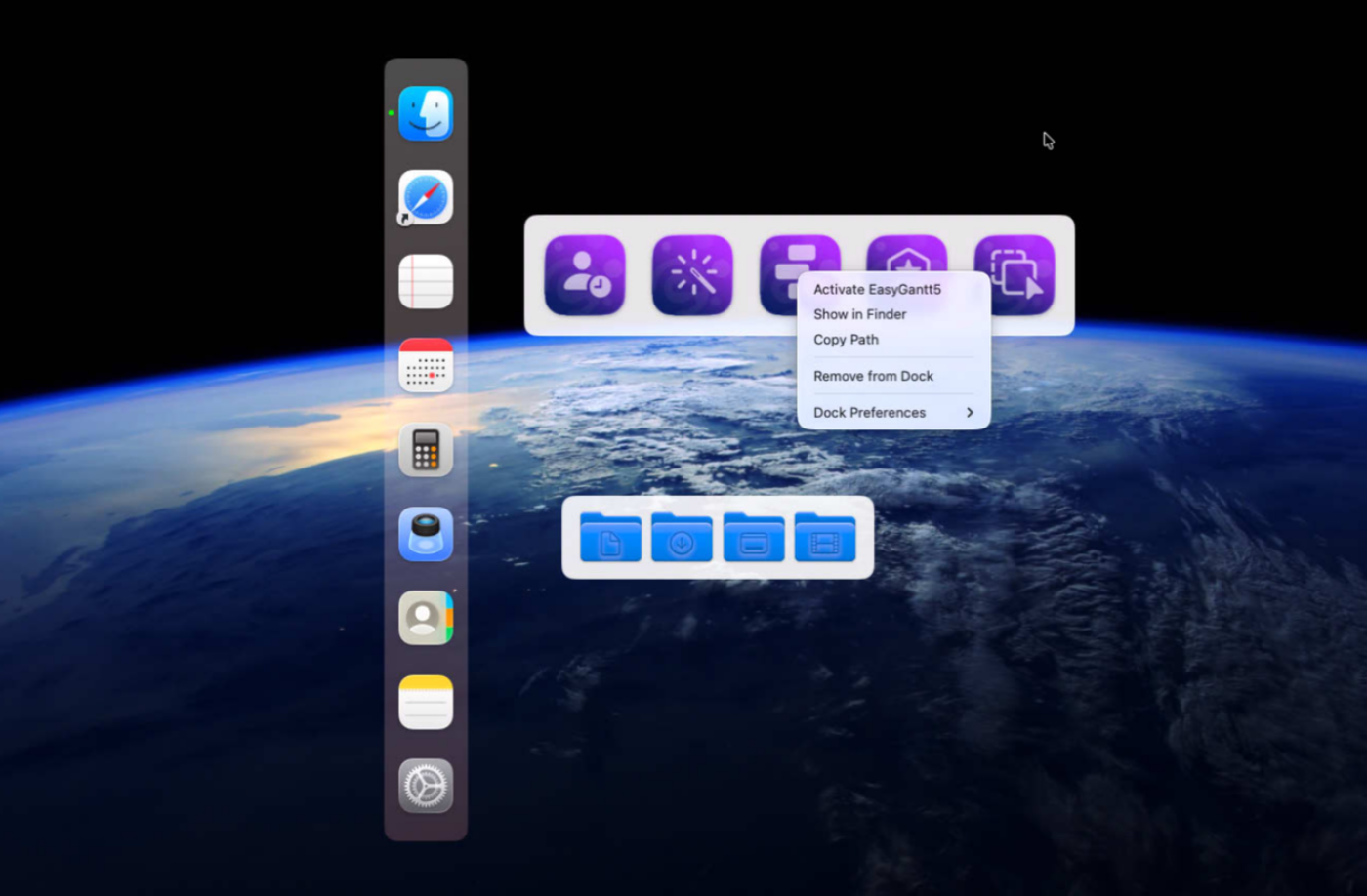
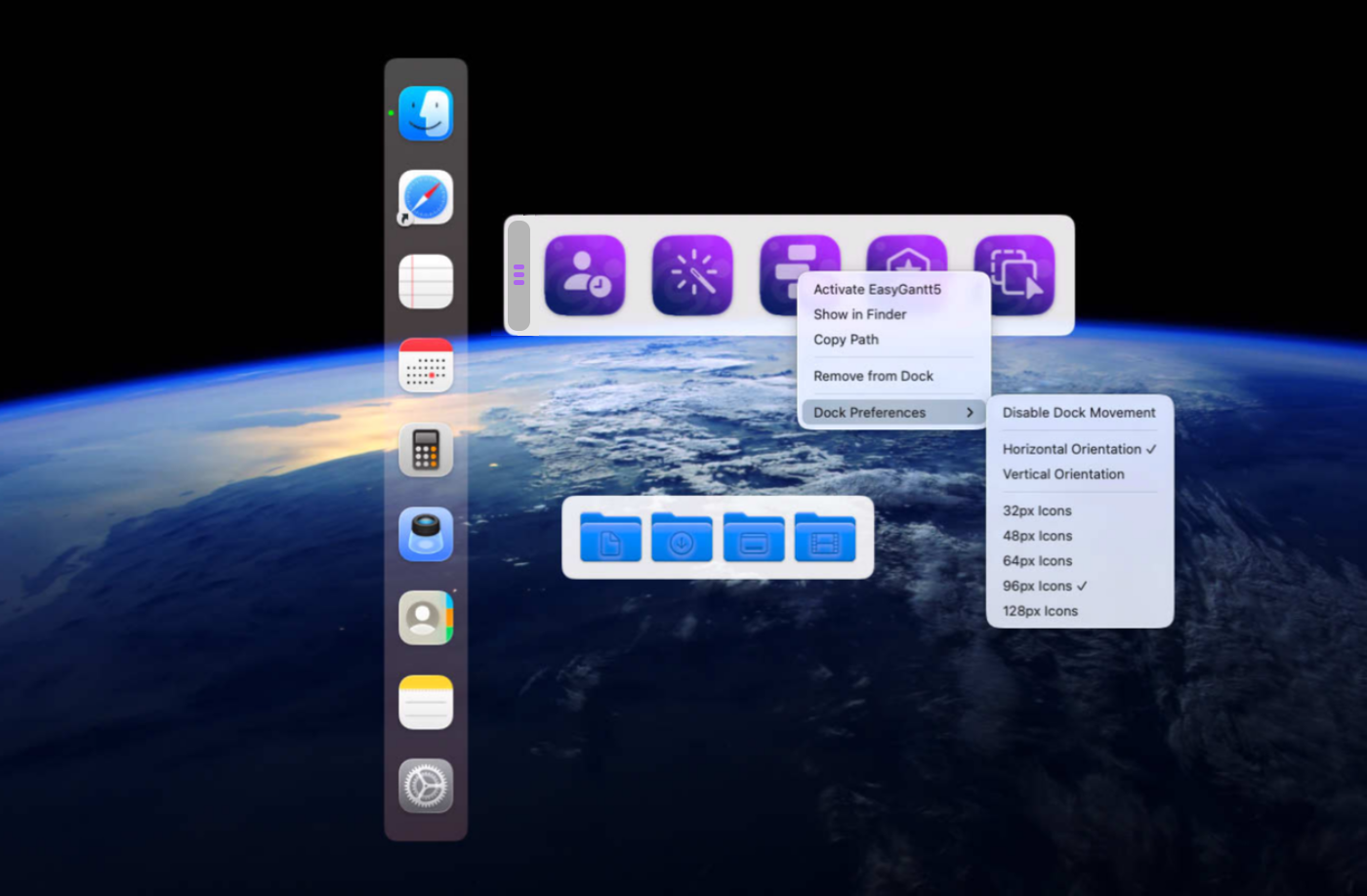
Create dedicated docks for different workflows, projects, or displays.
- Flexible Positioning
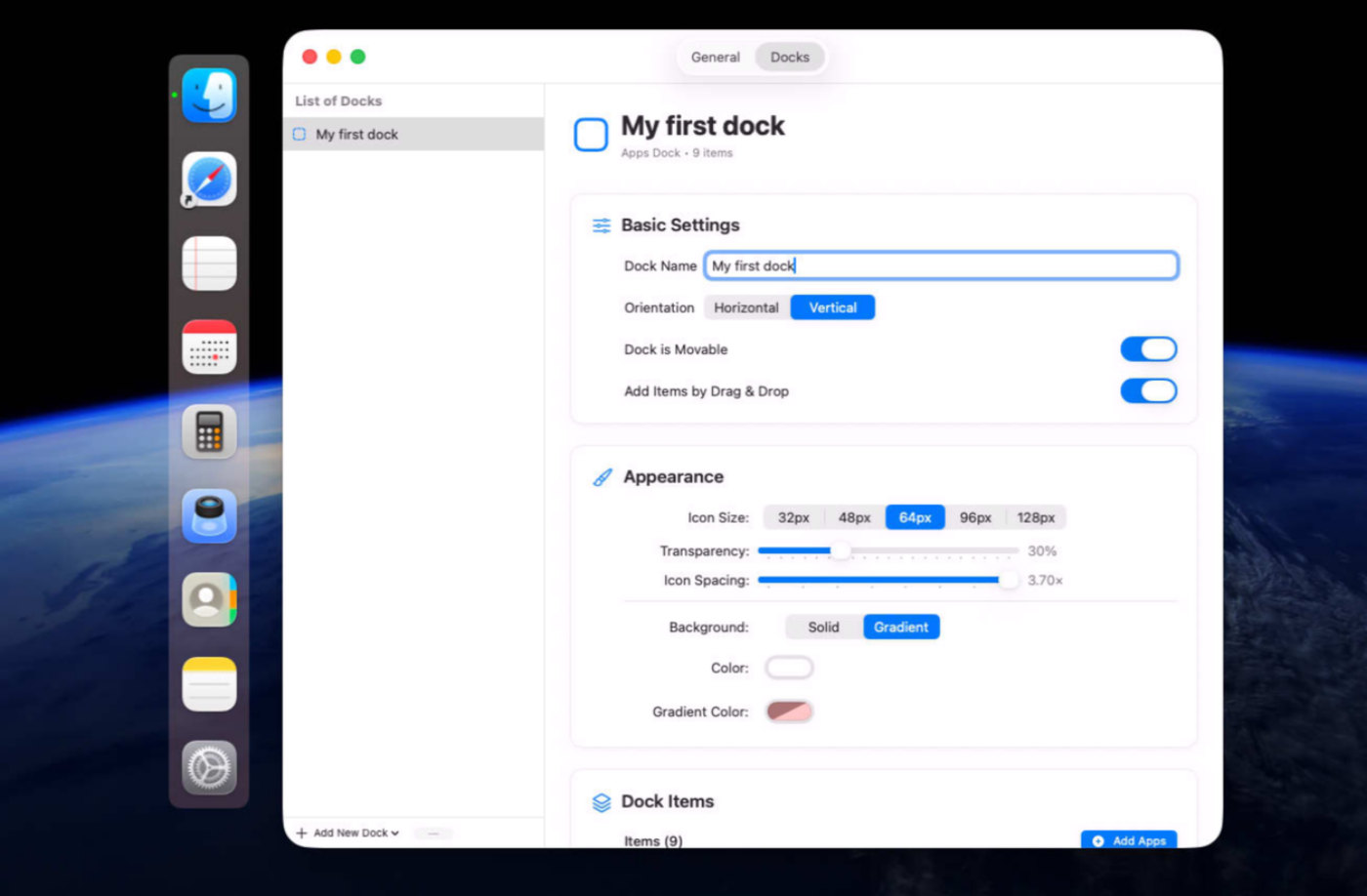
Place docks anywhere on screen, vertically or horizontally.
- Precision Controls
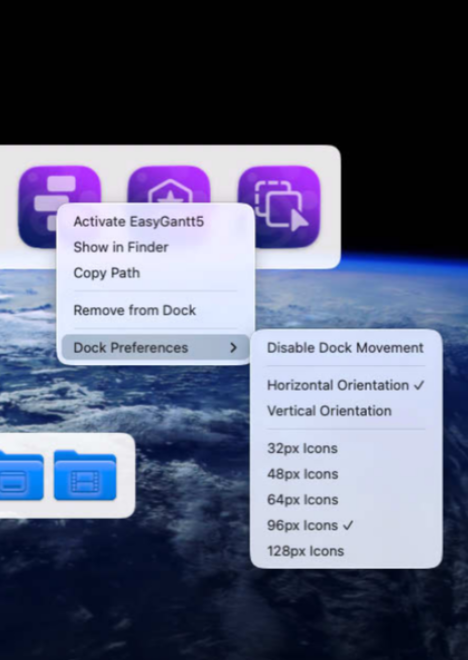
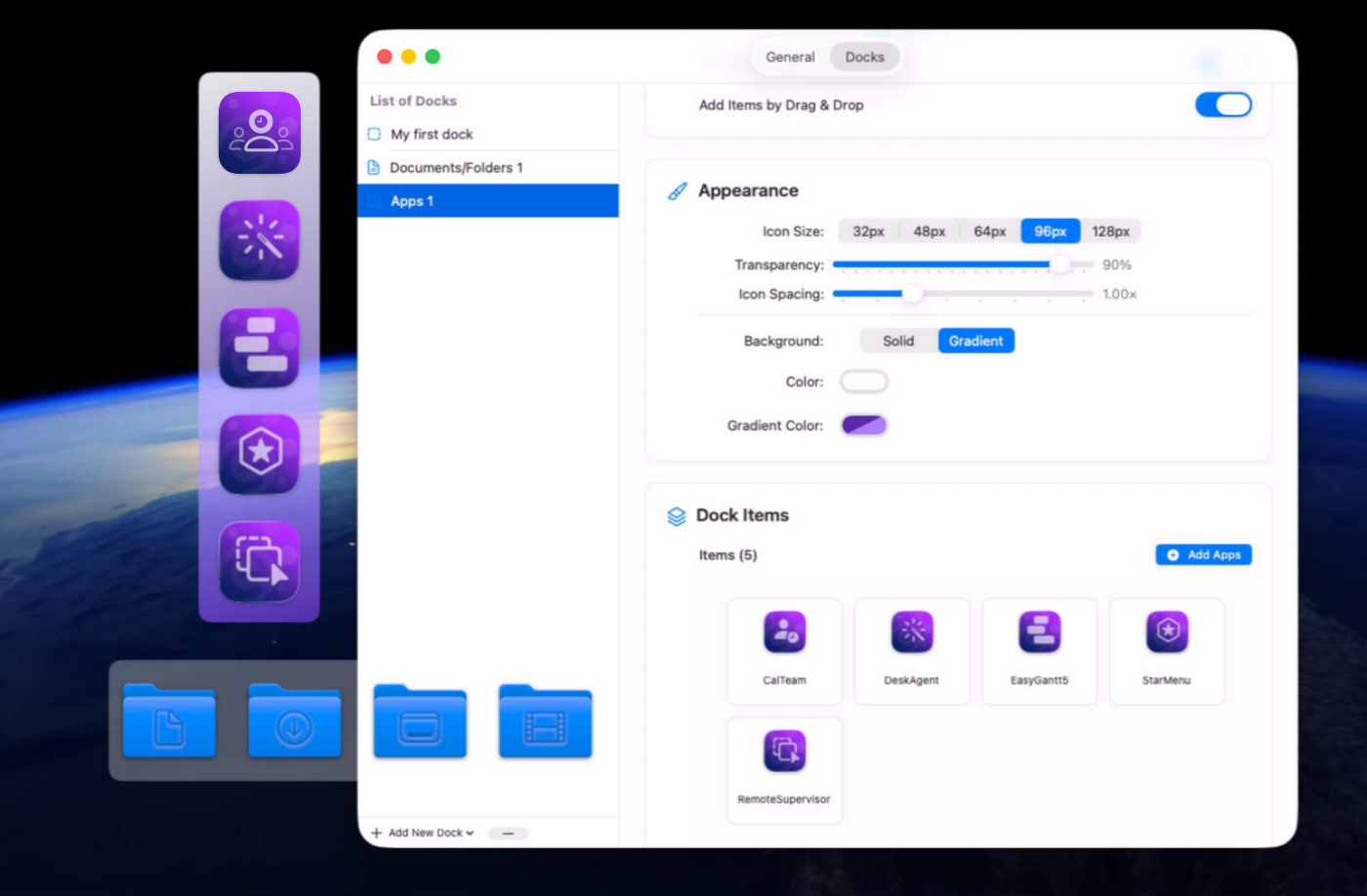
Customize icon size, spacing, transparency, and backgrounds.
- Moving Handle
Show a left or top handle only when dock movement is enabled.
- Easy App Management
Add apps from the picker or Finder, then reorder them instantly.
- Smart Badges
View unread counts for Mail, Messages, Reminders, and other supported apps.
- Polished Effects
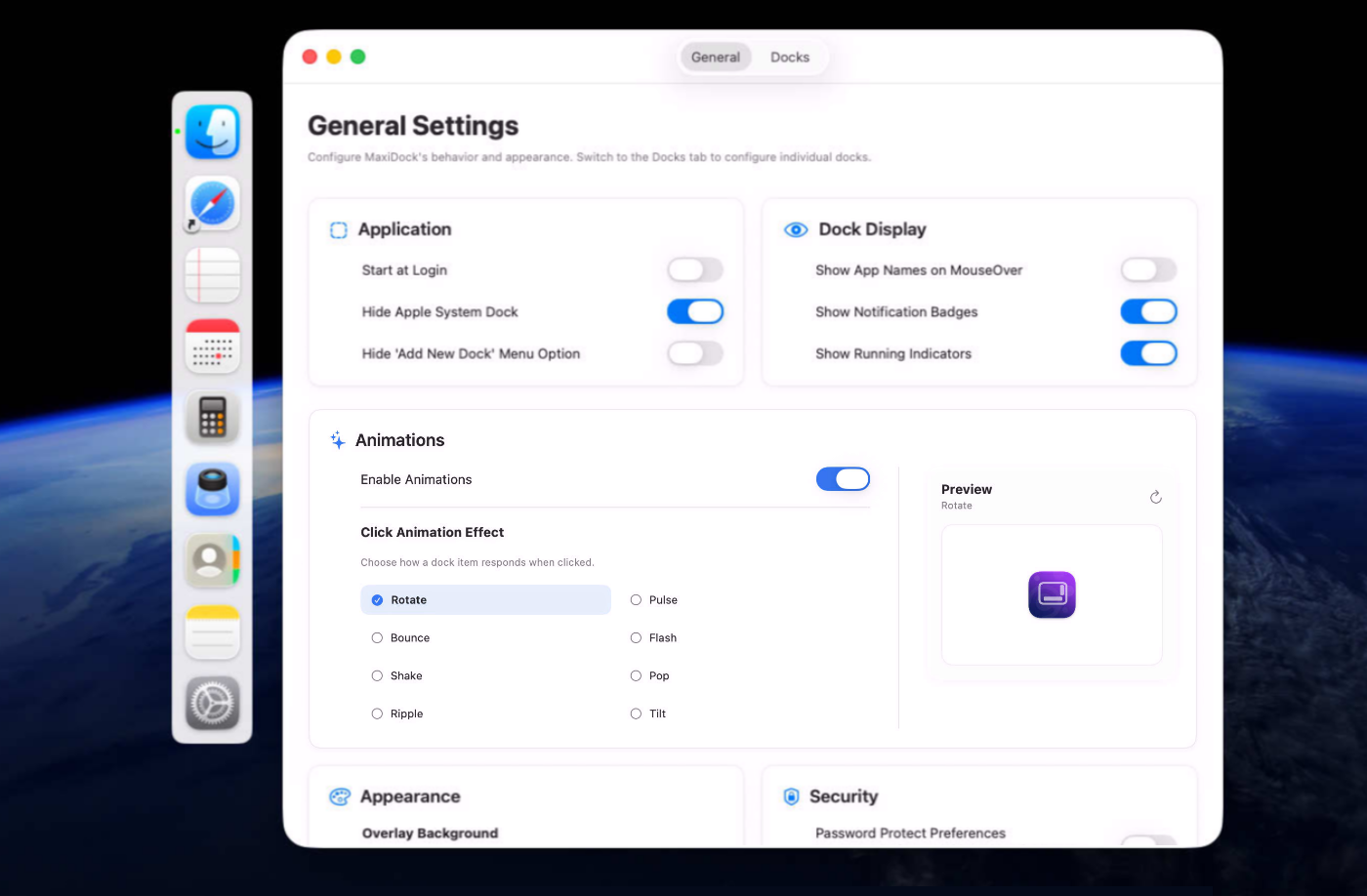
Enjoy smooth animations, including bounce, pulse, ripple, shake, and more.
- Stay Focused
Hide Apple’s Dock, show running indicators, or display app names.
- Per-Dock Rules
Lock docks or prevent app changes for stable setups.
- Built for macOS
Native SwiftUI performance with dark mode, accessibility, and multi-display support.
Screenshots
Built with modern foundations
This app is fully optimized for
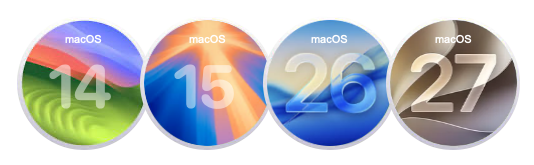
macOS 14 Sonoma, macOS 15 Sequoia, macOS 26 Tahoe and macOS 27 Golden Gate
We build custom native apps tailored to your brand
Contact us to get a quote with the custom features you are looking for


Request a Quote