
 AppSyntax 1.0
Create live dashboards from databases
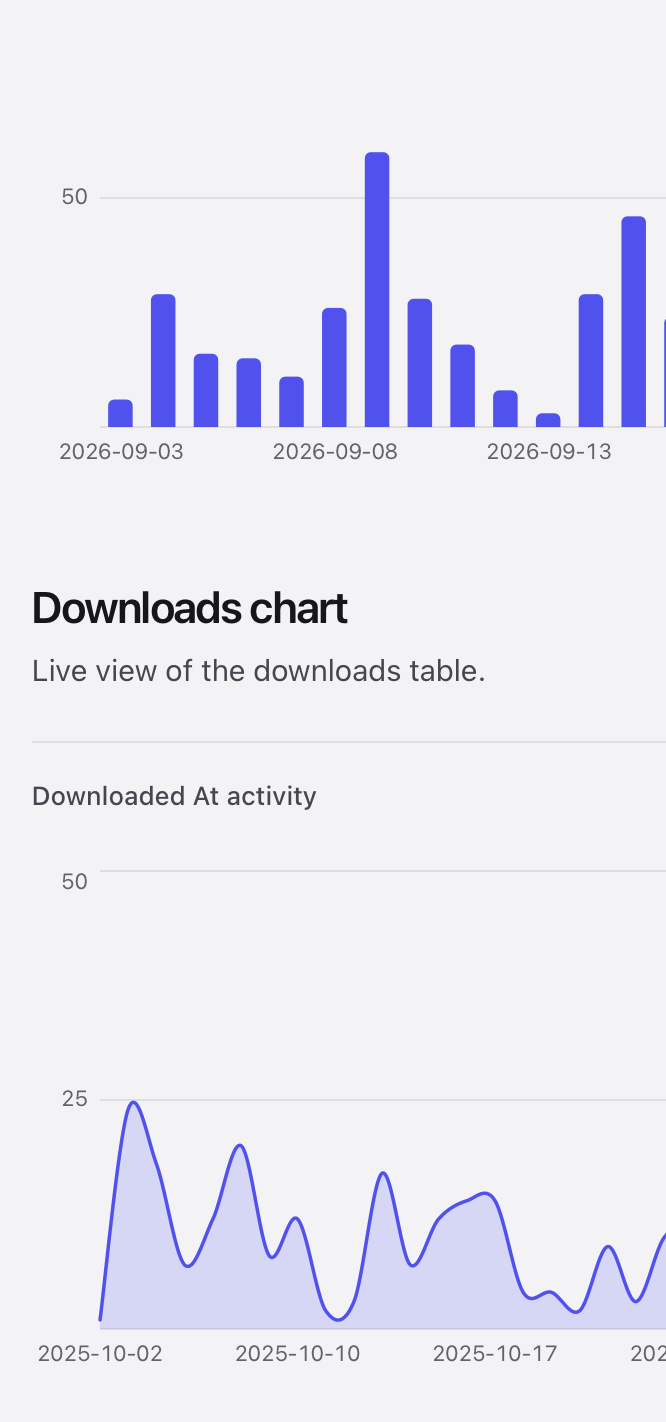
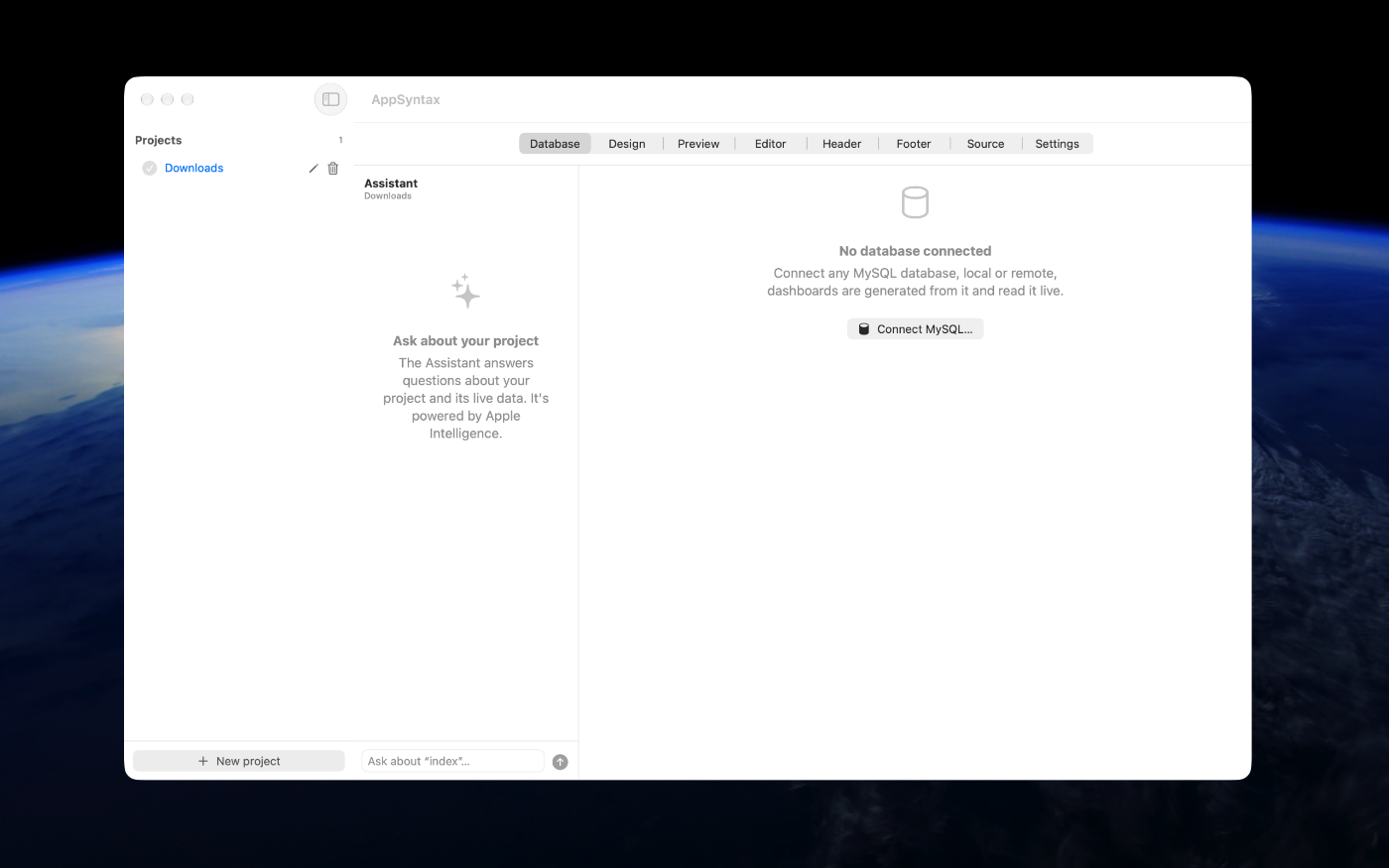
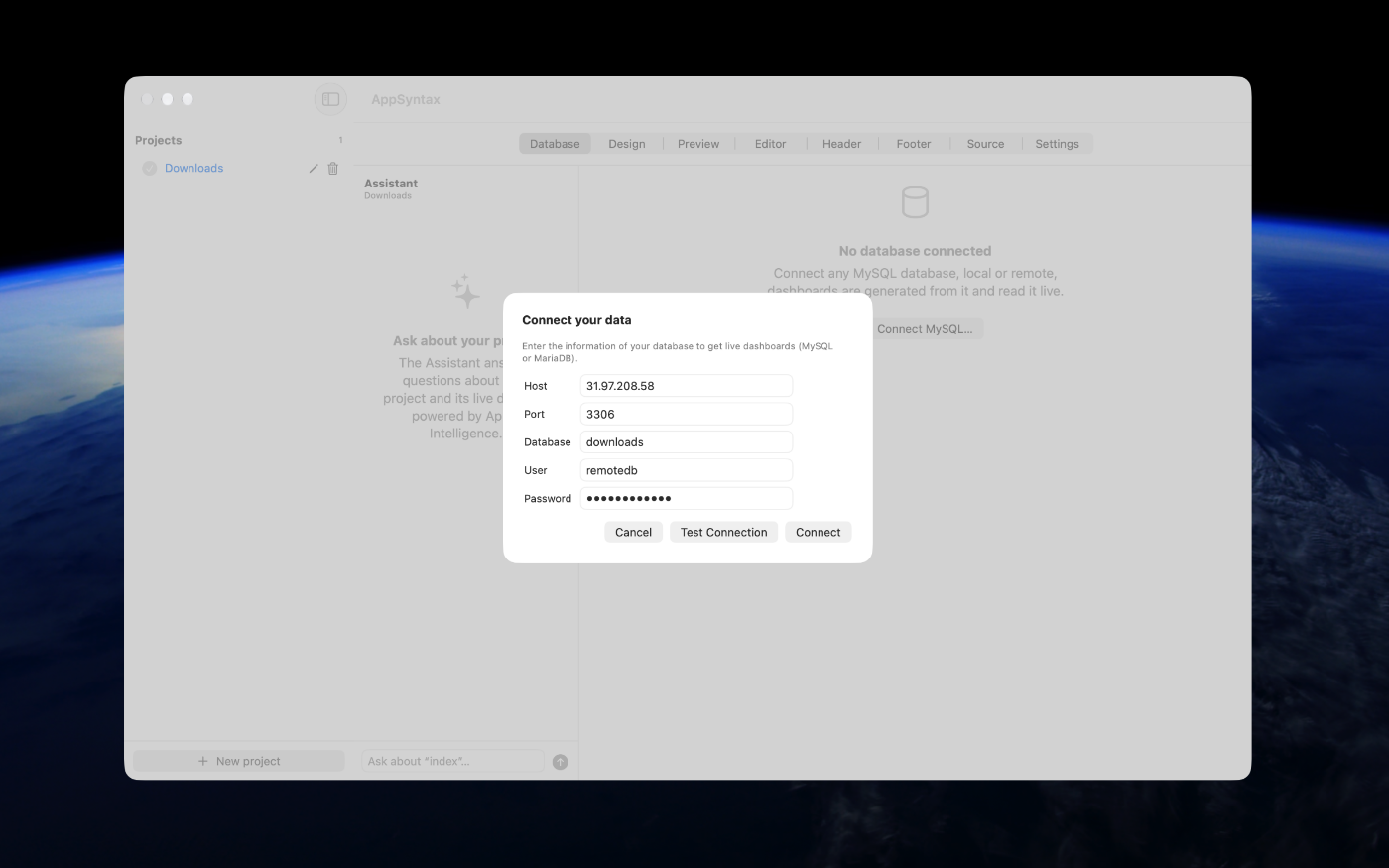
AppSyntax builds real dashboards from your data, no code, no command line, nothing to install. Connect a MySQL or MariaDB database, and the app designs dashboards, charts, tables around your actual tables. A server is built right into the app, so your site comes alive in the built-in preview the moment a page is generated.
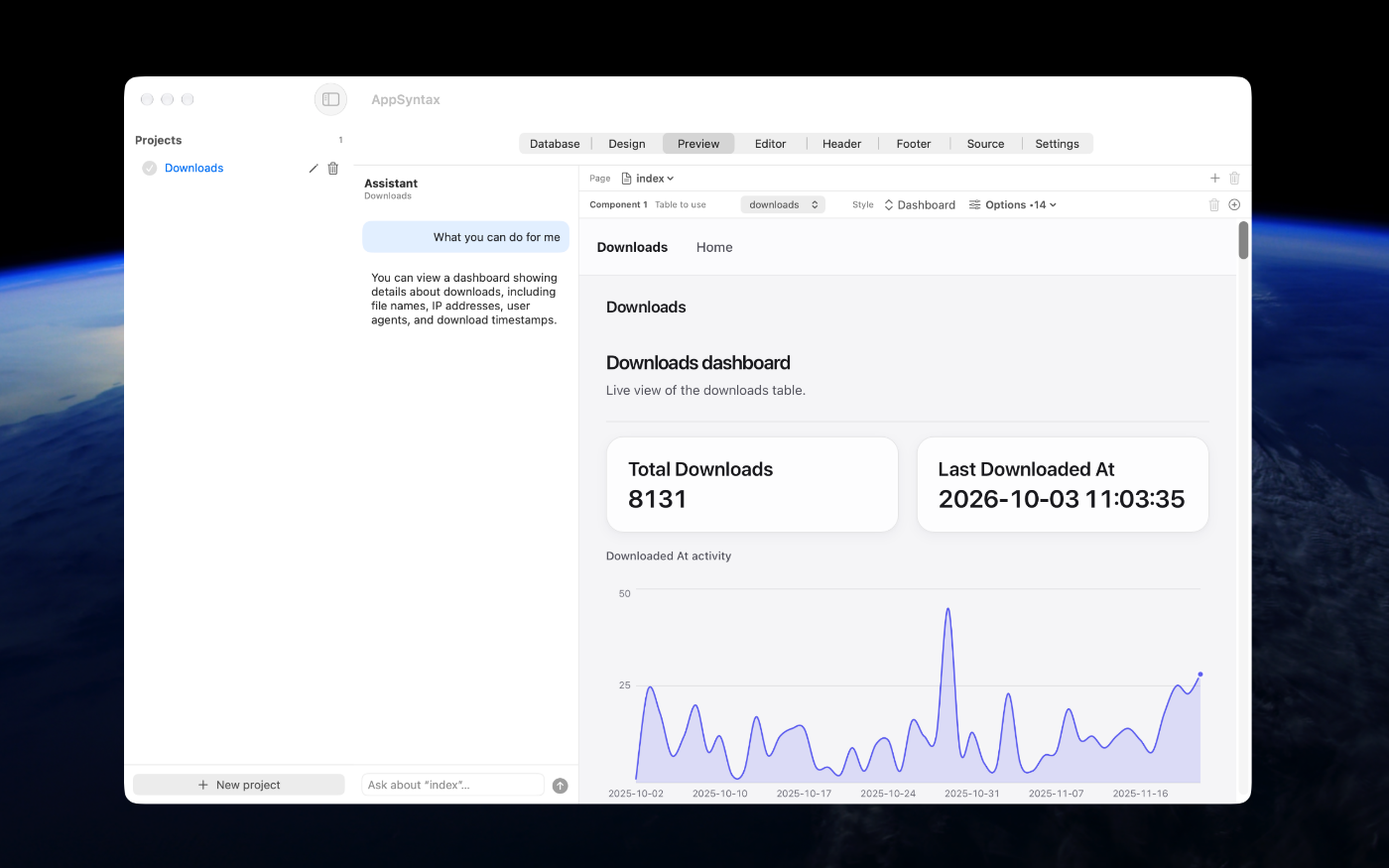
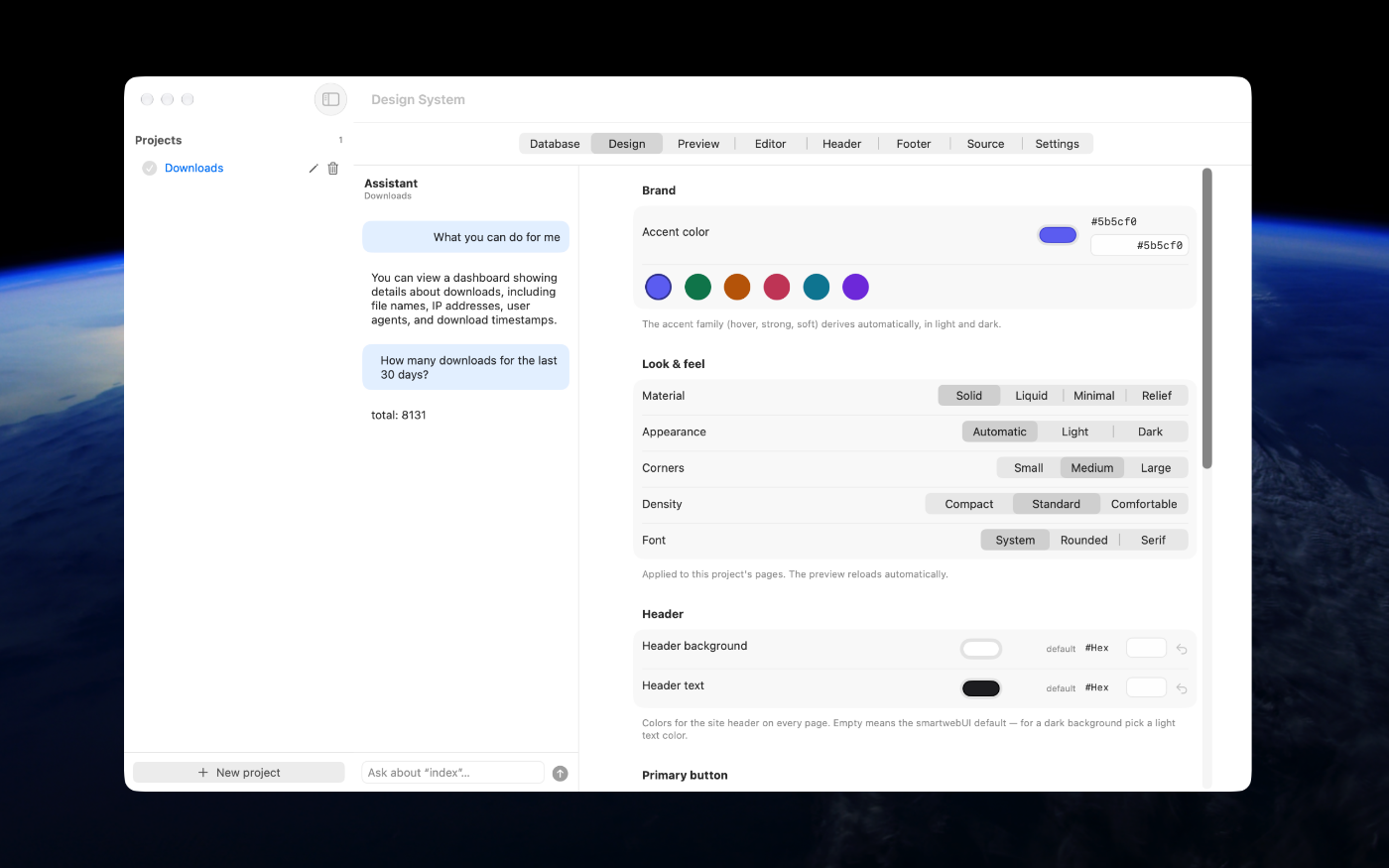
Describe what you want in plain language and watch it appear. The assistant, powered by Apple's on-device Foundation Models, creates pages from a sentence, a chart for the last 30 days, a table sorted your way, a dashboard for every table, restyles existing pages on request, and answers questions about your data with real numbers queried straight from your database.
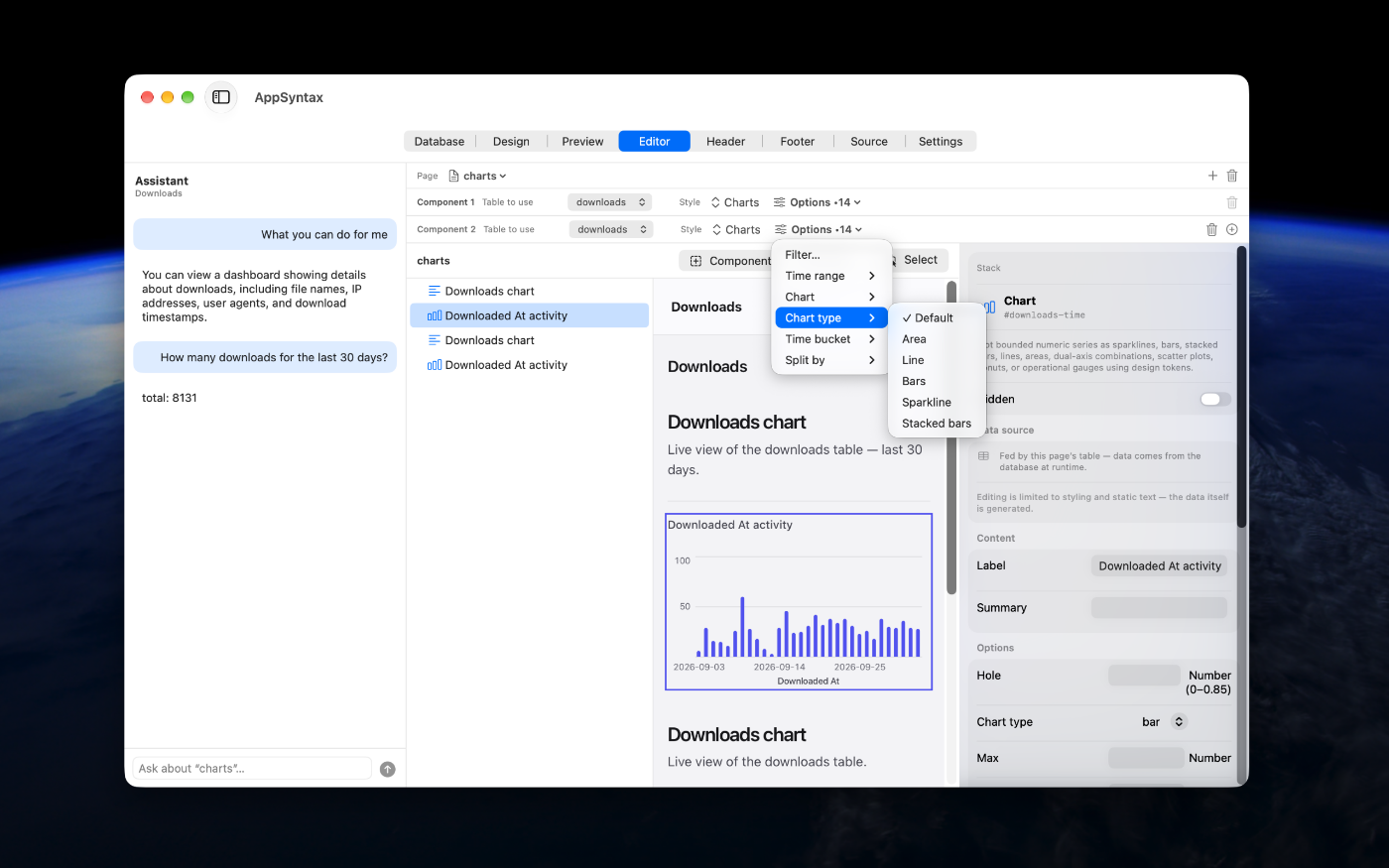
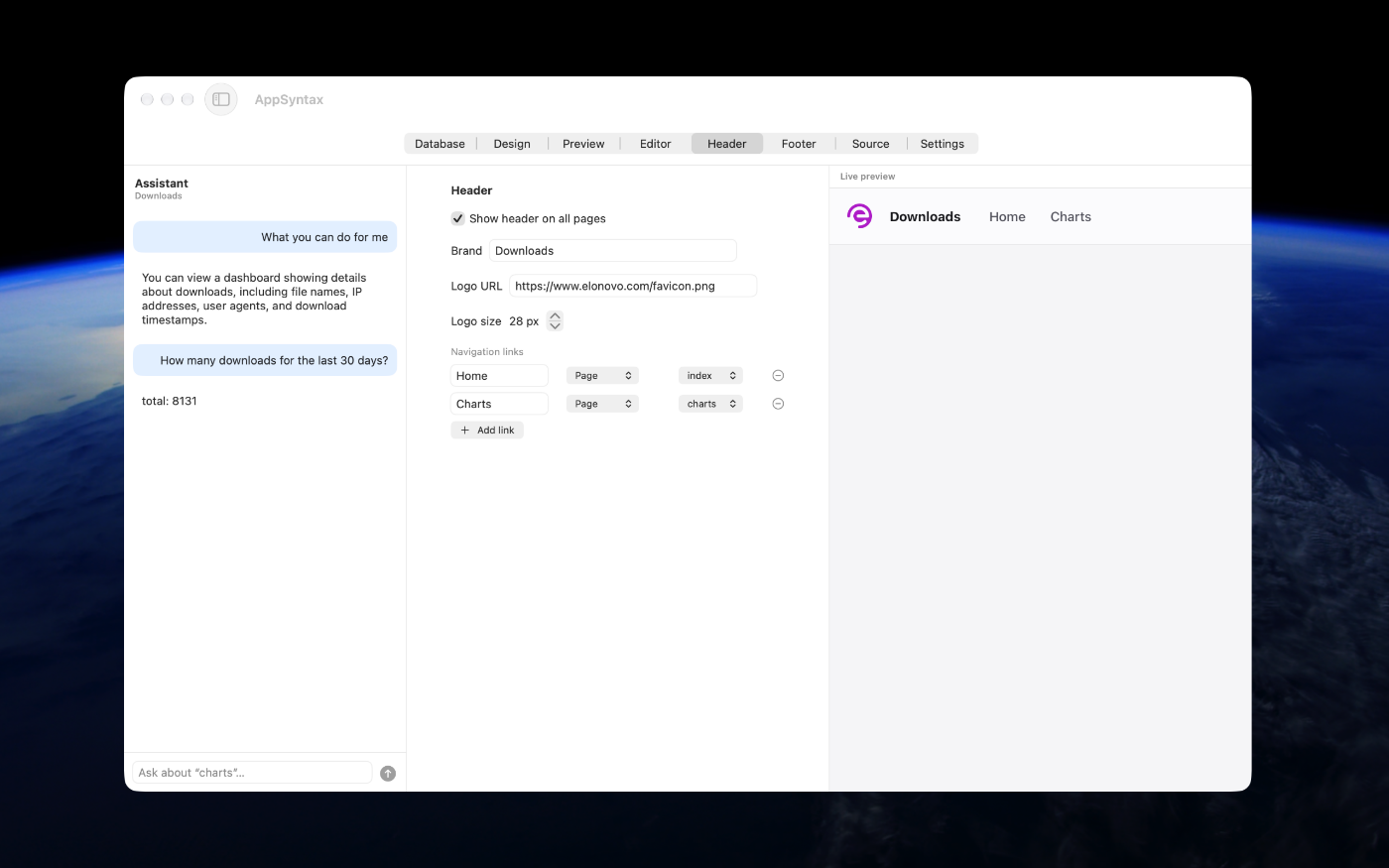
Every page stays fully editable. Click any text, color or layout in the visual editor, arrange content in grids, choose per page how your data is presented, dashboard, charts, table or editor, and fine-tune time ranges, measures and sorting with a few clicks. Your site's header and footer are yours too, with logo, colors and navigation you control.
The result is clean, standard website built on the SmartWebUI design system, yours to keep, preview and host anywhere.
Version 1.0 for Mac
Required: macOS 27 or a more recent version for the best experience.
Built for Apple Silicon processors only.
Verified and code-signed through Apple’s notarization service to ensure a safe and trusted app. Available in English only.



Main features
- From Database to Dashboards in Seconds
Connect MySQL or MariaDB and get dashboards, charts, tables and editors designed around your real data.
- Build by Conversation
Describe a page in one sentence and the assistant generates it: “a chart for the last 30 days” is all it takes.
- Ask Your Data Anything
Get real answers with real numbers, computed directly from your database, counts, sums, averages, top lists, in plain language.
- Private by Design with Apple Intelligence
Runs entirely on your Mac. Your records never leave your machine, and chat answers are strictly read-only.
- Full Visual Editor
Click any text, color or layout to change it. Arrange content side by side, move things, and see every edit live in the preview.
- Your Data, Your Way
Choose per page how information is presented, dashboard, charts, table or data editor, with time ranges, measures, sorting and filters just a click away.
- Instant Local Preview
A complete PHP server is built into the app. Your site runs on your Mac the moment a page is generated, zero setup.
- Your Header, Your Brand Design
The site's header and footer with your logo, colors and navigation, applied to every page automatically.
- Export Options
Every project is clean, standard PHP built on the SmartWebUI library, plain files on your disk, ready to preview locally or host anywhere.
- Built for macOS 27
Apple Silicon only, macOS 27 only for the best user experience.
Screenshots
Try the app before purchasing a license
Folow these steps for the best user experience
Download the trial
Use the download trial version button to get the latest version.
Play with the app
Explore the main features for free by playing with the evaluation version.
Buy a license
Purchase a license when you are feeling comfortable with the app.
Unlock all features
Enter the purchased license in the trial version to unlock all features.
Built with modern foundations
This app requires macOS 27 Golden Gate for the best user experience

Pricing
$129 USD per computer
Pay once, own it forever, no recurring subscriptions.
You can purchase the app from our online store and get generous discounts for volume purchases.

We build custom native apps tailored to your brand
Contact us to get a quote with the custom features you are looking for



Request a Quote