
 xNET 1.2
Browse your network structure
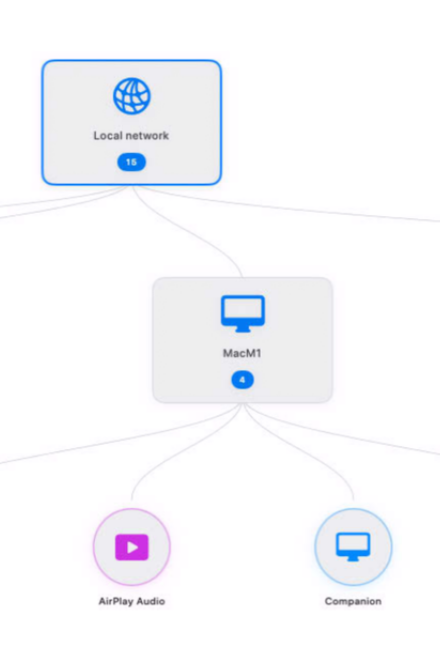
xNET gives you an instant visual understanding of your local network, making it easy to discover, identify, and monitor every connected device from a single intuitive interface. Whether you're managing a home lab, a business network, or an enterprise environment, xNET helps you gain complete visibility and quickly understand what's happening across your infrastructure.
Detect computers, servers, printers, network equipment, and other connected devices in seconds. Visualize relationships, identify potential issues before they become problems, and simplify troubleshooting with a clear network map that makes even complex environments easy to navigate and understand.
Built natively for macOS, xNET delivers a fast, modern experience designed for IT professionals, administrators, and power users. Spend less time scanning your network manually and more time improving security, optimizing performance, and keeping your infrastructure running smoothly.
Version 1.2.3 for Mac
Required: macOS 14 or a more recent version for the best experience.
Universal binary optimized for Intel and Apple Silicon processors.
Verified and code-signed through Apple’s notarization service to ensure a safe and trusted app. Localized in ten popular languages.
🇺🇸 🇬🇧 🇫🇷 🇳🇱 🇩🇪 🇮🇹 🇵🇹 🇪🇸 🇨🇳 🇯🇵 🇰🇷
A solution built in partnerships with mCloud Compute


Main features
- Live Network Discovery
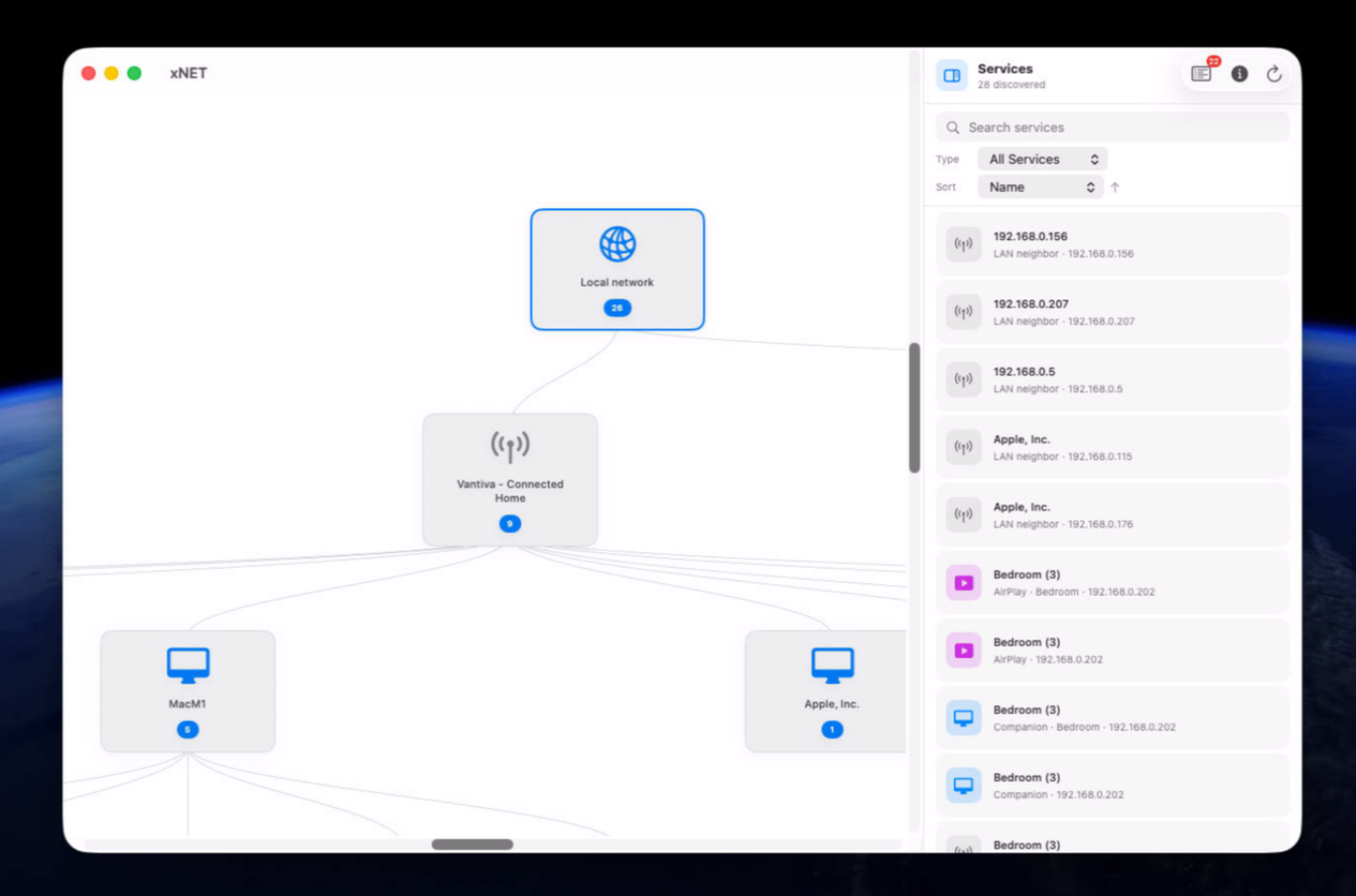
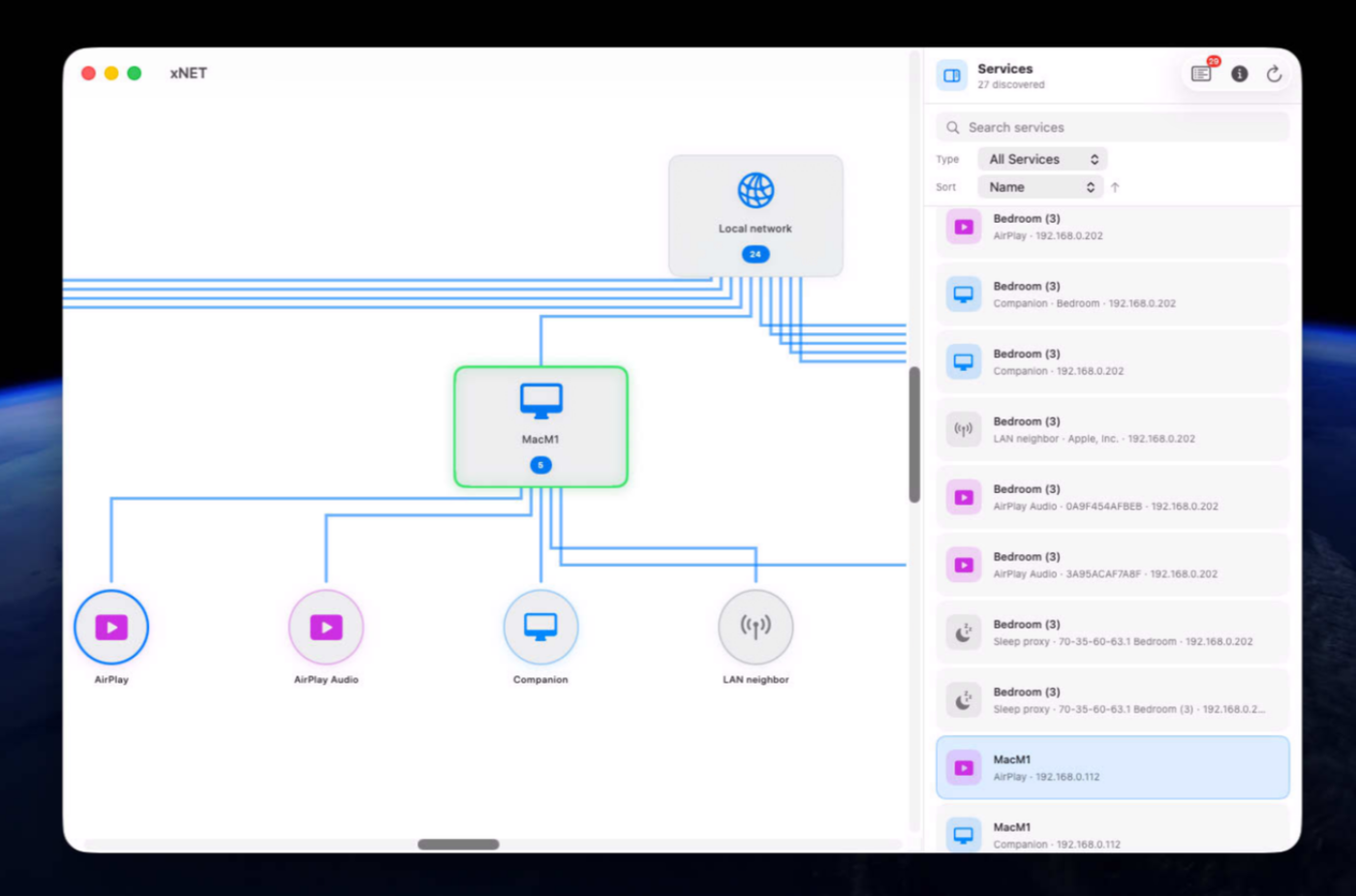
Find devices and services using Bonjour across web, SSH, file sharing, AirPlay, and more.
- Interactive Network Map
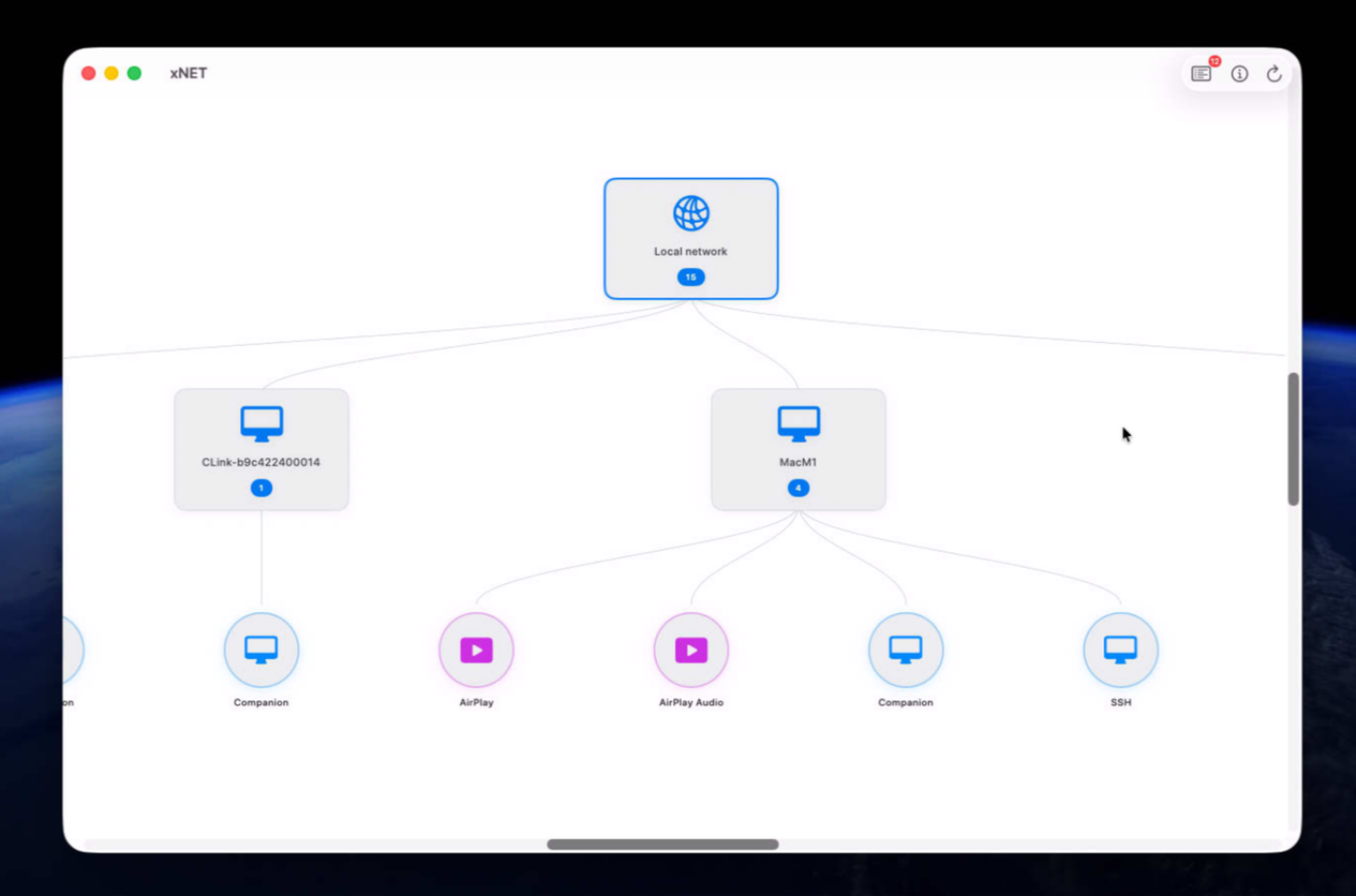
Explore your network on a zoomable, hierarchical canvas instead of a flat list.
- Extended LAN Discovery
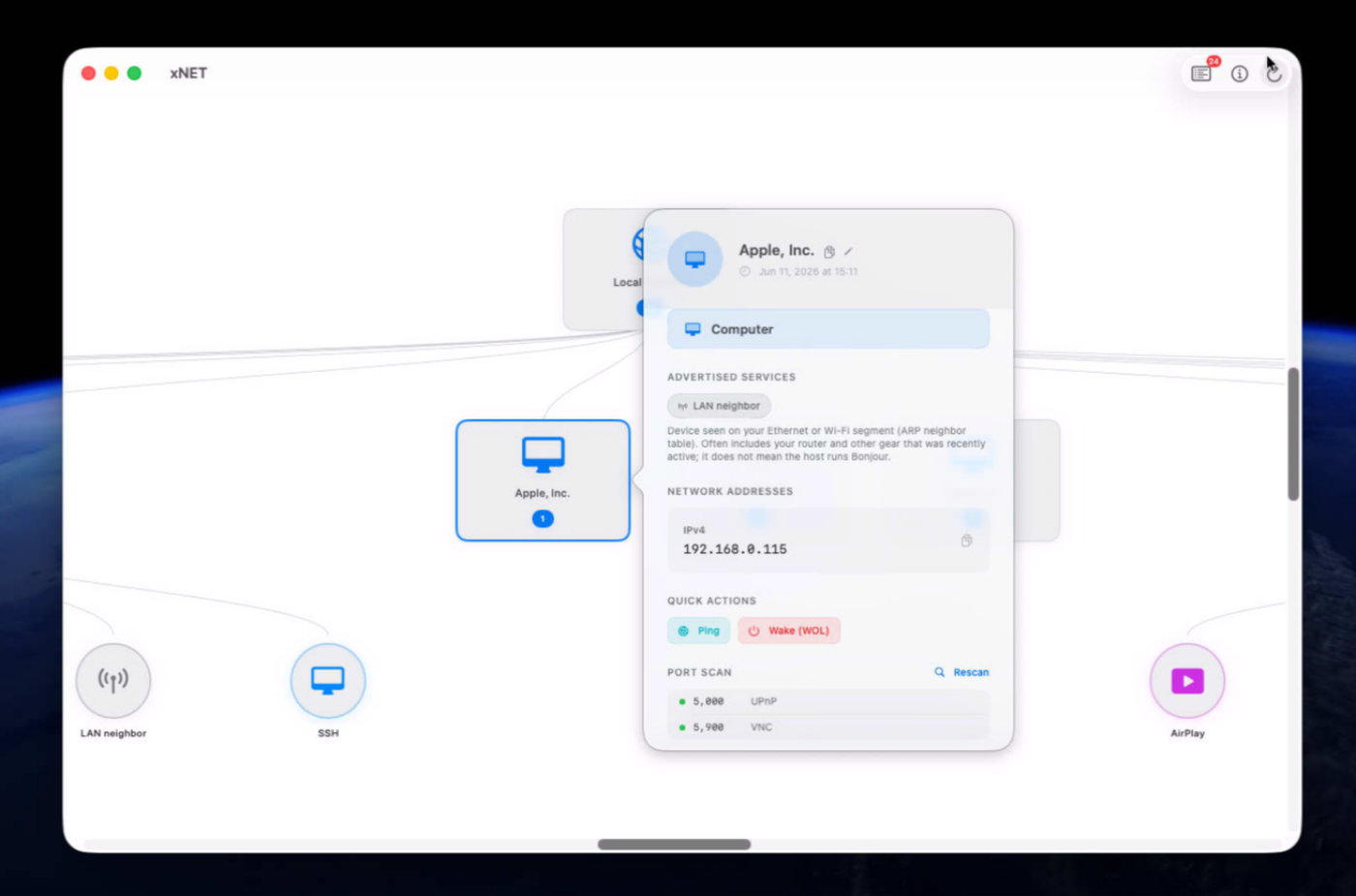
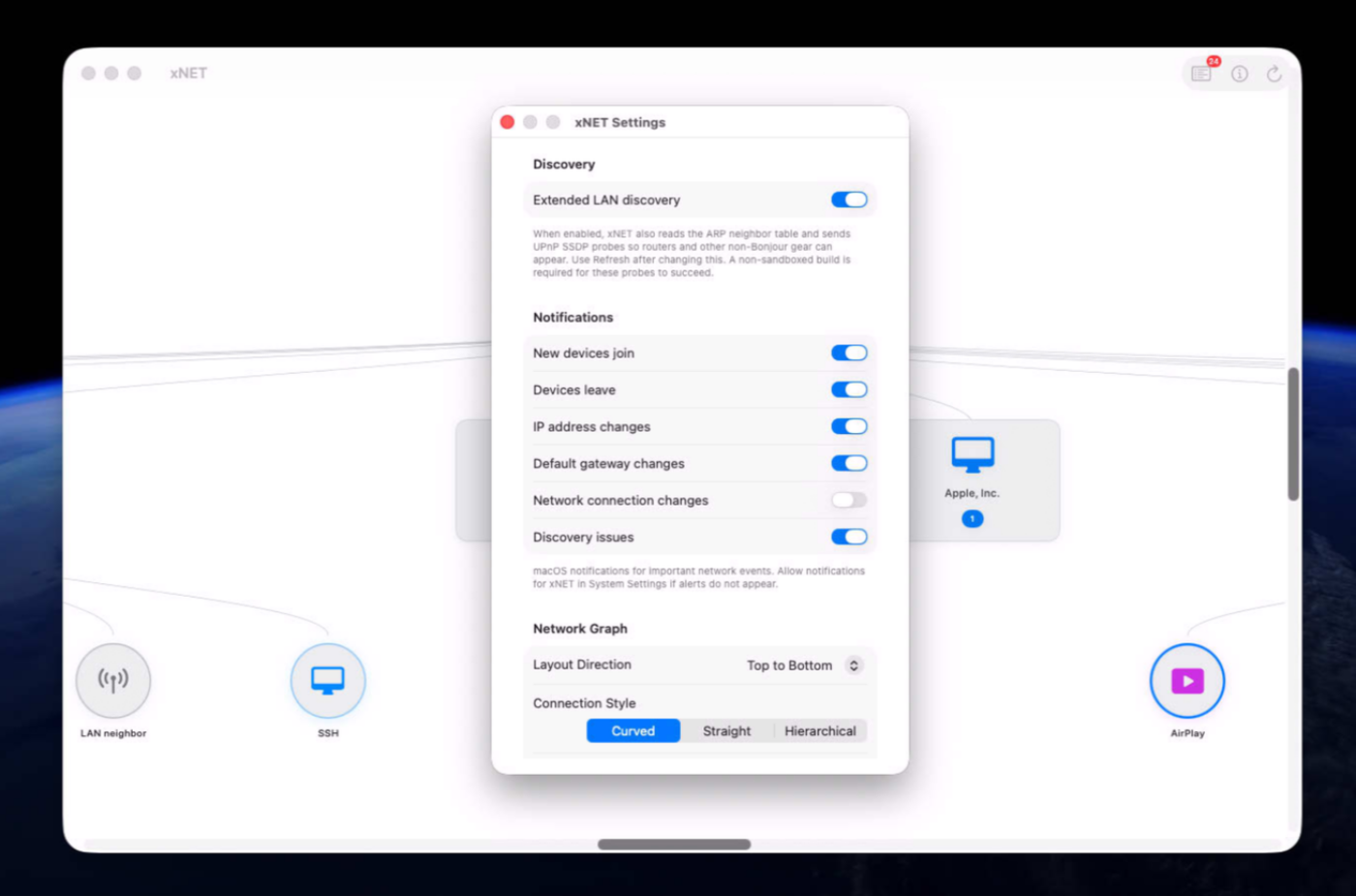
Optionally detect routers and other non-Bonjour devices using ARP and SSDP.
- Real-Time Updates
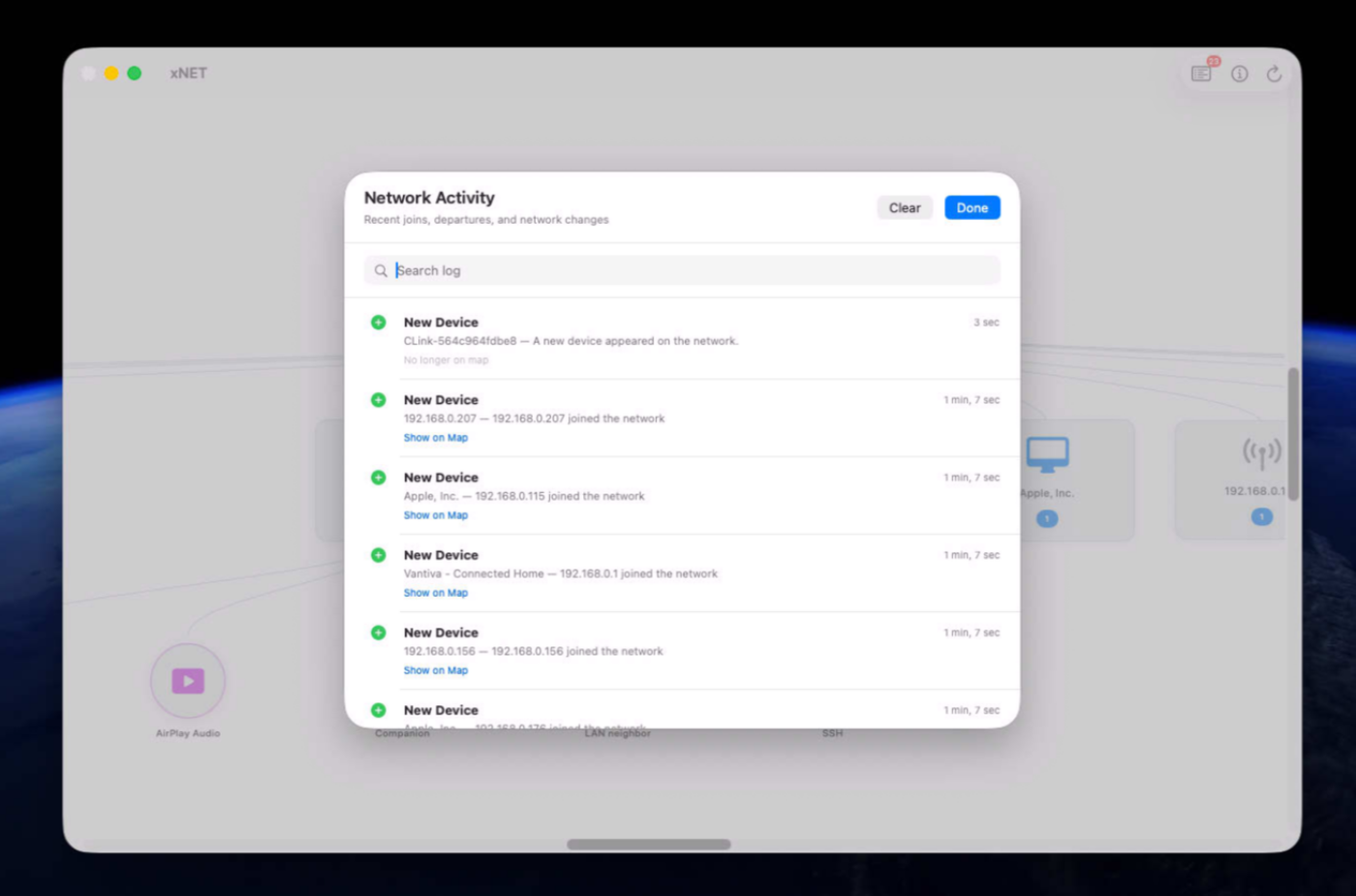
Watch the map refresh as devices and services connect, change, or disappear.
- Detailed Device Information
Inspect device names, addresses, and available services directly from the map.
- Latency Heatmap
Quickly identify devices with slow network response times.
- Customizable Layout
Adjust direction, connections, colors, and line thickness to personalize your map.
- Multiple Export Formats
Export your network map as JSON, CSV, PNG, or PDF.
- Native Mac Performance
Built with Swift and SwiftUI for a fast, responsive macOS experience.
Screenshots
Try the app before purchasing a license
Folow these steps for the best user experience
Download the trial
Use the download trial version button to get the latest version.
Play with the app
Explore the main features for free by playing with the evaluation version.
Buy a license
Purchase a license when you are feeling comfortable with the app.
Unlock all features
Enter the purchased license in the trial version to unlock all features.
Built with modern foundations
This app is fully optimized for
macOS 14 Sonoma, macOS 15 Sequoia, macOS 26 Tahoe and macOS 27 Golden Gate

Pricing
$79 USD per computer
Pay once, own it forever, no recurring subscriptions.
You can purchase the app from our online store and get generous discounts for volume purchases.

We build custom native apps tailored to your brand
Contact us to get a quote with the custom features you are looking for



Request a Quote