 ScreenTag 1.5
Capture and annotate from the menu bar
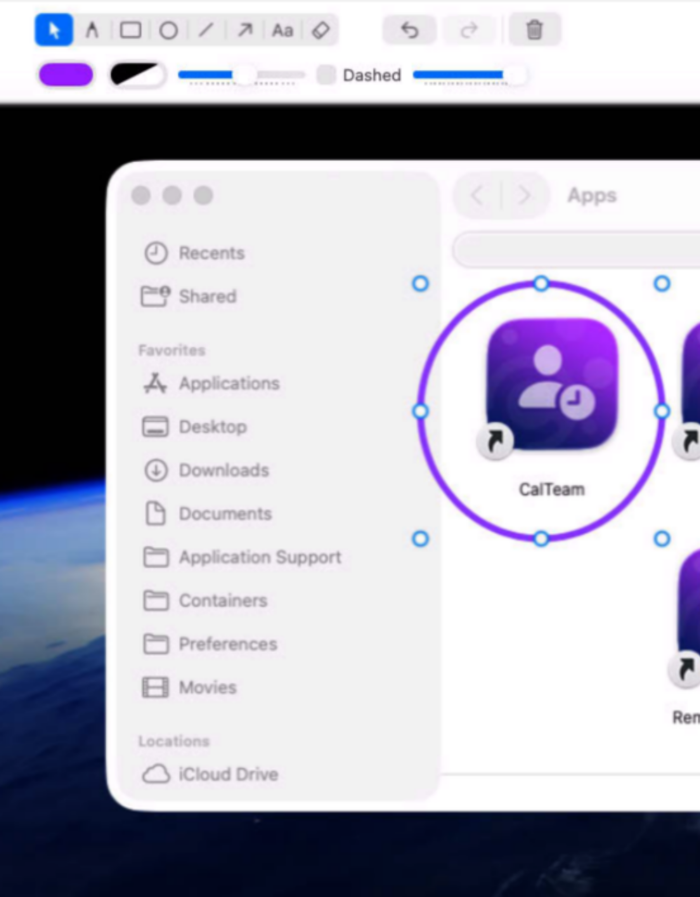
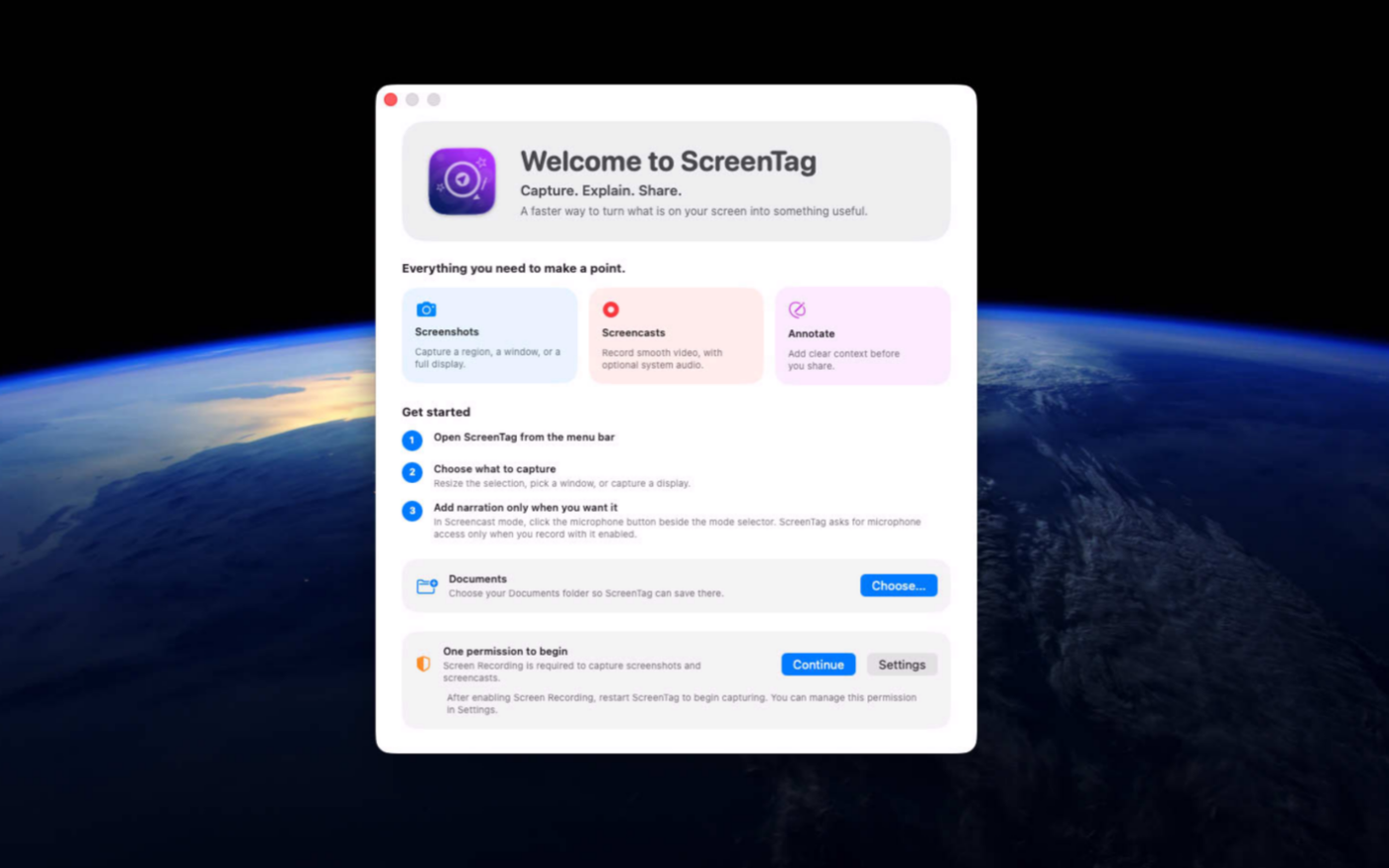
ScreenTag helps you capture, explain, and share ideas with clarity in just a few clicks. Whether you're creating tutorials, documenting software, reporting bugs, preparing presentations, or collaborating with colleagues, ScreenTag transforms screenshots and screen recordings into professional visual communication that everyone can understand.
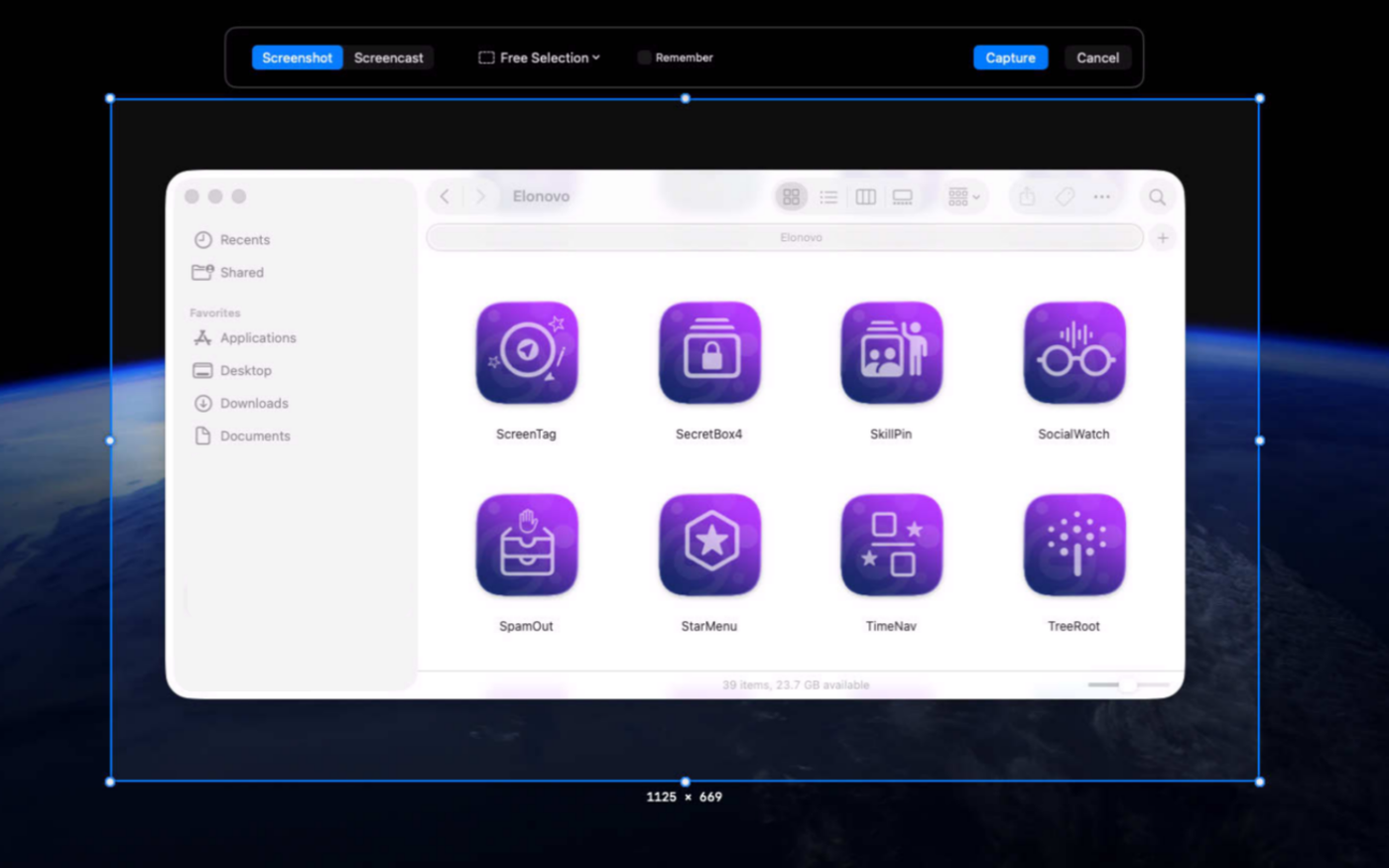
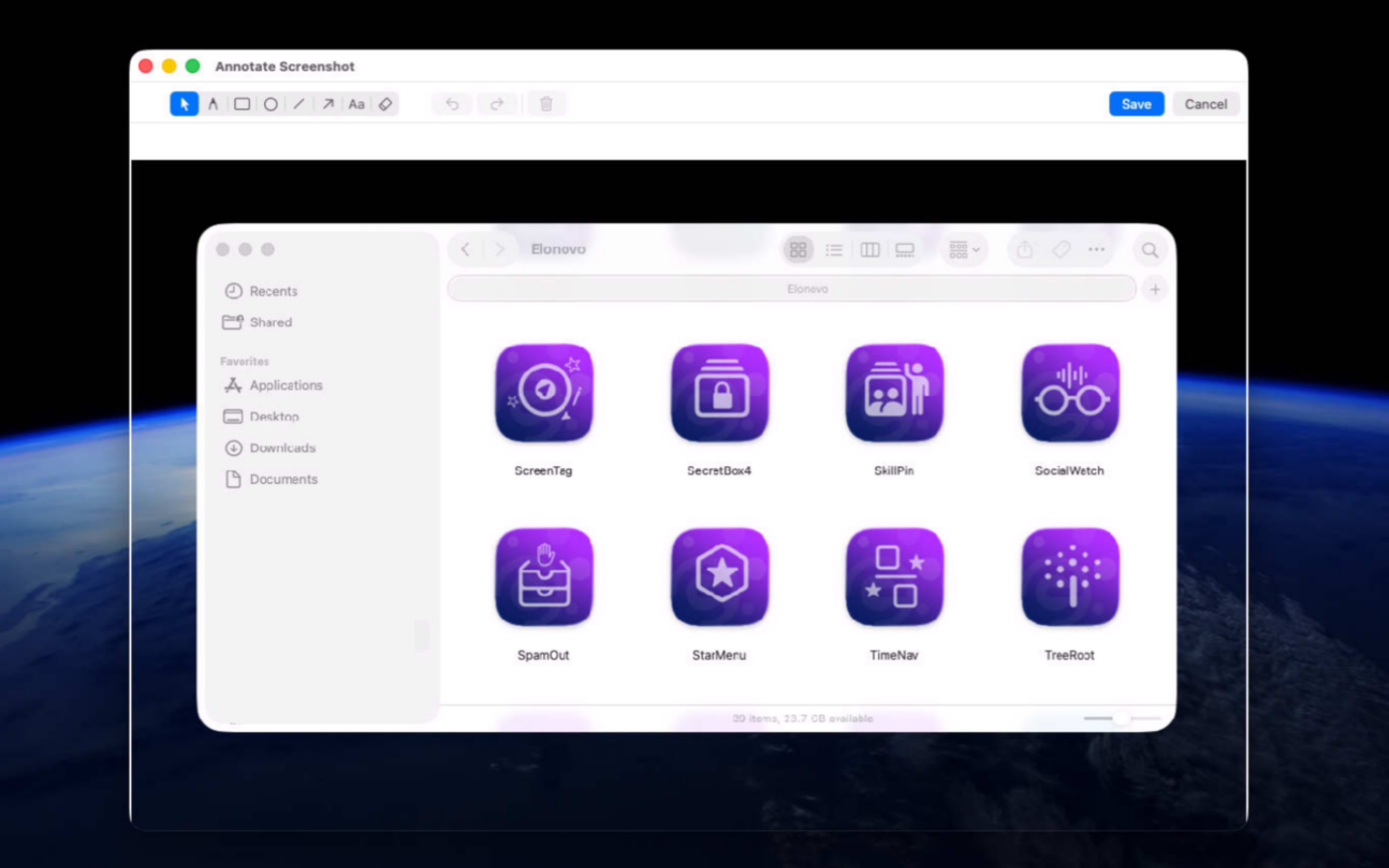
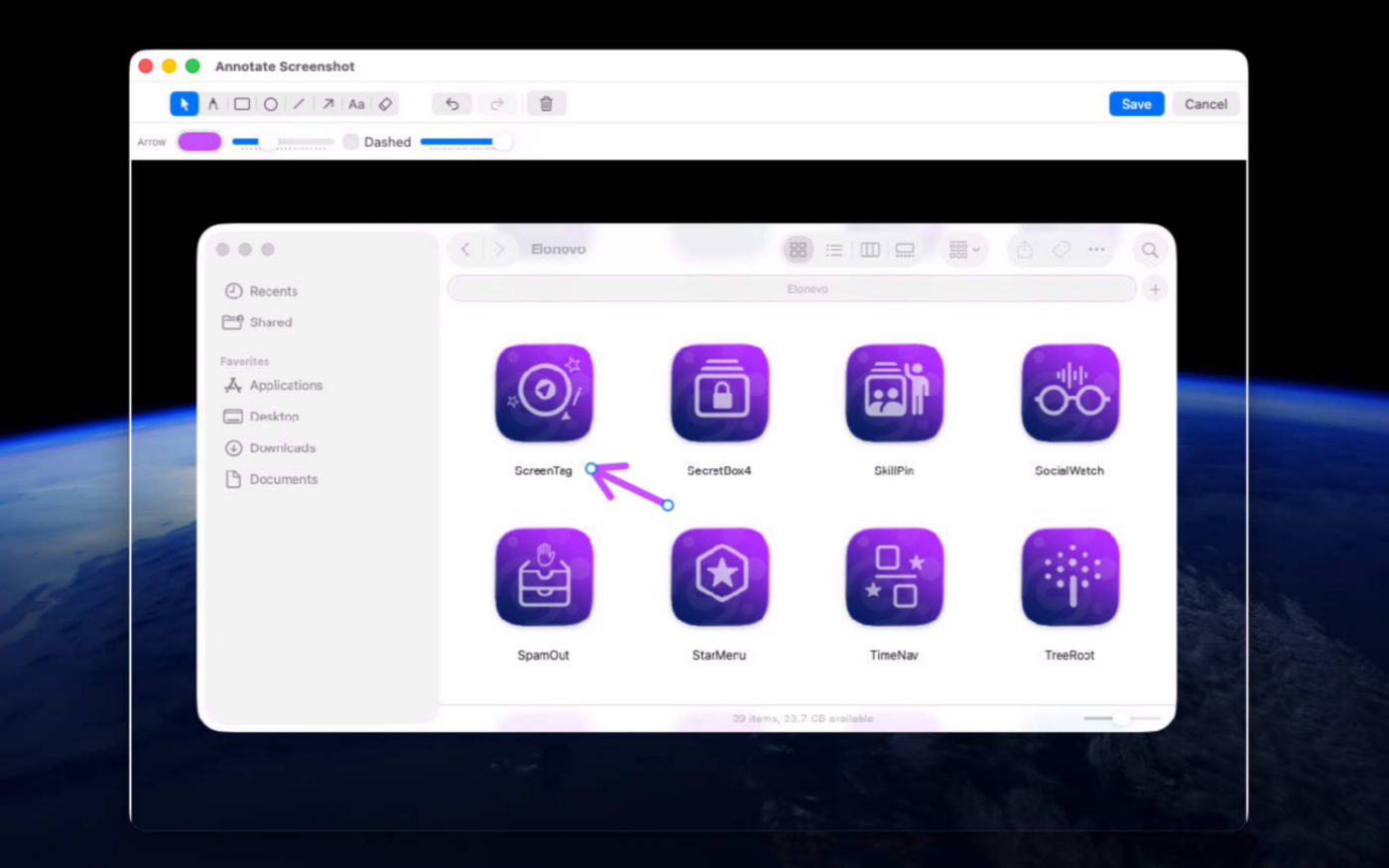
Capture your entire screen, a selected area, or a specific window, then instantly annotate images with arrows, shapes, text, and drawings to highlight what matters most. Record screencasts with ease and communicate complex ideas faster, reducing misunderstandings and making collaboration more efficient across teams.
Built natively for macOS, ScreenTag delivers a fast, lightweight experience that integrates seamlessly into your daily workflow.
Version 1.5 for Mac
Required: macOS 15 or a more recent version for the best experience.
Universal binary optimized for Intel and Apple Silicon processors.
Verified and code-signed through Apple’s notarization service to ensure a safe and trusted app. Localized in ten popular languages.
🇺🇸 🇬🇧 🇫🇷 🇳🇱 🇩🇪 🇮🇹 🇵🇹 🇪🇸 🇨🇳 🇯🇵 🇰🇷
Main features
- Screen Recording & Capture
Record smooth 60 fps video or capture high-resolution images of any screen, window, or custom area.
- Powerful Annotation Tools
Add arrows, shapes, text, and freehand drawings to highlight important details.
- Editable Annotations
Move, resize, or remove annotations even after placing them.
- Menu Bar Access
Keep every capture tool within reach without cluttering your workspace.
- Flexible Export & Sharing
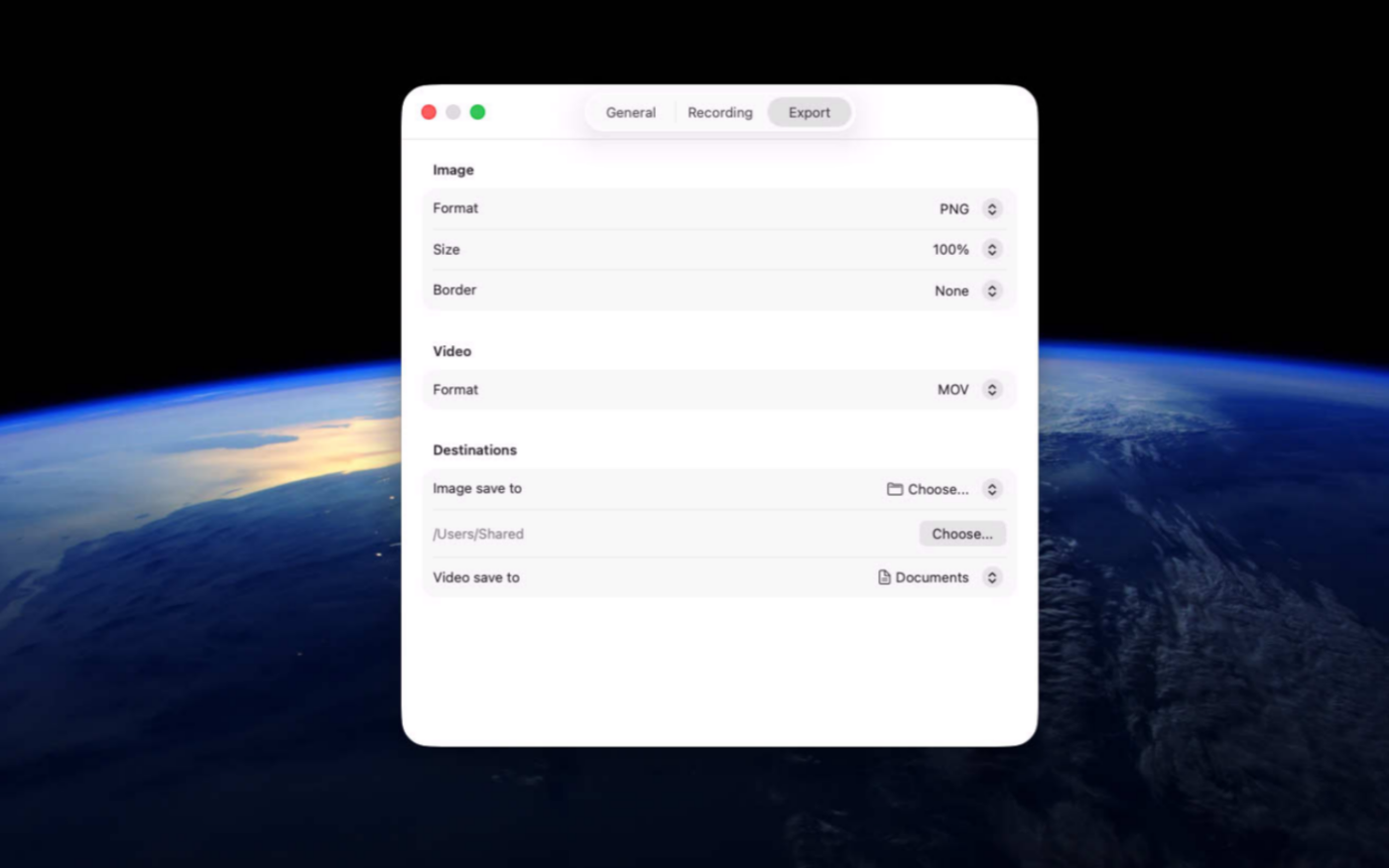
Save captures to your desktop or a custom folder, or copy them directly to the clipboard.
- Multi-Display Support
Capture across multiple monitors with overlays adapted to each screen’s size and scaling.
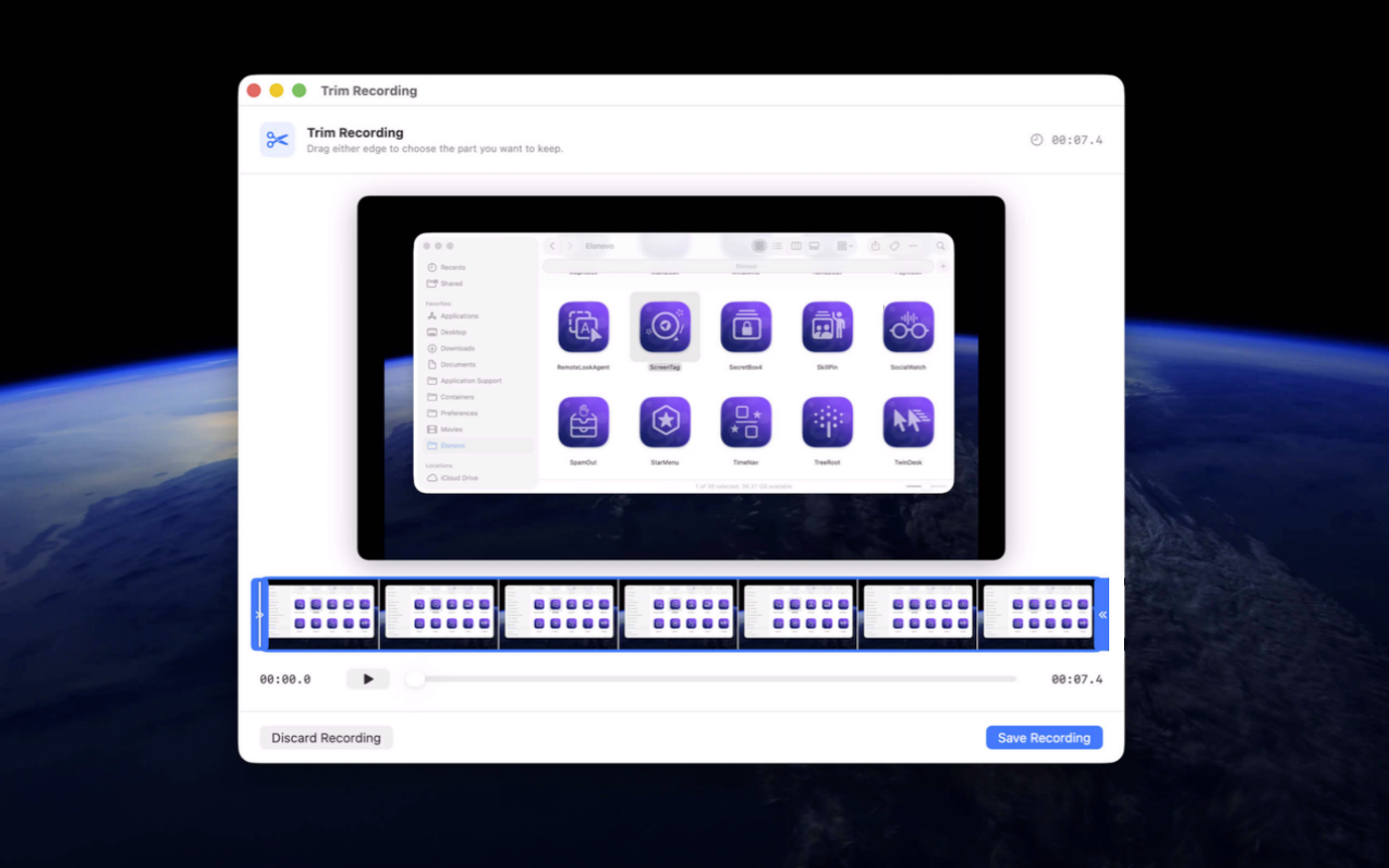
- Trimming Editor
Change the duration of screencast before saving.
- Intuitive Design
Built with the best practices in user experience and design trends.
- Full Control
Integrated assistant to setup the correct permissions on macOS.
Screenshots
Video
Video recorded with ScreenTag free utility
Built with modern foundations
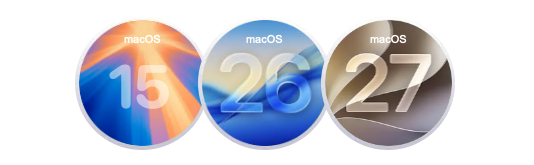
This app is fully optimized for
macOS 15 Sequoia, macOS 26 Tahoe and macOS 27 Golden Gate
We build custom native apps tailored to your brand
Contact us to get a quote with the custom features you are looking for


Request a Quote