
 TwinDesk 1.0
One computer leads, the others follow
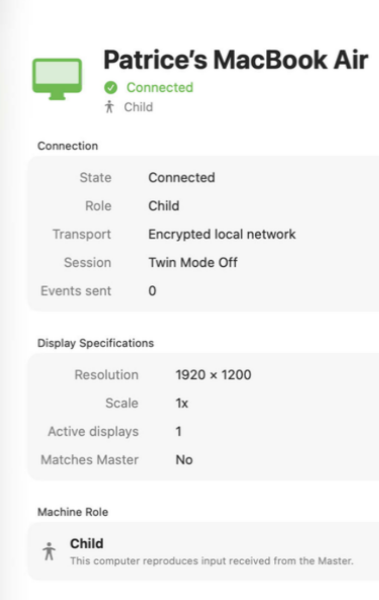
TwinDesk lets you control multiple Macs from a single computer by securely replicating mouse movements, clicks, and keyboard input across your local network.
Choose one Mac as the Master, connect the others as Children, and start Twin Mode whenever you want them to follow the same actions. TwinDesk uses encrypted local connections, requires no screen recording, and keeps you in control of when synchronization starts and stops.
It is ideal for repeating workflows, testing applications, configuring multiple computers, and performing the same task across several Macs at once. All participating Macs must have TwinDesk Agent installed, and matching display resolutions are recommended for accurate synchronization.
Version 1.0.2 for Mac
Required: macOS 14 or a more recent version for the best experience.
Universal binary optimized for Intel and Apple Silicon processors.
Verified and code-signed through Apple’s notarization service to ensure a safe and trusted app. For businesses interested to customize this app with AI tools, the source code is available as an option. Contact us for an invoice. Available in English only.
A solution built in partnerships with mCloud Compute.
Main features
- Control Multiple Macs
Repeat mouse and keyboard actions across several Macs at once.
- Master and Child Roles
Choose one Mac to lead while the others follow its actions.
- Twin Mode Control
Start and stop action synchronization whenever you choose.
- Local Network Only
Connections remain between Macs on your local network.
- Encrypted Communication
Commands are protected with secure, encrypted connections.
- No Screen Recording
TwinDesk synchronizes input without capturing or streaming screens.
- Mouse Synchronization
Replicate movements, clicks, dragging, and scrolling.
- Keyboard Synchronization
Enter text and reproduce keyboard shortcuts across connected Macs.
- Automatic Reconnection
Trusted Macs reconnect securely when TwinDesk is relaunched.
- Built for Repetitive Workflows
Configure, test, and operate multiple Macs more efficiently.
Screenshots
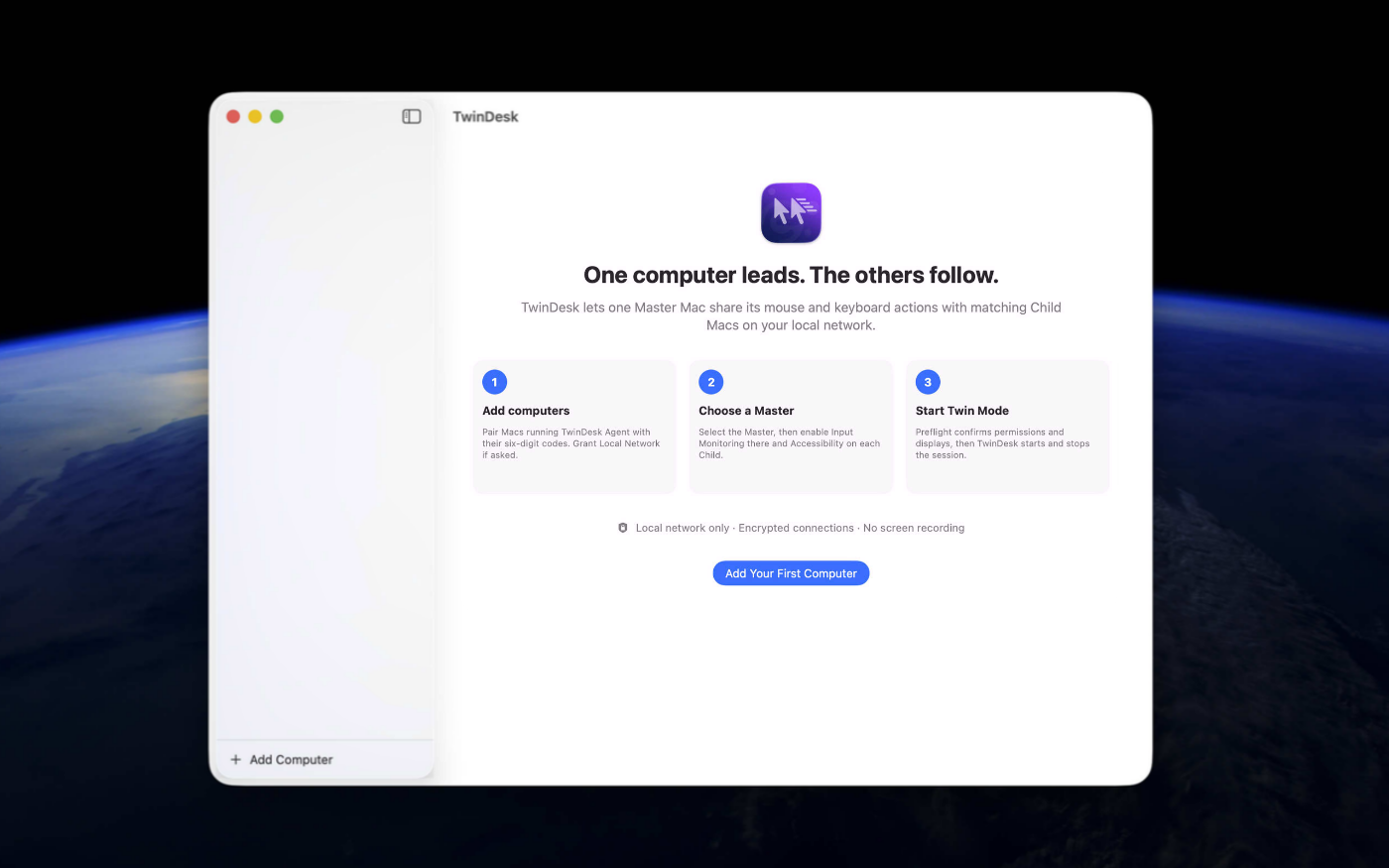
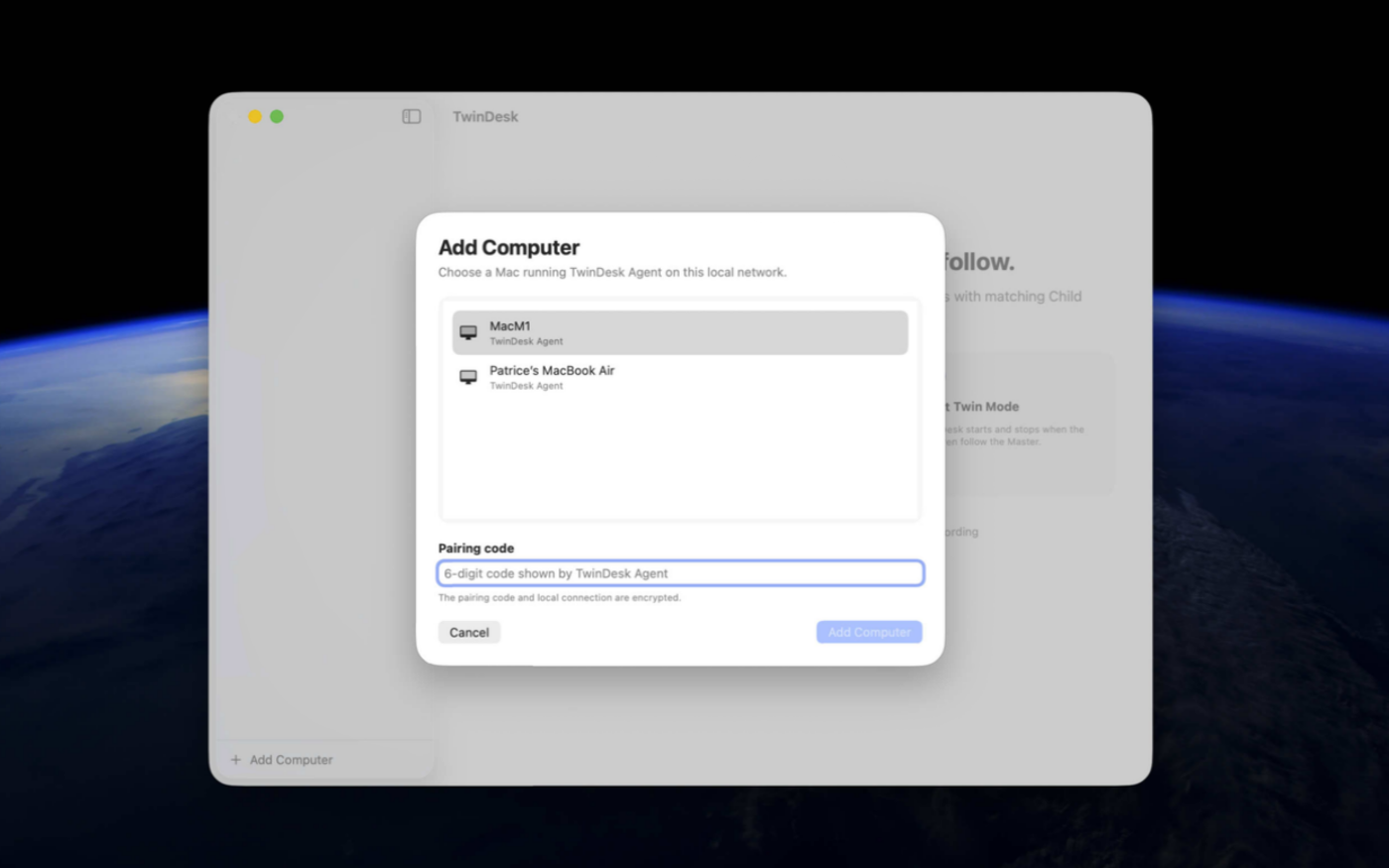
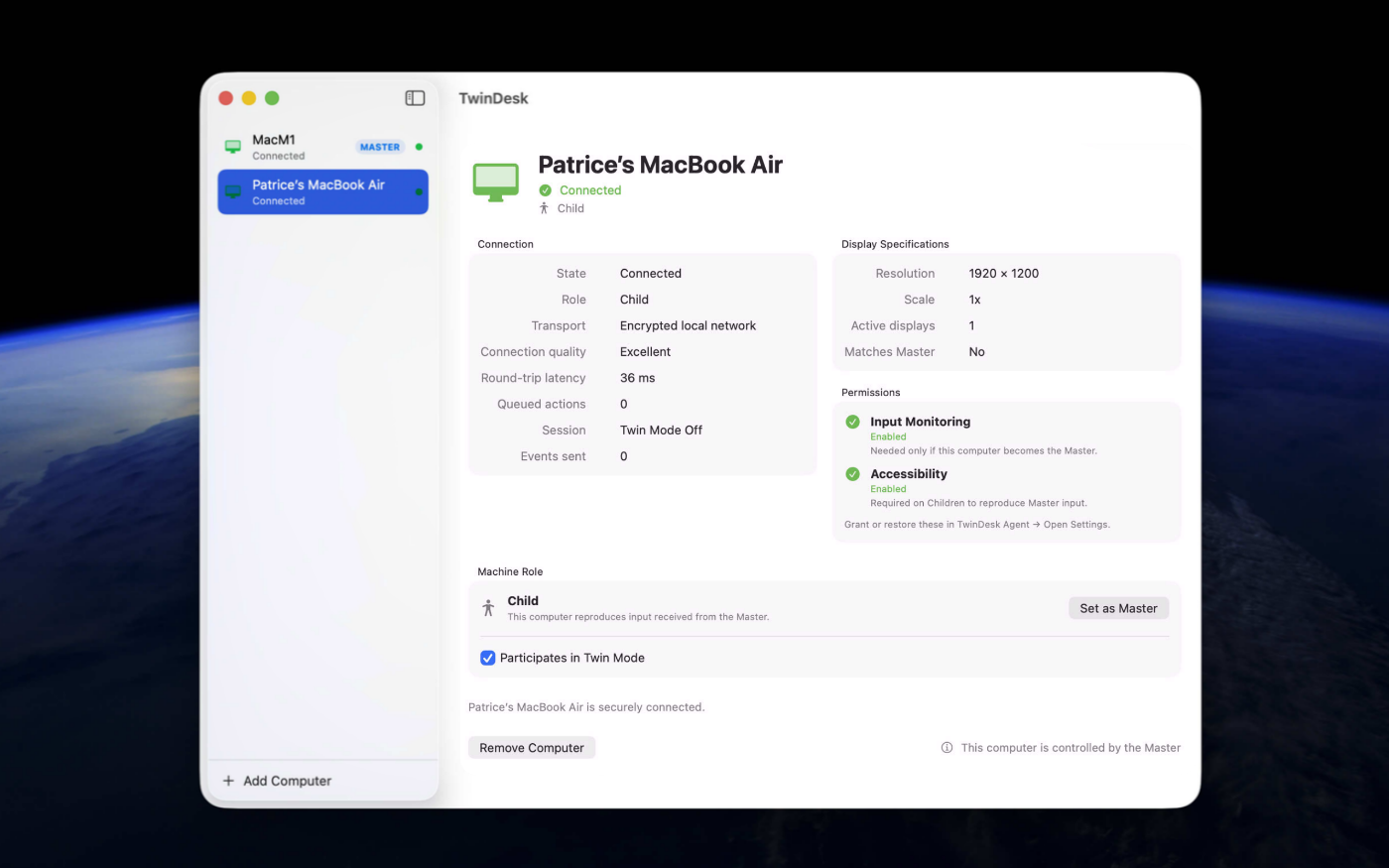
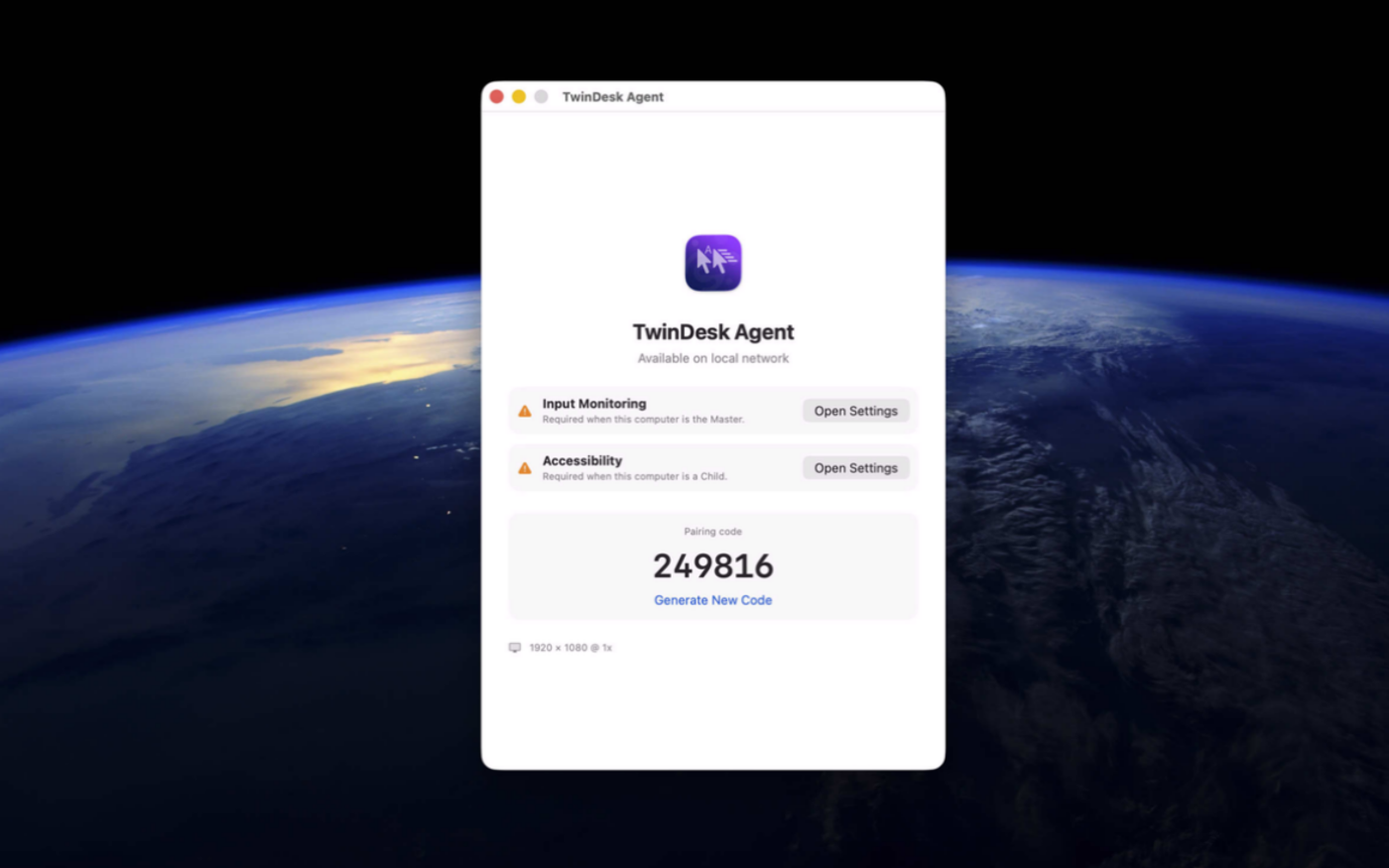
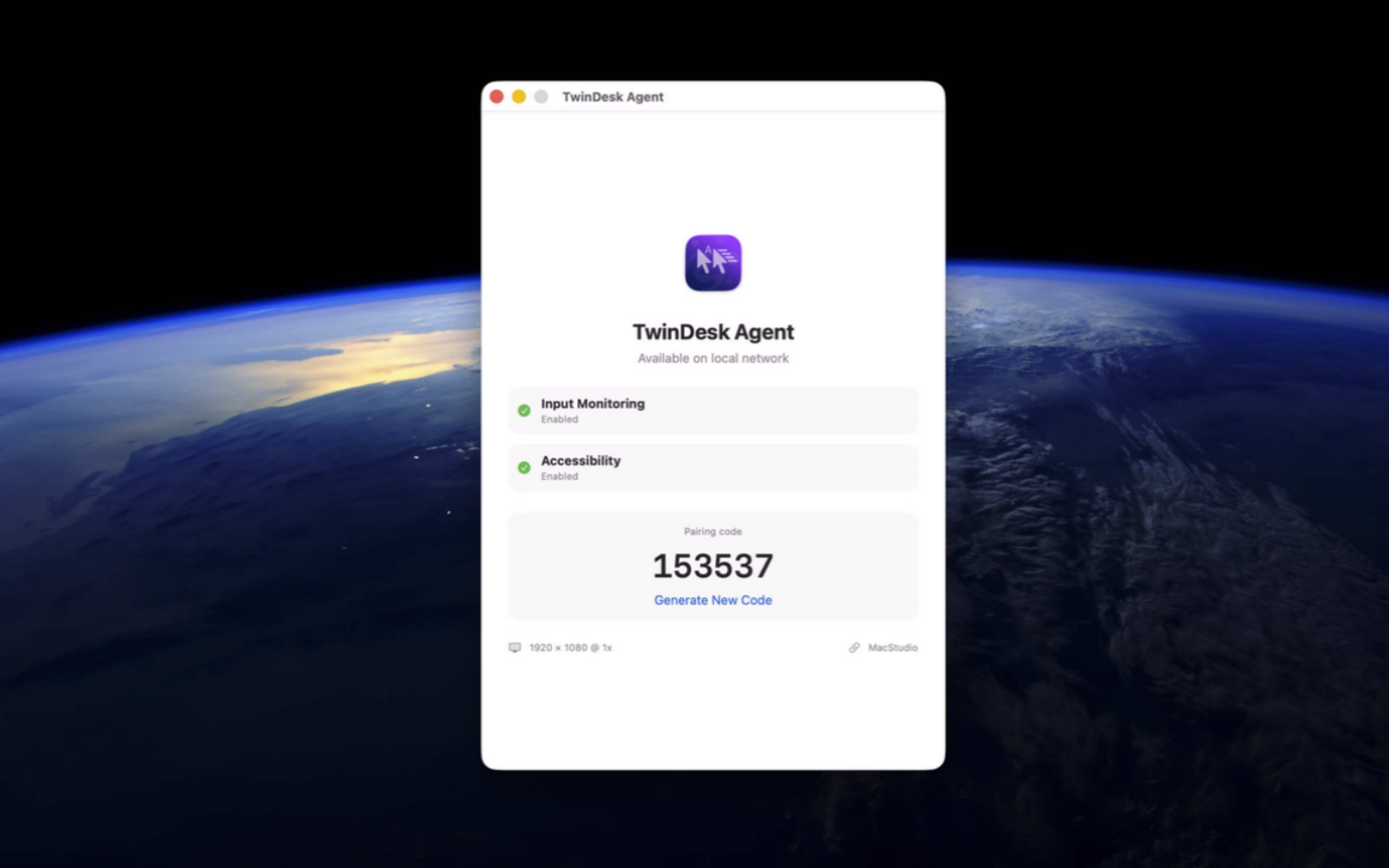
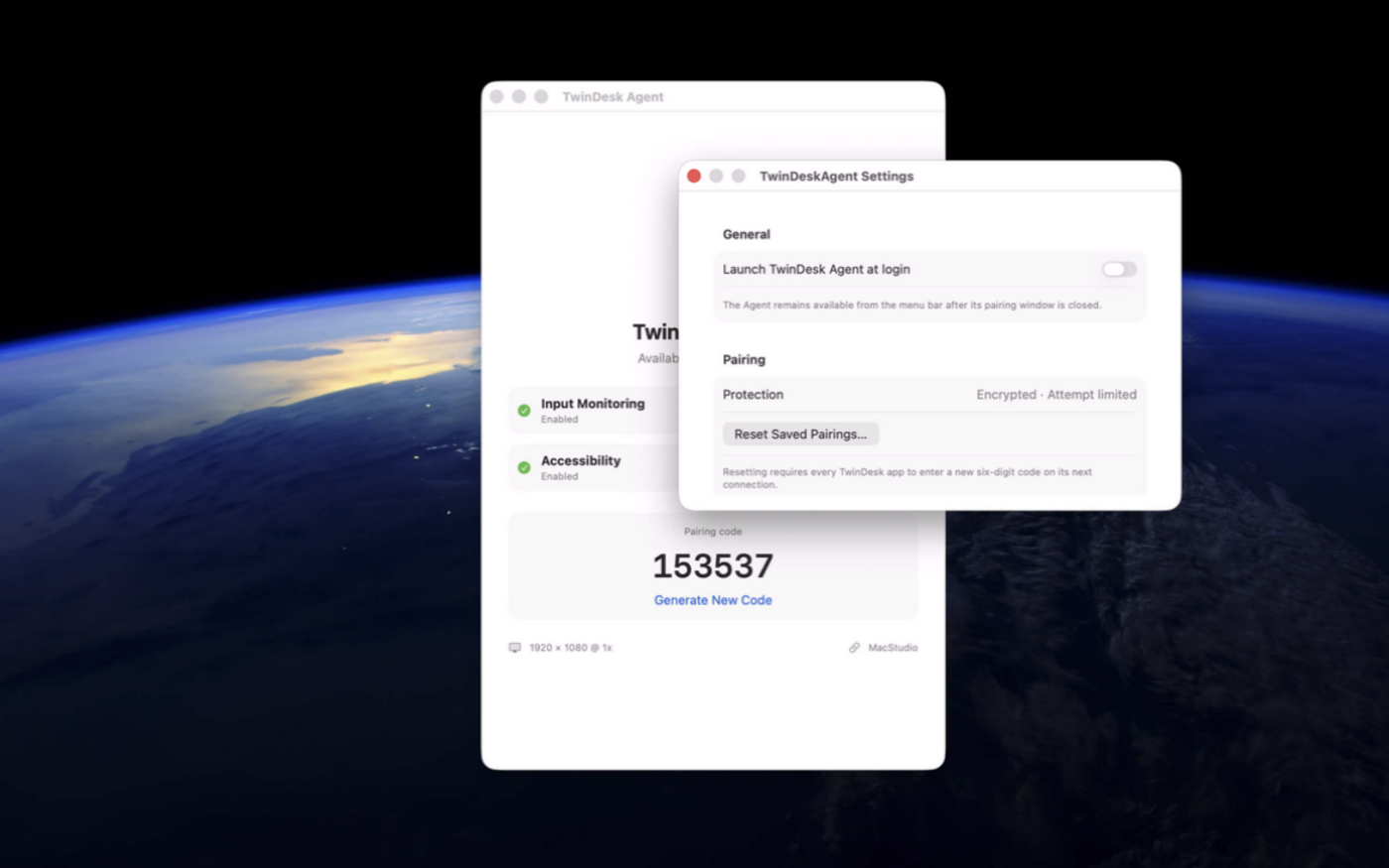
Try the app before purchasing a license
Folow these steps for the best user experience
Download the trial
Use the download trial version button to get the latest version.
Play with the app
Explore the main features for free by playing with the evaluation version.
Buy a license
Purchase a license when you are feeling comfortable with the app.
Unlock all features
Enter the purchased license in the trial version to unlock all features.
Built with modern foundations
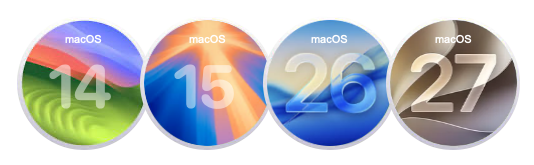
This app is fully optimized for
macOS 14 Sonoma, macOS 15 Sequoia, macOS 26 Tahoe and macOS 27 Golden Gate
Pricing
$49 USD per computer
Pay once, own it forever, no recurring subscriptions.
You can purchase the app from our online store and get generous discounts for volume purchases.

We build custom apps tailored to your business
Get your own app for Mac, iPad or iPhone built with Swift and SwiftUI.



Request a Quote