
 DigiScreen 3.7
Create and play animated screens
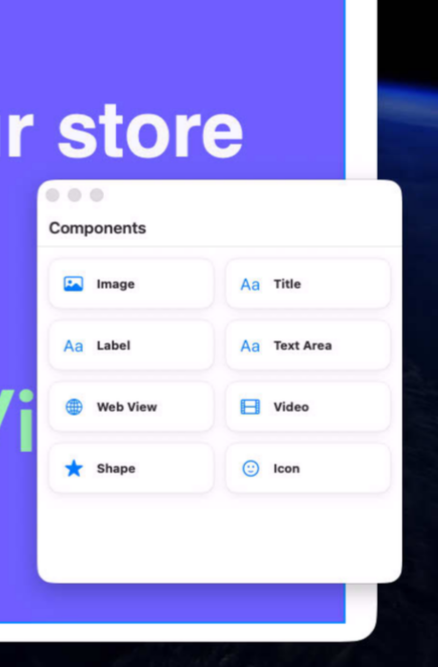
DigiScreen makes it easy to create and play stunning screens that captures attention and keeps your audience informed. Whether you're managing displays in retail stores, restaurants, corporate offices, hotels, museums, schools, or trade shows, DigiScreen helps you deliver professional visual experiences without the complexity of traditional signage systems.
Design engaging screens with images, videos, text, icons, and other rich content using an intuitive visual editor built for speed and creativity.
Built natively for macOS, DigiScreen combines performance, flexibility, and ease of use in a modern application. Spend less time managing screens and more time engaging customers, communicating important information, and creating memorable experiences that strengthen your brand.
DigiKiosk, a pro version with multiple screens support is available at xproline.io.
Version 3.7.2 for Mac
Required: macOS 14 or a more recent version for the best experience.
Universal binary optimized for Intel and Apple Silicon processors.
Verified and code-signed through Apple’s notarization service to ensure a safe and trusted app. For businesses interested to customize this app with AI tools, the source code is available as an option. Contact us for an invoice. Localized in ten popular languages.
🇺🇸 🇬🇧 🇫🇷 🇳🇱 🇩🇪 🇮🇹 🇵🇹 🇪🇸 🇨🇳 🇯🇵 🇰🇷
Main features
- Animated Screens
Create dynamic screens with smooth transitions and motion.
- Full-Screen Play
Present your project cleanly on the current display.
- Easy Layout
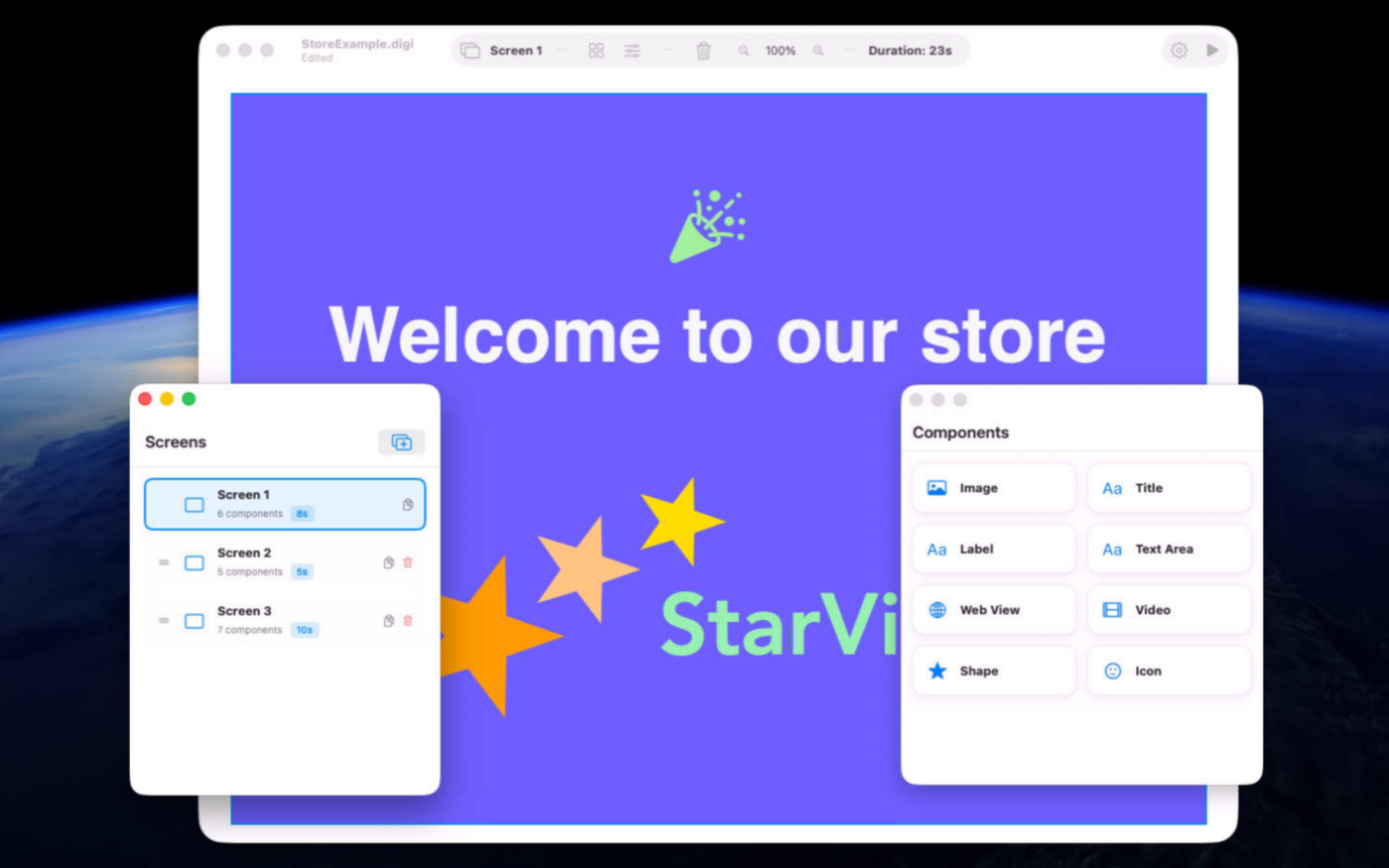
Arrange text, images, shapes, video, and web content visually.
- 15-Screen Projects
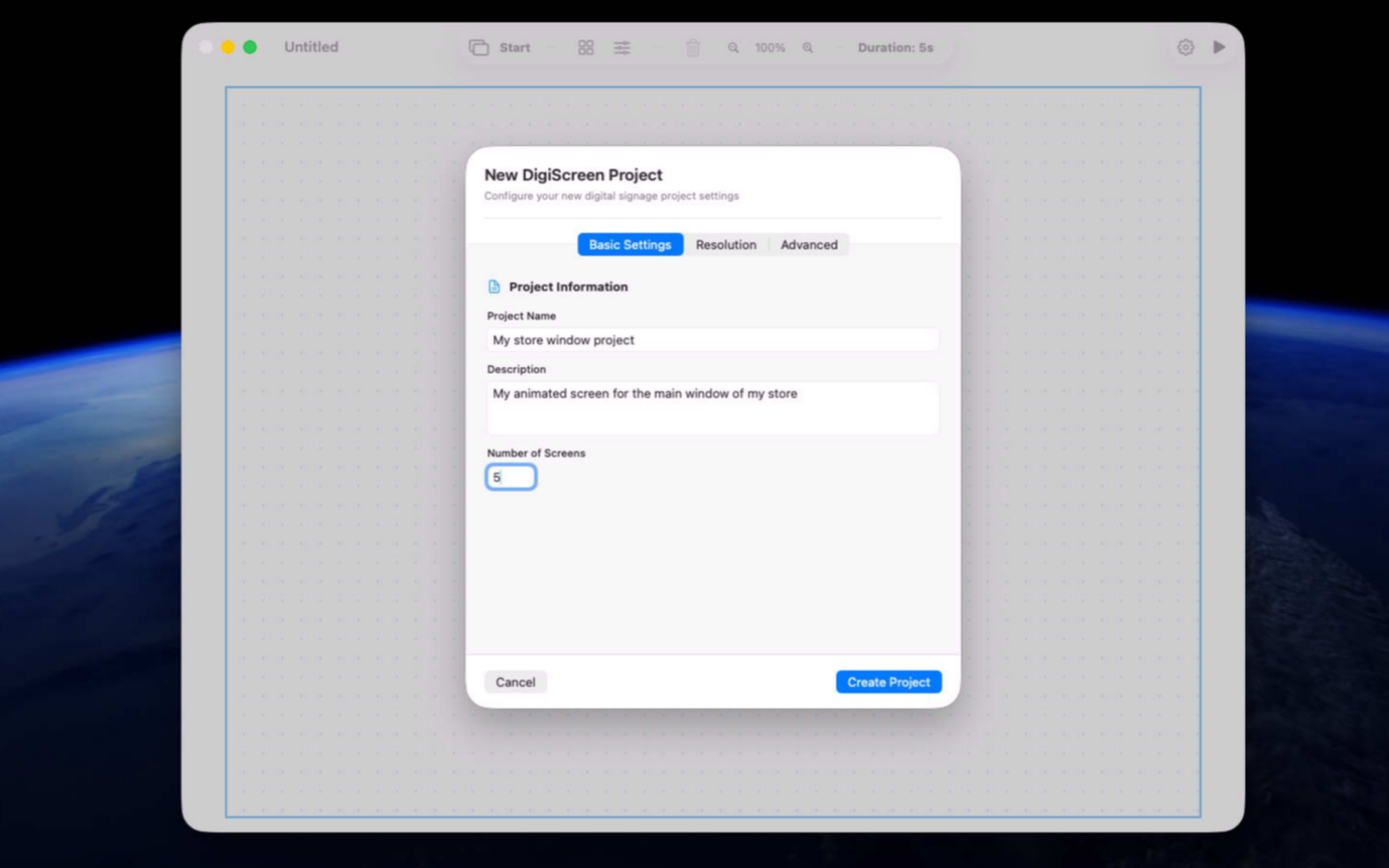
Build up to 15 screens in every DigiScreen project.
- Flexible Display Sizes
Start with common resolutions or define your own.
- Screen Timing
Control how long each screen remains visible.
- Rich Text
Style titles, messages, and information with ease.
- Images and Video
Bring screens to life with your own visual media.
- Easy Upgrade to Pro Version
DigiKiosk from xproline.io is using the same file format.
Screenshots
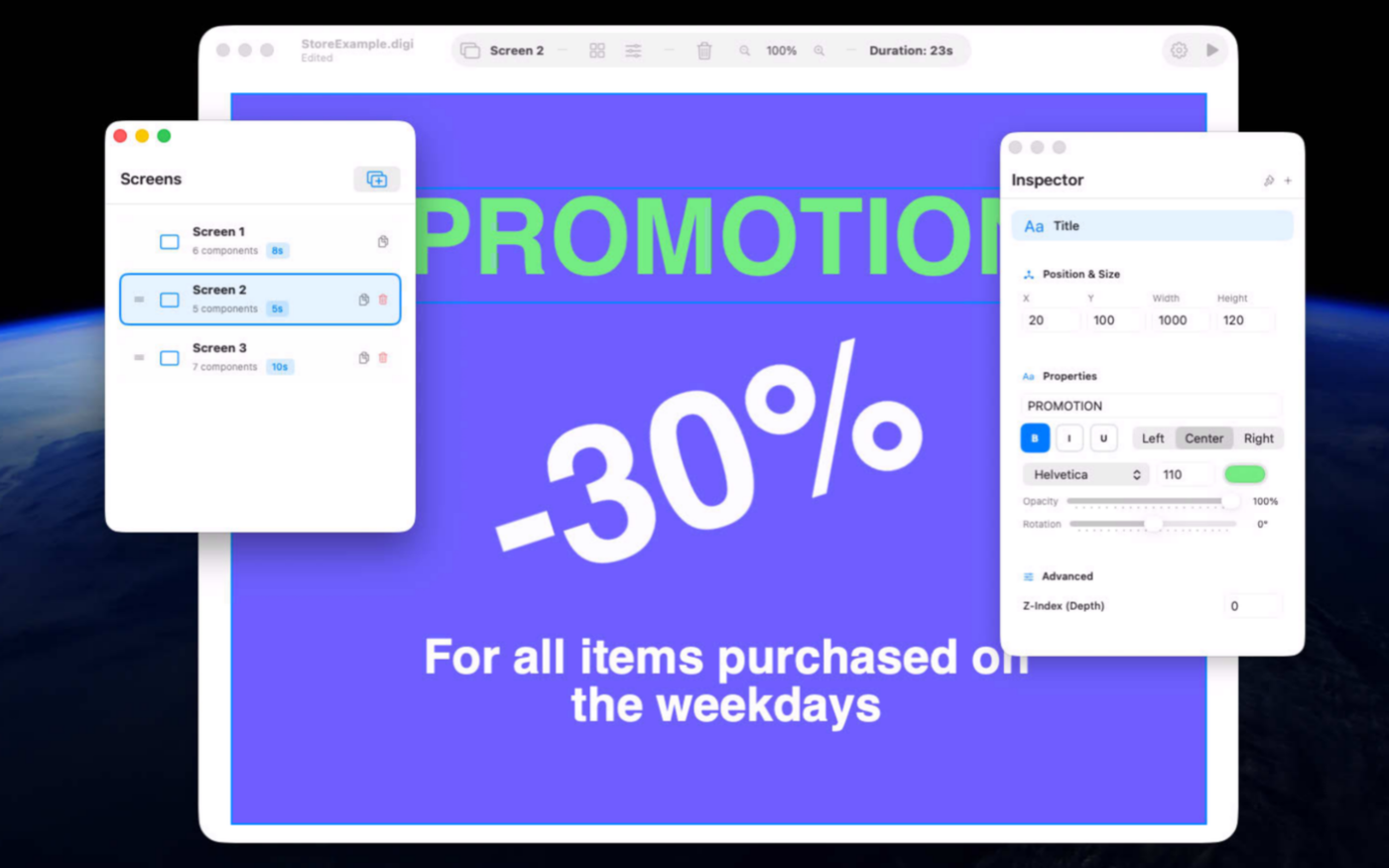
Try the app before purchasing a license
Folow these steps for the best user experience
Download the trial
Use the download trial version button to get the latest version.
Play with the app
Explore the main features for free by playing with the evaluation version.
Buy a license
Purchase a license when you are feeling comfortable with the app.
Unlock all features
Enter the purchased license in the trial version to unlock all features.
Built with modern foundations
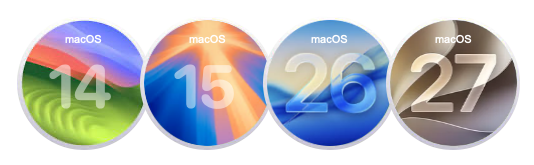
This app is fully optimized for
macOS 14 Sonoma, macOS 15 Sequoia, macOS 26 Tahoe and macOS 27 Golden Gate
Pricing
$49 USD per computer
Pay once, own it forever, no recurring subscriptions.
Two options are available
Buy the app from our online store to take advantage of generous volume discounts, or get it directly from the Mac App Store operated by Apple.
If you choose the Mac App Store, please move the trial version to the Trash and empty it before making your purchase (your data or documents are not impacted). Pricing on the Mac App Store varies by country and Apple policy. Developers have no access to Apple customer accounts.


We build custom native apps tailored to your brand
Contact us to get a quote with the custom features you are looking for



Request a Quote