
 FlashWrite 1.3
Quickly insert text snippets anywhere
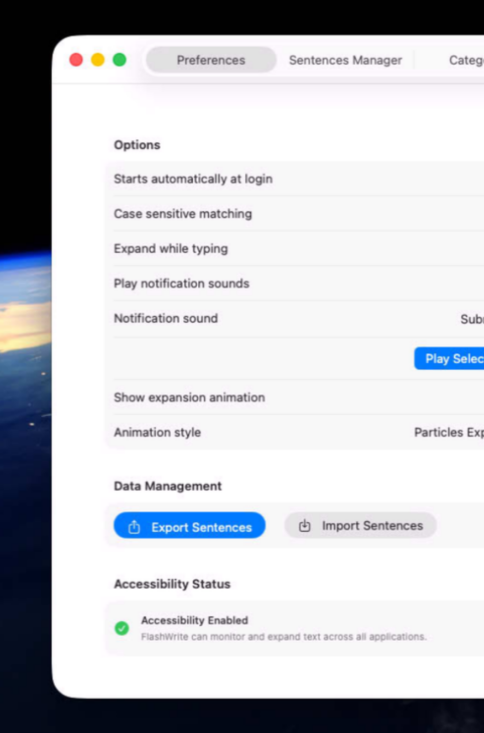
FlashWrite helps you capture ideas, write faster, and stay focused without distractions. Whether you're drafting articles, taking notes, preparing documentation, brainstorming ideas, or writing code, FlashWrite provides a clean, efficient workspace that keeps your thoughts flowing from the first word to the final draft.
Organize your writing effortlessly, maintain your momentum, and concentrate on what you want to say instead of managing complex formatting or unnecessary features. Designed for professionals, students, developers, and content creators, FlashWrite turns everyday writing into a faster, more enjoyable experience that helps you produce your best work.
Built natively for macOS, FlashWrite delivers exceptional performance and an elegant interface that feels perfectly at home.
Version 1.3.2 for Mac
Required: macOS 14 or a more recent version for the best experience.
Universal binary optimized for Intel and Apple Silicon processors.
Verified and code-signed through Apple’s notarization service to ensure a safe and trusted app. Localized in ten popular languages.
🇺🇸 🇬🇧 🇫🇷 🇳🇱 🇩🇪 🇮🇹 🇵🇹 🇪🇸 🇨🇳 🇯🇵 🇰🇷

Main features
- Instant Text Expansion
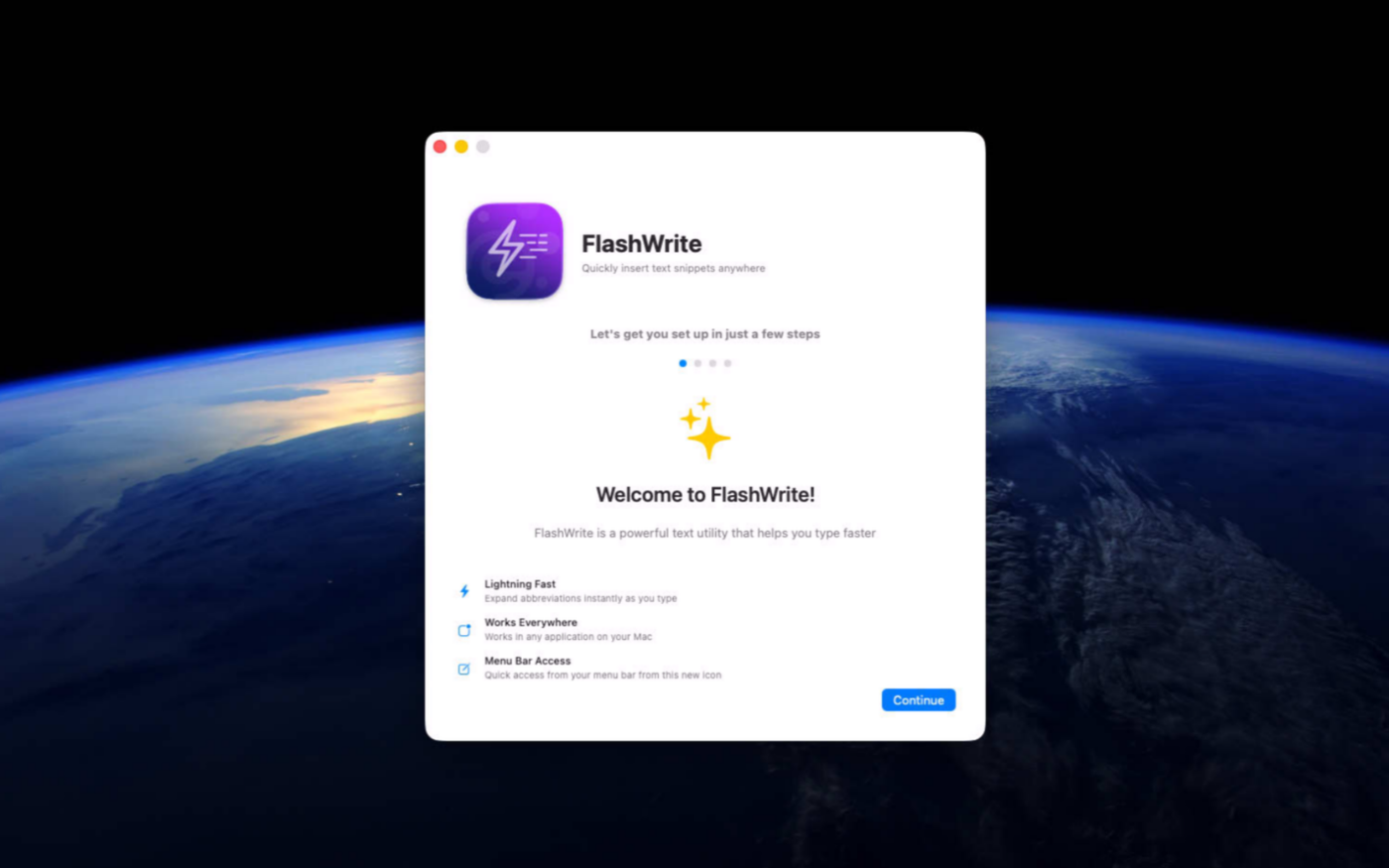
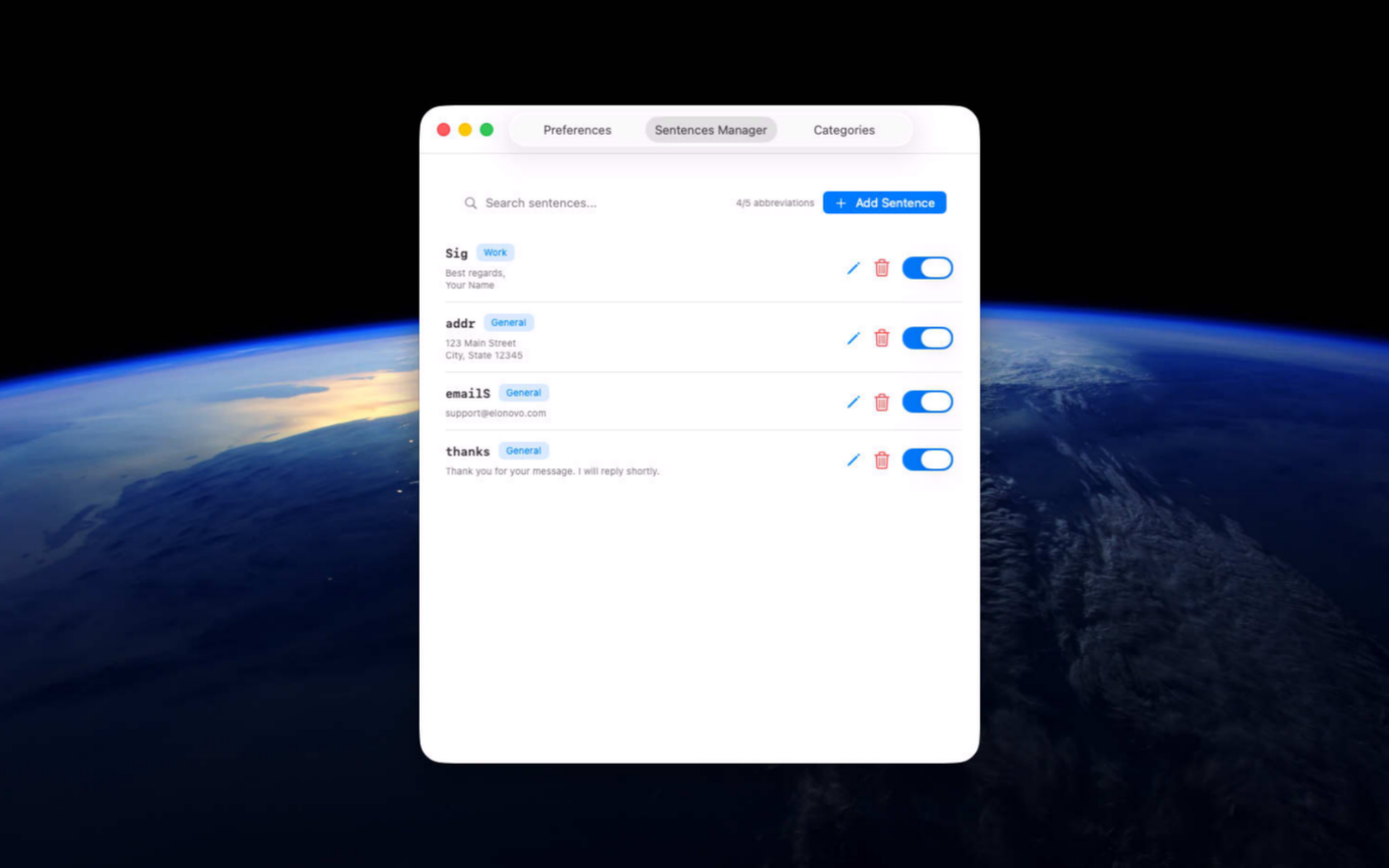
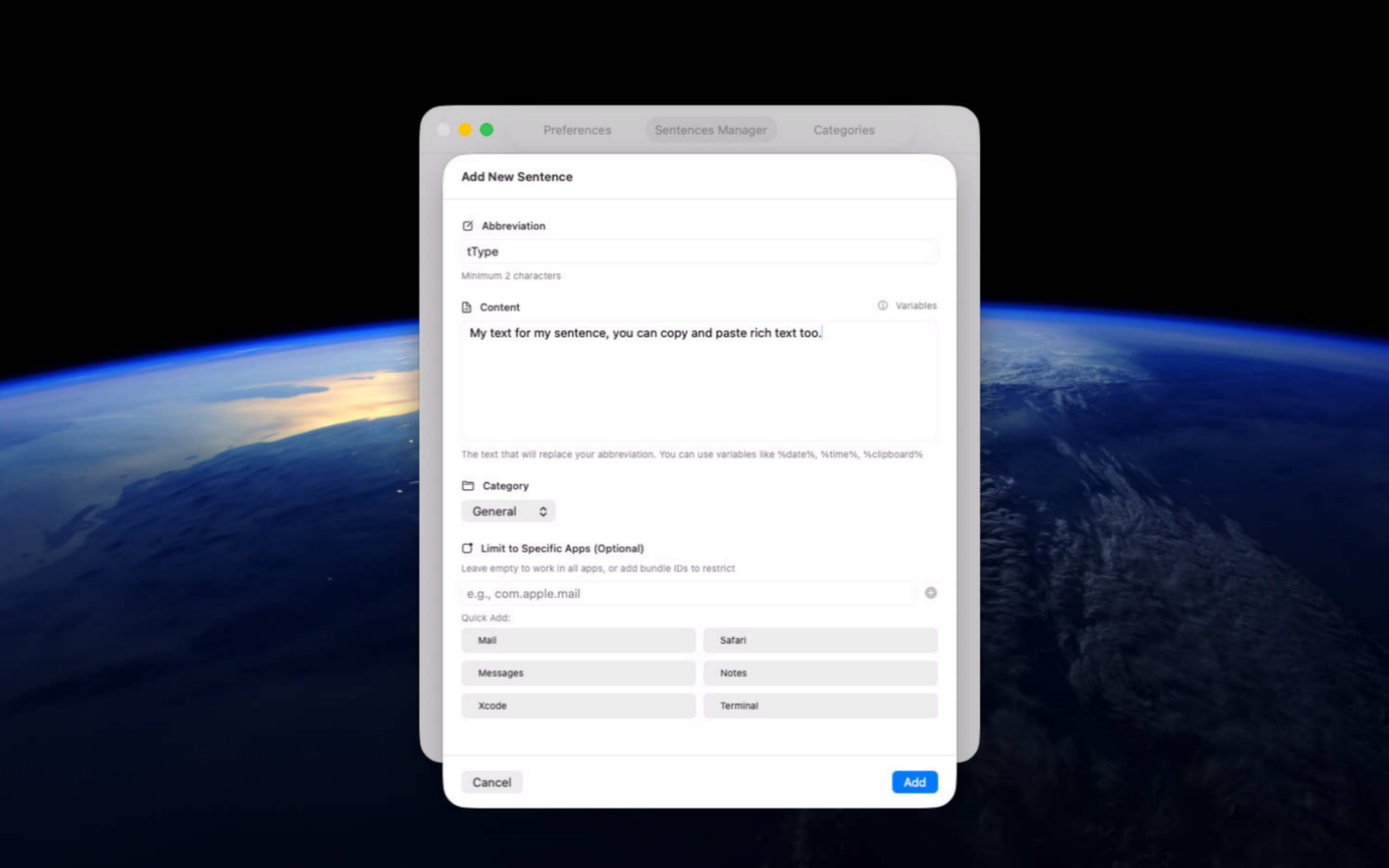
Create unlimited abbreviations that expand instantly in any macOS app.
- Organized Snippet Library
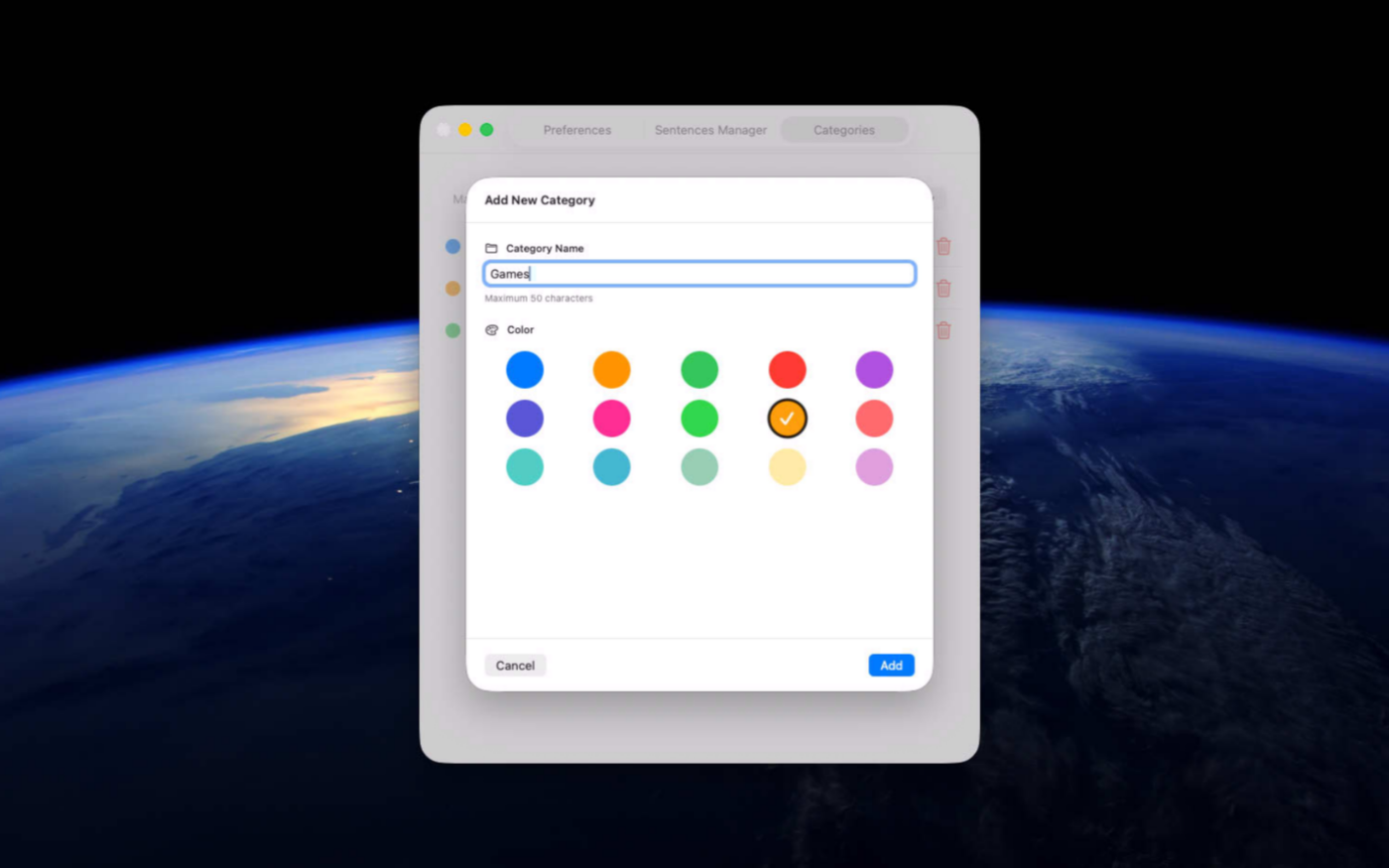
Group snippets into color-coded categories and find them with fast search and filters.
- Menu Bar Access
View, manage, or create abbreviations directly from the macOS menu bar.
- Beautiful Animations
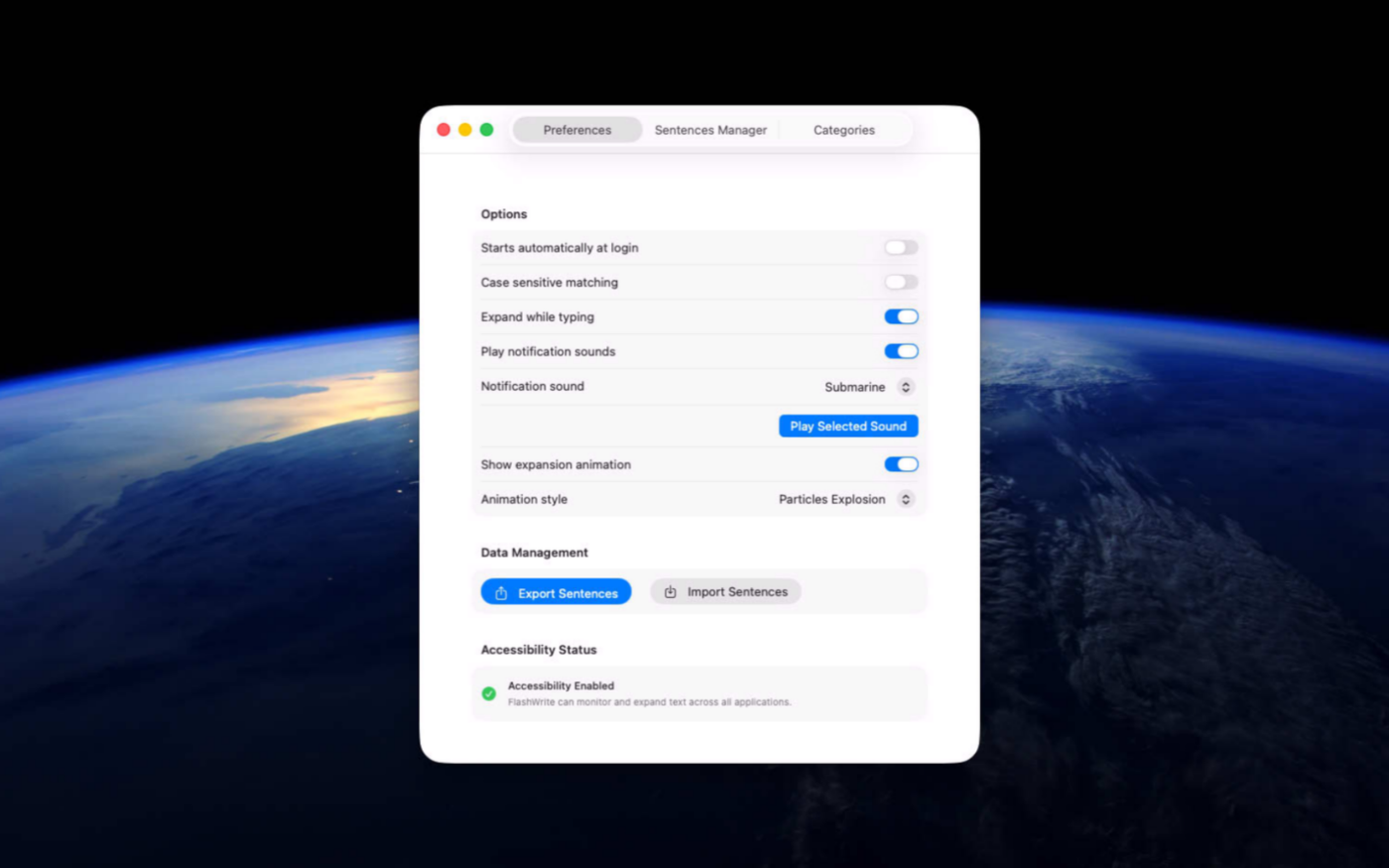
Tweak the experience with many options and full preview.
- Private by Design
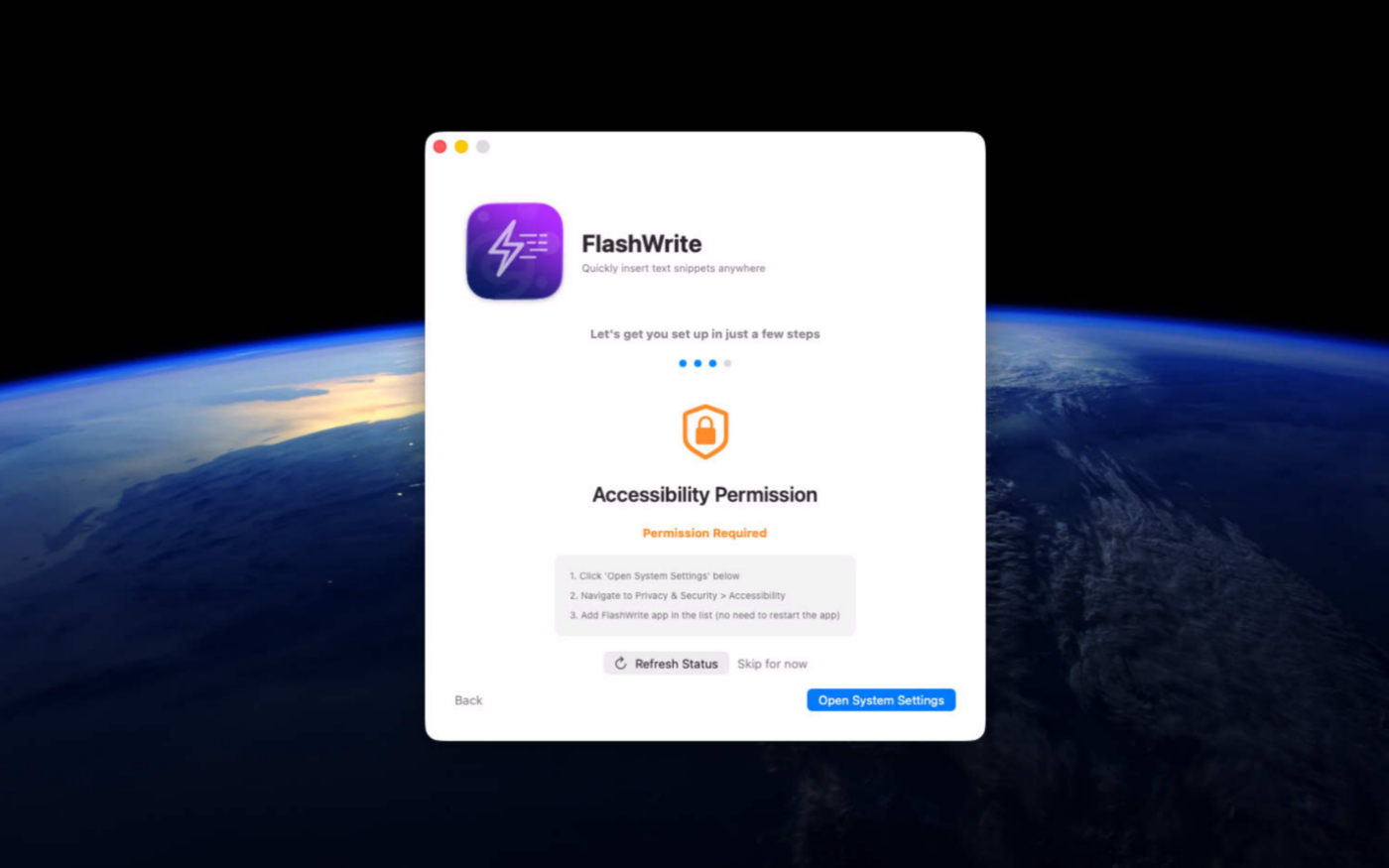
All data stays locally on your Mac, with no cloud sync or tracking.
- Advanced Customization
Control case sensitivity, enable individual snippets, add dynamic variables, and assign app-specific abbreviations.
- Easy Import & Export
Back up your snippets or transfer them between Macs whenever needed.
- Native Mac Experience
Built for macOS 14 and later with a polished interface, animations, and optional sounds.
Screenshots
Try the utility before purchasing a license
Folow these steps for the best user experience
Download the trial
Use the download trial version button to get the latest version.
Play with the app
Explore the main features for free by playing with the evaluation version.
Buy a license
Purchase a license when you are feeling comfortable with the app.
Unlock all features
Enter the purchased license in the trial version to unlock all features.
Built with modern foundations
This app is fully optimized for
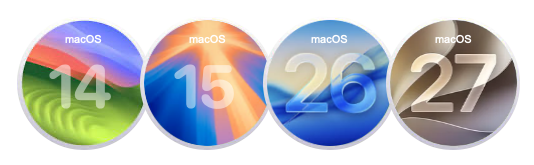
macOS 14 Sonoma, macOS 15 Sequoia, macOS 26 Tahoe and macOS 27 Golden Gate
Pricing
$9 USD per computer
Pay once, own it forever, no recurring subscriptions.
Two options are available
Buy the app from our online store to take advantage of generous volume discounts, or get it directly from the Mac App Store operated by Apple.
If you choose the Mac App Store, please move the trial version to the Trash and empty it before making your purchase (your data or documents are not impacted). Pricing on the Mac App Store varies by country and Apple policy. Developers have no access to Apple customer accounts.


We build custom native apps tailored to your brand
Contact us to get a quote with the custom features you are looking for



Request a Quote